8 Best AI Data Analysis Tools in 2026 (Compared)
Disclosure: Some links earn us a commission at no extra cost to you. Rankings are independent — tools cannot pay for placement.
8 AI data analysis tools tested on real datasets. Here's which ones actually find insights and which just make pretty charts.
Our Top Picks
Julius AI
Freemium
Chat with your data to get instant analysis, charts, and insights
- Natural language data querying and analysis
- Auto-generated charts and visualizations
- Large file support up to 32GB
Rows
Freemium
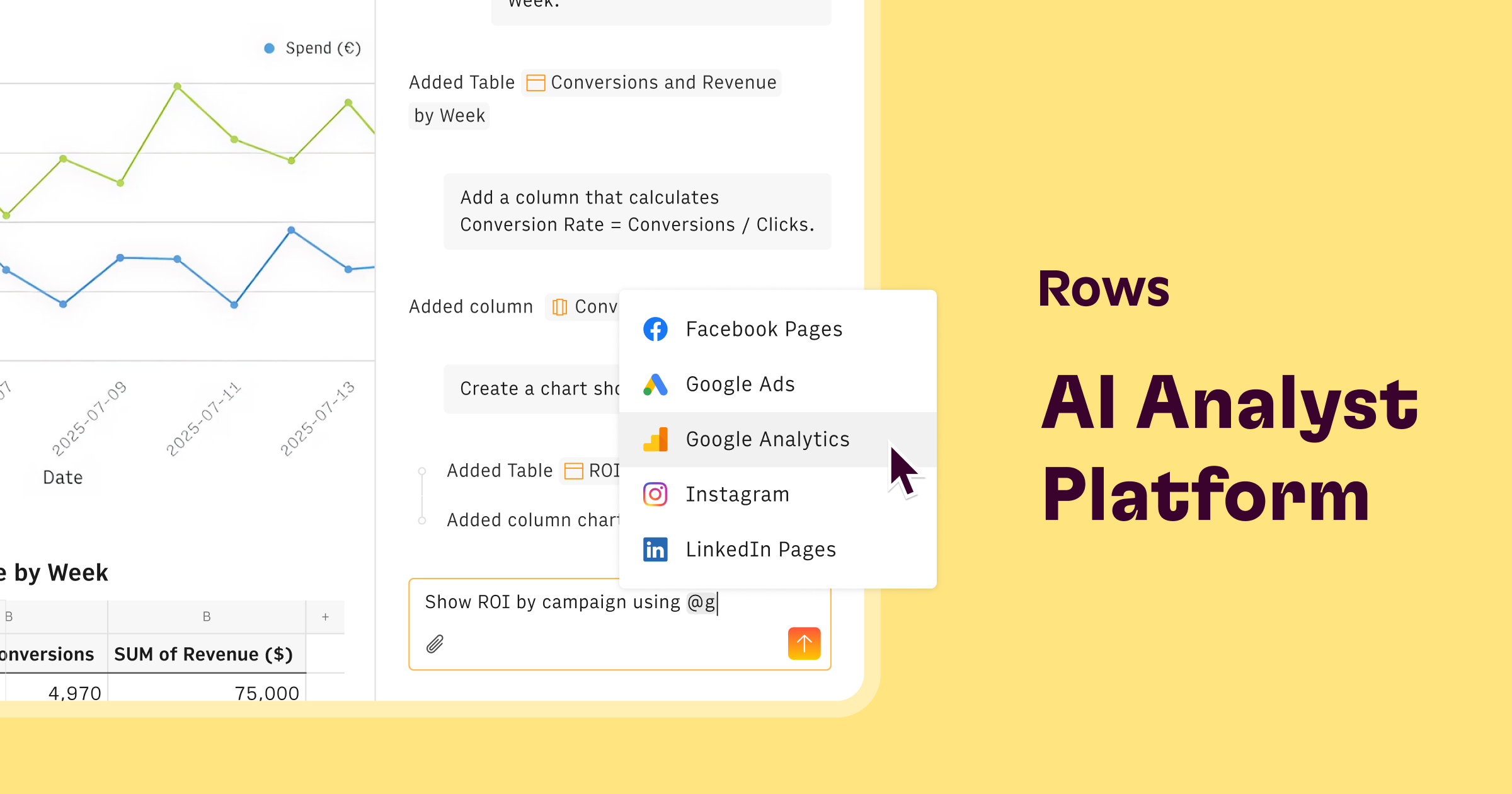
AI spreadsheet with built-in data connectors and natural language analysis
- Natural language data analysis with AI Analyst
- 50+ built-in data source connectors
- Automatic data refresh on schedule

Zing Data
Freemium
Mobile-first BI tool with natural language queries for databases
- Natural language querying of databases
- Mobile-first design for iOS and Android
- Snowflake, BigQuery, and PostgreSQL connectors

NotebookLM
Freemium
Google's AI research assistant that turns your sources into insights
- Source-grounded AI Q&A with inline citations
- Audio Overview podcast-style summaries
- Upload PDFs, Docs, Slides, URLs, and YouTube links

Wolfram Alpha
Freemium
Computational knowledge engine for math, science, and data analysis
- Symbolic and numerical math computation (algebra through advanced calculus)
- Step-by-step solutions showing full working process (Pro)
- Real-world data queries across science, finance, geography, nutrition

Airtable AI
Freemium
AI-enhanced relational database with the simplicity of a spreadsheet
- AI-powered field generation and natural language queries
- Relational database with linked records and lookups
- Interface Designer for custom apps and dashboards

Microsoft Copilot
Freemium
GPT-4 powered AI assistant embedded across the Microsoft ecosystem
- GPT-4 and GPT-4o powered conversations
- DALL-E 3 image generation
- Bing web search integration

Google Gemini
Freemium
Google's multimodal AI assistant with deep ecosystem integration
- Gemini 2.0 multimodal model (text, image, audio, video)
- 1 million token context window
- Deep Google Workspace integration (Gmail, Docs, Sheets, Slides)
The Short Answer
Julius AI is the best dedicated AI data analysis tool — upload anything, ask questions in English, get charts and insights. If you live in spreadsheets, Rows adds AI to that workflow. If you just need quick number-crunching, Wolfram Alpha is still unbeatable for accuracy.
Top Picks
Julius AI is the standout. Upload a CSV, Excel file, or connect a database, then ask questions in plain English. It writes Python or SQL behind the scenes, generates clean charts, runs statistical analysis, and builds reports. Handles messy data without complaining.
Rows is an AI-powered spreadsheet. If your team thinks in rows and columns, this keeps you in that world while adding AI formula generation, chart creation, and data summaries. No context-switching to a separate analysis tool.
Zing Data is mobile-first — connect Postgres, MySQL, BigQuery, or Snowflake and query your data from your phone. Collaborative features for sharing queries and dashboards with your team.
NotebookLM shines when you need to analyze data alongside context. Upload your dataset with reports and documentation, and it connects the dots between numbers and narrative. Free with a Google account.
Wolfram Alpha doesn't guess — it computes. For math, statistics, financial analysis, and anything where exact answers matter, its computational engine beats any LLM. Step-by-step solutions on Pro plans.
Airtable AI adds analysis to your existing Airtable bases. Summarize records, categorize data, generate reports without leaving the tool your team already uses.
Microsoft Copilot does AI analysis inside Excel and Power BI. Natural language to PivotTable. Natural language to dashboard. Best for teams already on Microsoft 365.
Google Gemini (Advanced) lets you upload spreadsheets and ask questions. Its edge: it combines data analysis with general knowledge, so it can contextualize your numbers against industry benchmarks.
How We Chose
We tested each tool on three datasets: a clean sales CSV, a messy multi-sheet Excel file, and a connected SQL database. Measured query accuracy, chart quality, how well each handled ambiguous questions, and whether it surfaced insights we hadn't thought to ask about.
FAQ
Frequently Asked Questions
Can AI data analysis tools replace a data analyst?
For routine analysis — dashboards, trend reports, KPI tracking — yes. AI tools like Julius handle these tasks faster and more consistently. For strategic analysis requiring business context, hypothesis generation, and stakeholder communication, human analysts still add significant value. The best approach combines AI tools with human judgment.
How accurate are AI-generated data insights?
Top tools like Julius AI and Wolfram Alpha produce highly accurate calculations and visualizations. The risk area is interpretation — AI may draw conclusions that are statistically valid but misleading without business context. Always verify key findings, especially for high-stakes decisions.
Which AI data tool works best with Excel files?
Microsoft Copilot provides the most seamless Excel experience since it works directly within the application. Julius AI is the best standalone option for uploading and analyzing Excel files. Rows offers a spreadsheet-native experience if you want to work within the data rather than just querying it.
Disclosure: Some links on this page may be affiliate links. We may earn a commission if you make a purchase through these links, at no additional cost to you.