
Veed.io
Browser-based video editor with auto-subtitles, AI avatars, and screen recording
What is Veed.io?
Veed.io is a fully browser-based video editing platform that combines traditional editing tools with AI-powered features for quick, professional video creation. The platform requires no downloads or installations, making it accessible from any computer with a web browser.
Veed.io's strongest feature is its auto-subtitle generator, which transcribes and adds stylized captions to videos with high accuracy across 100+ languages. Beyond subtitles, the platform offers a timeline-based editor, screen recording with webcam overlay, AI avatars, background noise removal, video translation, and direct social media publishing. Its AI tools include auto-generated video summaries, eye contact correction, and magic cut to remove silences.
The platform targets creators, marketers, and businesses who need fast turnaround without the complexity of desktop editing software. Team collaboration features and brand kits make it suitable for small to mid-size marketing teams.
Key Features
Pros & Cons
Pros
- ✓ No download required; works entirely in browser
- ✓ Industry-leading auto-subtitle accuracy and styling
- ✓ Comprehensive feature set for a browser tool
- ✓ Good team collaboration features
Cons
- ✗ Free plan includes watermark on exports
- ✗ Browser-based editing can lag with long or 4K videos
- ✗ More expensive than some desktop alternatives
Pricing
Free plan with watermark and limited exports. Paid plans remove watermarks and unlock premium AI features.
Free
$0
- ✓10-minute video uploads
- ✓Auto-subtitles
- ✓Basic editing
- ✓Watermark
- ✓720p export
Basic
$18/month
- ✓25-minute uploads
- ✓No watermark
- ✓1080p export
- ✓Brand kit
- ✓AI avatars
Pro
$30/month
- ✓2-hour uploads
- ✓4K export
- ✓Priority support
- ✓AI translation
- ✓Remove filler words
Business
$59/month per seat
- ✓Unlimited uploads
- ✓Team workspace
- ✓SSO
- ✓Custom templates
- ✓Priority rendering
Pay with crypto using your Coda One Card
Who is Veed.io for?
Adding subtitles and captions to social media videos
Quick video editing without software installation
Screen recording for tutorials and demos
Marketing team video production with brand consistency
Multilingual video content creation
User Reviews
Share your experience with Veed.io
Sign in to write a review
Log InYour rating
0/2000
Frequently Asked Questions
Is Veed.io free?
Veed.io offers a free tier with limited features. Free plan with watermark and limited exports. Paid plans remove watermarks and unlock premium AI features. Paid plans unlock additional capabilities.
What are Veed.io's key features?
Veed.io's standout features include Auto-subtitle generation in 100+ languages, Browser-based timeline video editor, Screen recording with webcam overlay, AI avatars and text-to-video. It offers 8 features in total designed for adding subtitles and captions to social media videos.
Can I pay for Veed.io with cryptocurrency?
Veed.io does not currently accept cryptocurrency directly. However, you can use the Coda One Card to pay for Veed.io with USDT, USDC, or other crypto through a virtual Visa card.
What are the best alternatives to Veed.io?
Popular alternatives to Veed.io include CapCut, Descript, Filmora. Each offers different strengths in pricing, features, and specialization.
Does Veed.io have an API?
Yes, Veed.io offers an API. The API uses a usage-based pricing model.
Related Tools

CapCut
Freemium
Free all-in-one video editor with powerful AI features by ByteDance
- AI-powered auto captions and subtitles
- Background removal and chroma key
- Multi-track timeline editing with keyframe animation
- Extensive template and effects library
- Text-to-speech in multiple languages
Descript
Freemium
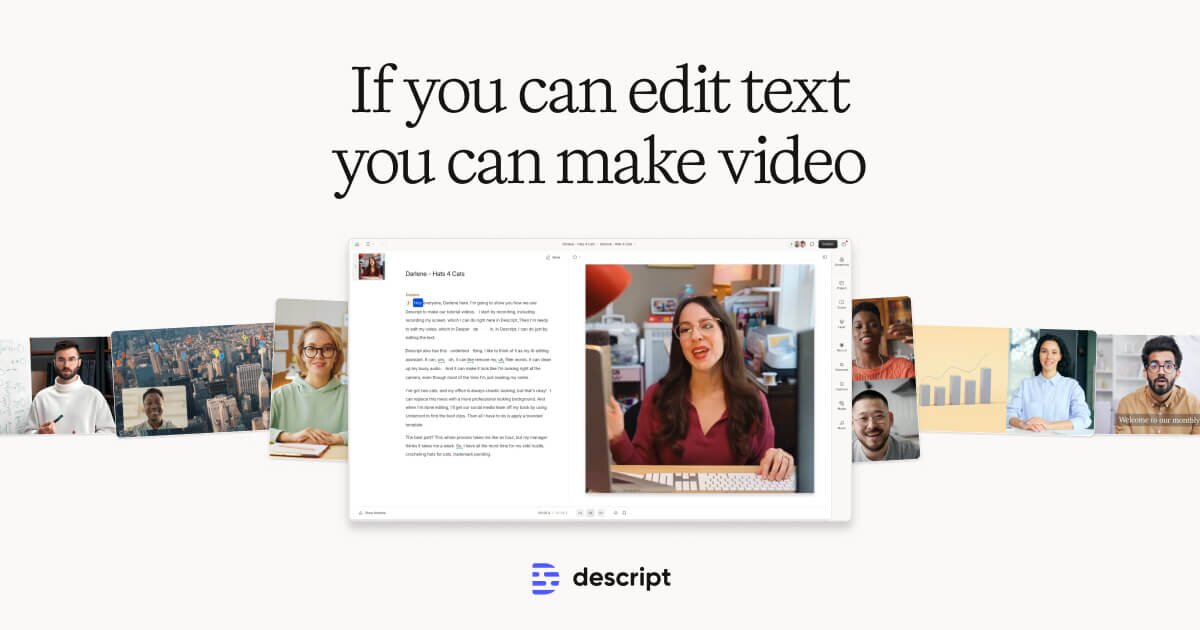
Edit video by editing text — transcript-based video and podcast editor
- Transcript-based video and audio editing
- Automatic filler word detection and removal
- AI eye contact correction for webcam footage
- Studio Sound one-click audio enhancement
- AI voice cloning for overdub corrections

Filmora
Paid
Wondershare's intuitive desktop video editor with AI-powered creative tools
- Multi-track timeline with keyframe animation and motion tracking
- AI copilot editing assistant and text-to-video
- Built-in screen recorder and webcam capture
- Thousands of effects, transitions, and templates in effects store
- Speed ramping, color grading, and LUT support
HeyGen
Freemium
Leading AI avatar platform for business videos and multilingual dubbing
- 100+ photorealistic AI avatars with natural expressions
- Multilingual video translation with voice cloning and lip-sync
- Custom avatar creation from personal video recording
- API for programmatic video generation at scale
- Template library for common business video formats
Disclosure: Some links on this page may be affiliate links. We may earn a commission if you make a purchase through these links, at no additional cost to you. This helps support Coda One.