8 Best AI Code Editors & IDEs in 2026 (Compared)
A hands-on comparison of the best AI-powered code editors and IDEs in 2026, tested across real development workflows.
Our Top Picks

Cursor
Freemium
AI-native code editor with deep multi-model integration and agentic coding
- AI-native Cmd+K inline editing and generation
- Composer Agent for autonomous multi-file changes
- Full codebase indexing and context awareness
- Multi-model support (GPT-4, Claude, custom models)
- Privacy Mode ensuring no code storage
Windsurf
Freemium
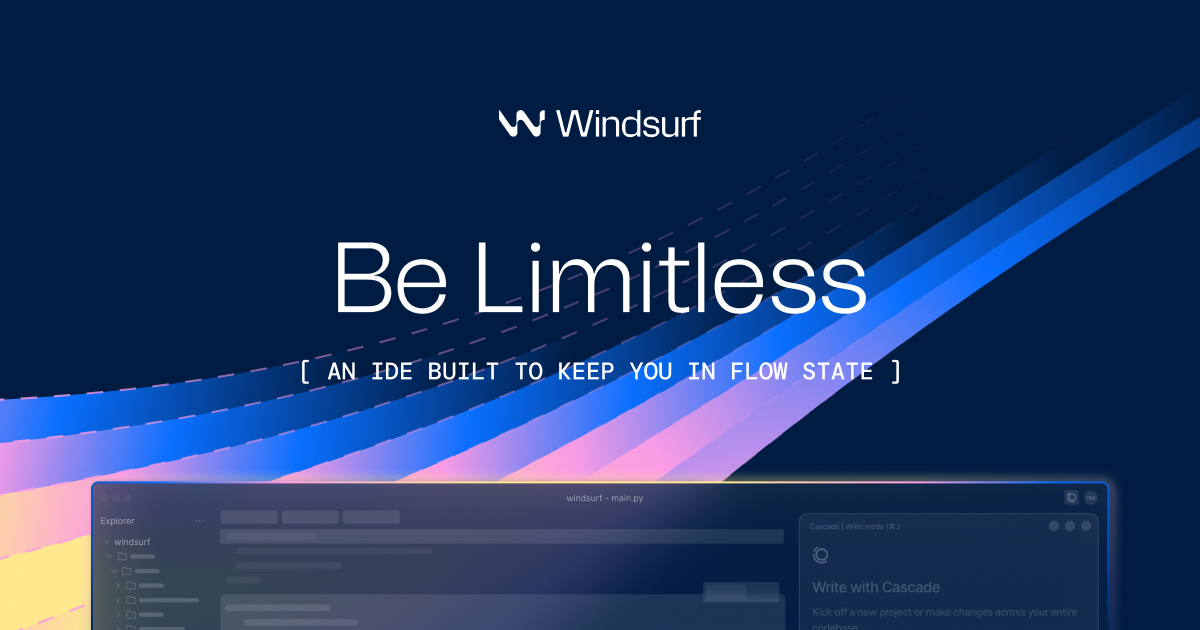
AI-native IDE with agentic Cascade for multi-step autonomous coding
- Cascade agentic coding for multi-step autonomous tasks
- Supercomplete next-action prediction
- Flows for persistent multi-turn context
- Real-time awareness of developer editing patterns
- Terminal command execution within agent workflows
Zed
Freemium
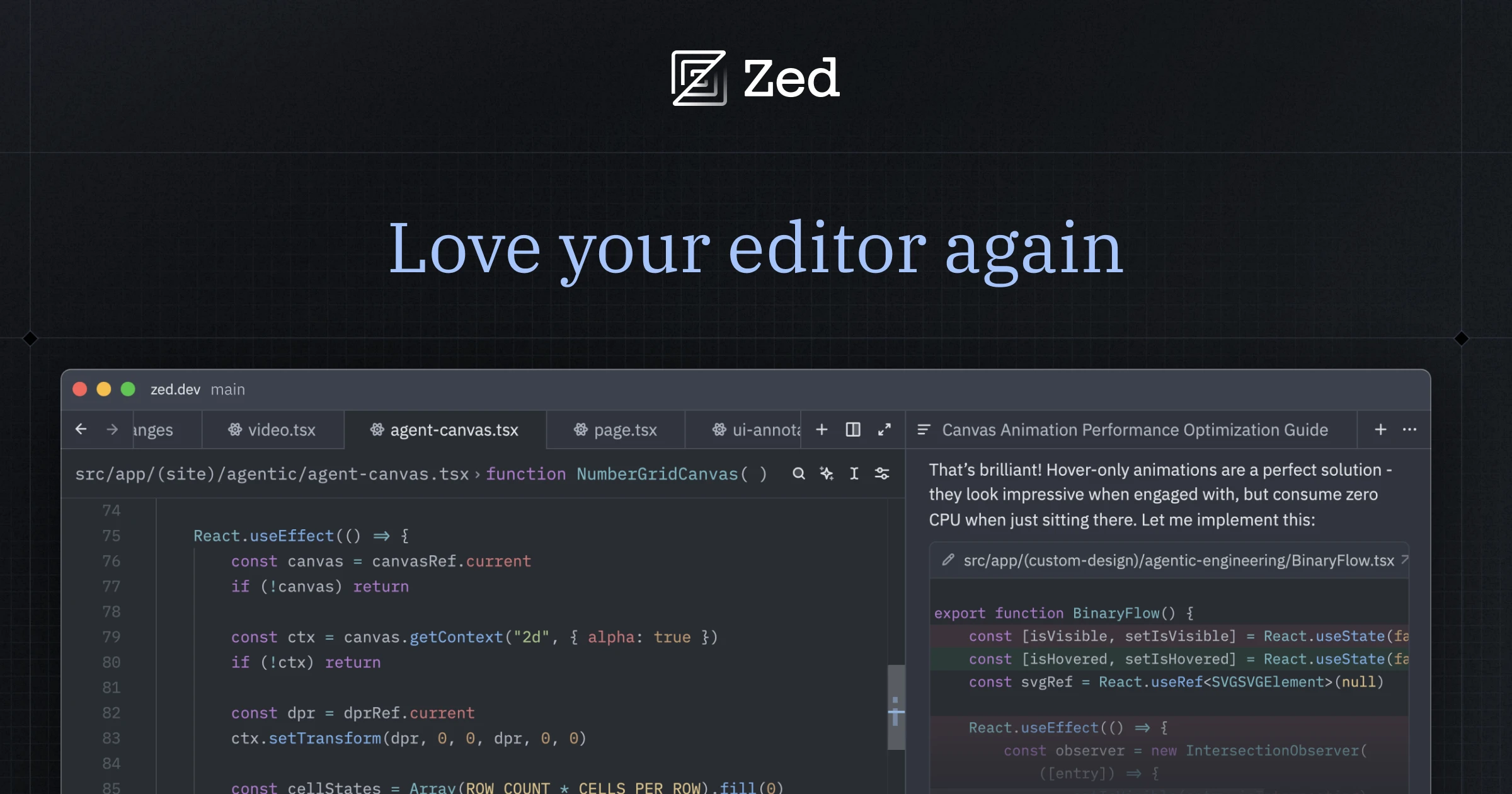
High-performance collaborative code editor built in Rust with AI assistance
- Native Rust performance with instant startup
- Real-time multiplayer editing with shared cursors
- Multi-model AI assistant (OpenAI, Anthropic, Ollama)
- Built-in voice chat and screen sharing
- Open-source with active community development

Replit
Freemium
Browser-based IDE with AI agent for building and deploying apps from prompts
- Replit Agent for autonomous app building from prompts
- Complete browser-based IDE with terminal and database
- Instant deployment to live URLs
- Real-time multiplayer collaborative editing
- Support for 50+ programming languages

JetBrains AI Assistant
Freemium
Native AI integration across all JetBrains IDEs with deep feature coupling
- Native integration across all JetBrains IDEs
- Multi-model AI routing for different tasks
- AI-enhanced refactoring and code inspections
- Commit message and changelog generation
- Inline chat with project context awareness

GitHub Copilot
Freemium
AI pair programmer that suggests code in real time across your IDE
- Real-time code completions across 30+ languages
- Copilot Chat for natural language code Q&A
- Pull request description and summary generation
- Multi-model support (GPT-4o, Claude, Gemini)
- Copilot Workspace for multi-file scaffolding
Augment Code
Freemium
AI coding agent built for large enterprise codebases with deep indexing
- Deep semantic codebase indexing at enterprise scale
- Cross-file dependency and API contract understanding
- Multi-repository context awareness
- Agent mode for complex multi-file changes
- VS Code and JetBrains extensions
Kiro
Free
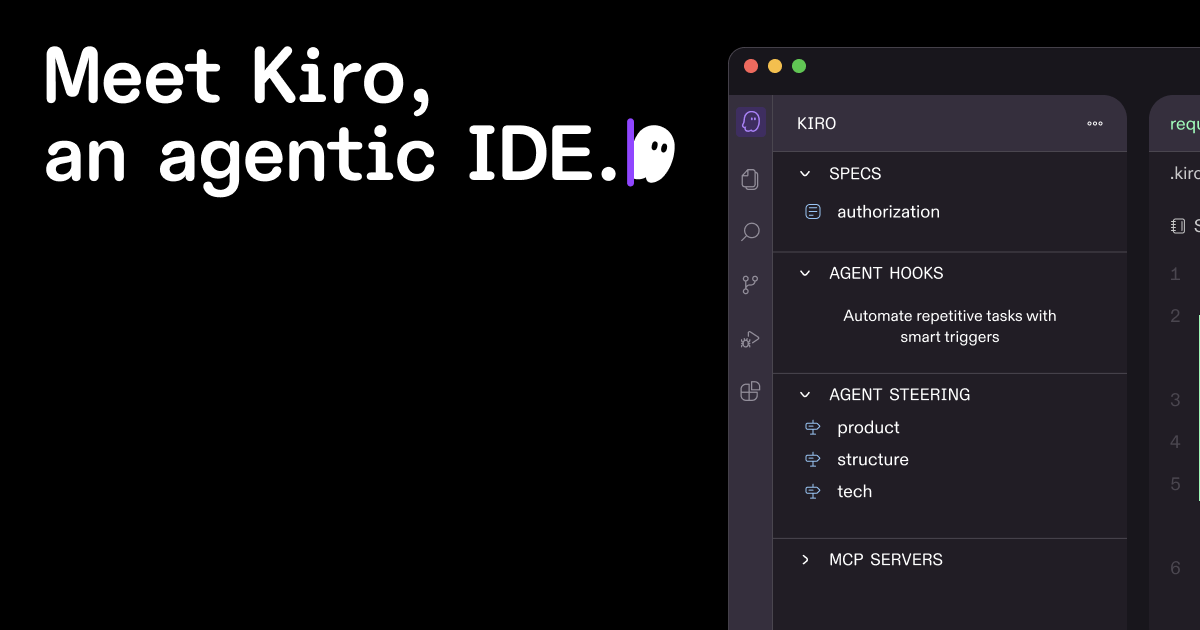
AWS-backed spec-driven AI IDE that generates specifications before code
- Spec-driven development with auto-generated requirements
- Structured task breakdown before code generation
- Agent hooks for automated workflows on file changes
- Built on VS Code with extension compatibility
- Acceptance criteria and edge case generation
Why AI Code Editors Are Replacing Traditional IDEs
The code editor market is undergoing its biggest transformation since the rise of VS Code. AI-native editors do not just add chat panels — they fundamentally rethink how developers interact with code. Predictive tab completion that understands your intent, inline editing that rewrites functions on command, and multi-file composers that implement features across your entire project are becoming the baseline expectation.
Traditional IDEs with AI plugins are struggling to match the experience of editors built from the ground up with AI at their core. The difference is similar to adding a camera to a phone versus designing a phone around its camera — architecture matters.
Our Top Picks at a Glance
Cursor delivers the most complete AI-native editing experience. Windsurf combines AI chat with seamless code editing. Zed offers the fastest AI-enabled editor. JetBrains AI brings AI to the most powerful traditional IDE family. Replit provides the best cloud-based AI development environment.
Detailed Reviews
1. Cursor — Best Overall AI Editor
Cursor is the current gold standard for AI-native code editing. Built on VS Code, it preserves the extension ecosystem while adding transformative AI features: predictive tab completion that seems to read your mind, a Composer for orchestrating multi-file changes, and inline editing with natural language instructions. Its codebase indexing provides deep context awareness. The free tier is limited but functional; Pro at $20/month unlocks the full experience.
2. Windsurf — Best for Conversational Coding
Windsurf takes a conversational approach to AI coding, with its Cascade feature providing an AI chat that deeply understands your codebase. Ask questions, request changes, and have the AI implement them directly in your code. The integration between chat and editor is seamless — no copy-pasting between windows. Strong at explaining unfamiliar code and generating comprehensive tests.
3. Zed — Best for Performance
Zed is a high-performance editor written in Rust that has added AI capabilities without sacrificing speed. It supports AI-powered code completion, inline assists, and an AI chat panel. For developers who prize editor responsiveness above all else, Zed offers AI features without the latency that plagues some Electron-based alternatives. Collaborative editing features are a bonus.
4. Replit — Best Cloud AI IDE
Replit provides a complete development environment in the browser with AI deeply integrated. Its AI agent can build applications from natural language descriptions, handle deployment, and manage databases. The collaborative features make it excellent for pair programming and education. Ideal for developers who want zero setup and full AI assistance from the browser.
5. JetBrains AI Assistant — Best for JetBrains Users
JetBrains AI Assistant brings AI capabilities to IntelliJ, PyCharm, WebStorm, and the rest of the JetBrains IDE family. It provides smart code completion, AI chat, commit message generation, and refactoring assistance. For developers committed to the JetBrains ecosystem, it adds AI without requiring a switch to a different editor. Available as a subscription add-on.
6. GitHub Copilot — Best IDE-Agnostic Option
GitHub Copilot works across VS Code, JetBrains, Neovim, and more, making it the best choice for developers who use multiple editors or want to avoid lock-in. Its code completions are fast and the agent mode enables multi-step tasks. The ecosystem of Copilot extensions adds specialized capabilities beyond base code completion.
7. Augment Code — Best for Enterprise Codebases
Augment Code is designed specifically for large, complex enterprise codebases. Its AI understands organization-wide code patterns, internal libraries, and architectural conventions. For teams working on massive monorepos or microservice architectures, this enterprise-focused context awareness provides more relevant suggestions than general-purpose tools.
8. Kiro — Best Free AI IDE
Kiro offers a free AI-powered development environment with a unique spec-driven development approach. It guides developers through writing specifications before generating code, promoting better software design practices. For individual developers looking for a free, opinionated AI coding experience, it provides a compelling alternative to paid tools.
How We Chose These Tools
We tested each editor on identical development tasks: implementing features, debugging issues, writing tests, and refactoring code across multiple languages and project sizes. We measured completion accuracy, context understanding, editor responsiveness, and overall developer experience over four weeks of daily use.
Key Considerations When Choosing
- Extension ecosystem: VS Code-based editors inherit thousands of extensions; others may lack tools you rely on
- Performance: Heavy AI features can slow down editors; test responsiveness with your typical project size
- Model flexibility: Some editors lock you into one AI provider; others let you choose
- Offline capability: Consider whether you need to code without internet access
- Team standardization: Larger teams benefit from standardizing on one editor for shared configurations
- Migration cost: Factor in the time to transfer settings, keybindings, and workflows from your current editor
Subscribe to these tools with crypto
Use your Coda One virtual card to pay for any AI tool subscription with USDT, USDC, or BTC.
Get Your CardFrequently Asked Questions
Is Cursor worth switching from VS Code?
For developers who use AI assistance frequently, yes. Cursor's tab completion, Composer, and context awareness are significantly better than VS Code with Copilot. Since Cursor is based on VS Code, your extensions and settings carry over, minimizing switching cost. The free tier lets you evaluate before committing.
Which AI code editor is best for beginners?
Replit is the best for beginners — it requires no setup, runs in the browser, and its AI agent can help build applications from natural language descriptions. Cursor is good for beginners who want a local editor, as its AI assistance helps explain code and catch errors.
Do AI code editors work offline?
Most AI features require internet connectivity since they rely on cloud-based AI models. Zed and JetBrains provide core editor functionality offline but AI features need a connection. Tabnine offers a local model option for offline code completion, though quality is lower than cloud models.
Disclosure: Some links on this page may be affiliate links. We may earn a commission if you make a purchase through these links, at no additional cost to you.