Best Photo Editing AI Tools in 2026
AI-enhanced photo editing tools for retouching, enhancement, and creative effects.
6 tools
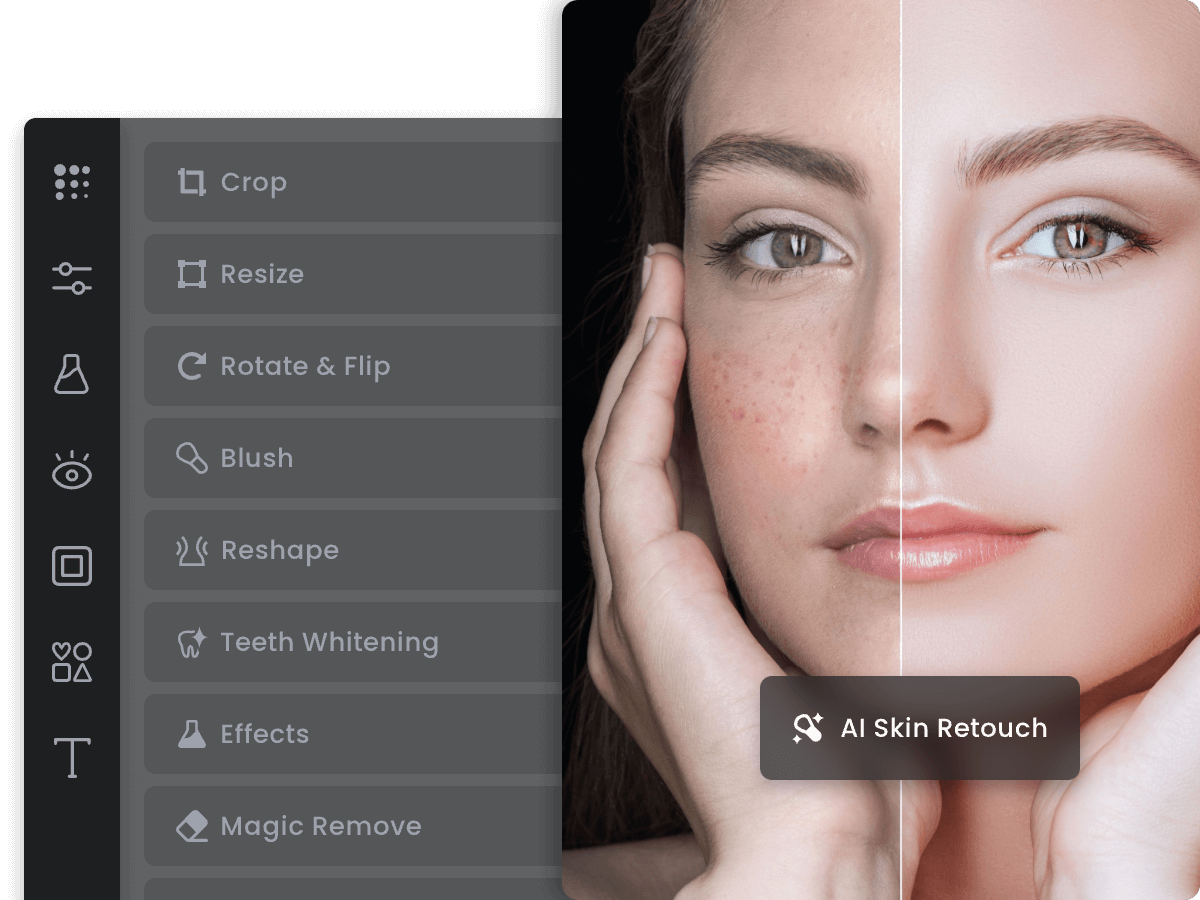
Fotor
Freemium
AI-enhanced online photo editor with design templates and batch tools
- One-tap AI photo enhancement and color correction
- AI background removal and replacement
- Text-to-image AI generation
- Batch editing for processing multiple photos simultaneously
- HDR effect and advanced tone mapping
Visit →

Picsart
Freemium
All-in-one AI photo and video editor with 150M+ monthly users
- AI-powered background removal and replacement
- Text-to-image AI generator
- AI Enhance for automatic photo improvement
- Replay feature for batch-applying complex edits
- Extensive filter library with AI-powered effects
Visit →

Pixlr
Freemium
Browser-based Photoshop alternative with AI-powered editing tools
- Dual editors: Pixlr X (quick) and Pixlr E (advanced layer-based)
- AI background removal with one-click precision
- AI Infill for intelligent content replacement and extension
- PSD file import with layer preservation
- Comprehensive brush engine with custom brushes
Visit →
Clipdrop
Freemium
AI editing suite by Stability AI for cleanup, upscale, and relight
- AI Cleanup for intelligent object and blemish removal
- Relight tool for post-capture lighting adjustment
- Background removal and replacement
- Uncrop for extending image boundaries
- Image upscaler with AI detail enhancement
Visit →
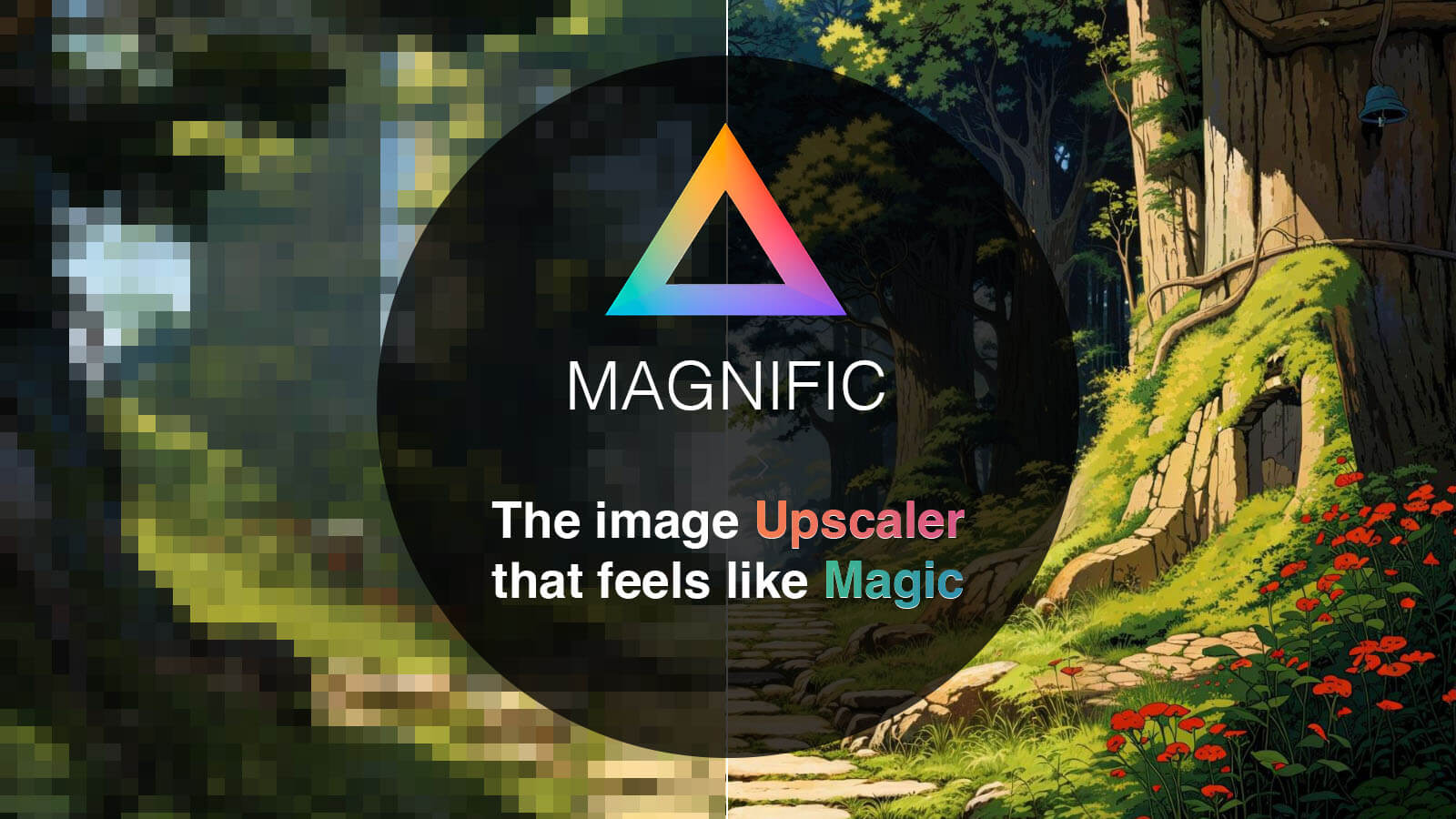
Magnific AI
Paid
AI image upscaler that adds realistic detail and enhances resolution
- Generative AI upscaling that adds realistic detail
- Creativity slider for hallucination intensity control
- Style-specific optimization (Photography, Art, 3D, etc.)
- Up to 16x resolution increase
- Enhance slider for overall quality adjustment
Visit →

Topaz Labs
Paid
AI-powered photo and video enhancement with perpetual desktop licenses
- AI-powered denoising that preserves detail
- Intelligent sharpening with motion and lens blur correction
- AI upscaling up to 6x resolution with realistic detail
- Automatic image analysis for optimal enhancement settings
- Local GPU processing for privacy and offline use
Visit →