Magnific AI
By Coda One Team · Last verified: March 2026
Disclosure: Some links earn us a commission at no extra cost to you. Rankings are independent — tools cannot pay for placement.
AI image upscaler that adds realistic detail and enhances resolution
What is Magnific AI?
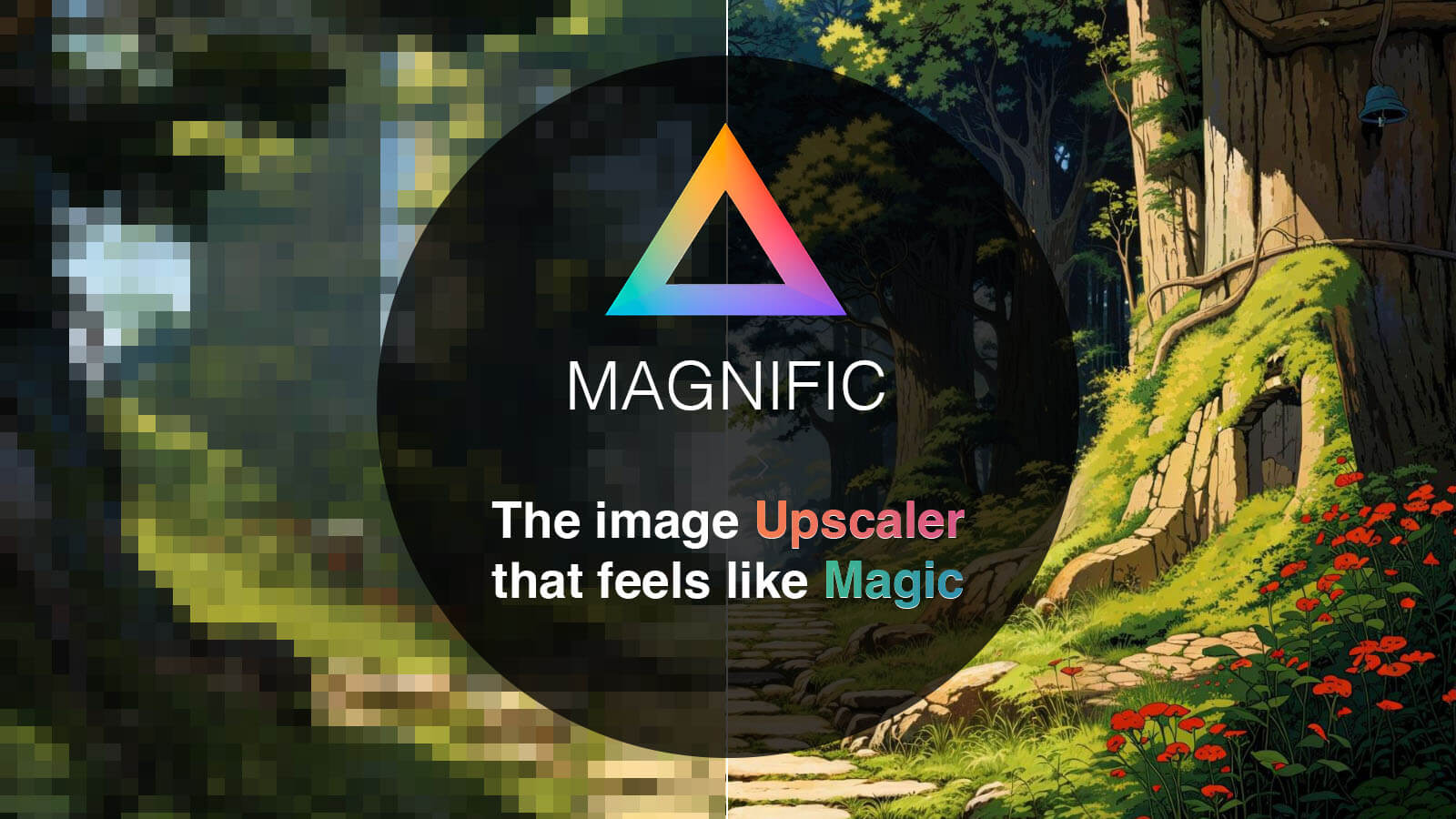
Magnific AI is a premium AI-powered image upscaler that goes beyond simple resolution increase by intelligently hallucinating realistic details during the upscaling process. Unlike traditional upscalers that merely interpolate pixels, Magnific uses generative AI to add textures, fine details, and structural elements that create genuinely convincing high-resolution results from low-resolution originals.
The platform offers granular control through a Creativity slider that determines how aggressively the AI adds new details versus staying faithful to the original. At low creativity settings, results stay close to the source; at high settings, the AI reimagines fine details like fabric texture, skin pores, foliage, and architectural details. Additional controls include style guidance (Photography, Art, 3D, etc.) and an Enhance slider for overall quality adjustment.
Magnific has earned a devoted following among professional photographers, digital artists, and print production specialists who need to upscale images for large-format printing. It excels at upscaling AI-generated art, portraits, landscapes, and product photography. The price point is premium, reflecting its positioning as a professional tool rather than a casual consumer product.
Key Features
Pros & Cons
Pros
- ✓ Unmatched upscaling quality with intelligent detail generation
- ✓ Granular controls give users precise influence over results
- ✓ Specifically excellent at upscaling AI-generated art
- ✓ Beloved by professional photographers and print specialists
Cons
- ✗ Premium pricing with no free tier for testing
- ✗ High creativity settings can introduce unwanted artifacts
- ✗ Per-month upscale limits may constrain high-volume users
Ready to try Magnific AI?
See if it fits your workflow — plans start at Subscription-only starting at $39/month for professional image upscaling.
Video Tutorials
How to Be 'Magnific' Locally – My Free Upscaler Explained
Matt Hallett Visual
Pricing
Subscription-only starting at $39/month for professional image upscaling
Pro
$39/month
- ✓200 upscales per month
- ✓Up to 16x resolution increase
- ✓Full creativity and style controls
- ✓HD output resolution
Premium
$99/month
- ✓600 upscales per month
- ✓Maximum resolution output
- ✓Priority processing queue
- ✓Commercial usage rights
Business
$299/month
- ✓1,500 upscales per month
- ✓Dedicated infrastructure
- ✓API access
- ✓Team management features
Pay with crypto using a virtual Visa card
Humanize AI content from Magnific AI
Transform AI-generated text into natural, human-sounding writing that bypasses detection tools.
Try FreeWho is Magnific AI for?
Upscaling AI-generated art for large format printing
Enhancing low-resolution photographs for professional use
Print production requiring high-DPI output from digital originals
Improving product photography resolution for zoom-capable listings
Frequently Asked Questions
How much does Magnific AI cost?
Subscription-only starting at $39/month for professional image upscaling Plans start at $39/mo.
What are Magnific AI's key features?
Magnific AI's standout features include Generative AI upscaling that adds realistic detail, Creativity slider for hallucination intensity control, Style-specific optimization (Photography, Art, 3D, etc.), Up to 16x resolution increase. It offers 8 features in total designed for upscaling ai-generated art for large format printing.
Can I pay for Magnific AI with cryptocurrency?
Magnific AI does not currently accept cryptocurrency directly. However, you can pay with crypto using a virtual Visa card funded by USDT, USDC, or other stablecoins.
What are the best alternatives to Magnific AI?
Popular alternatives to Magnific AI include Adobe Firefly, Canva, DALL-E (OpenAI). Each offers different strengths in pricing, features, and specialization.
Does Magnific AI have an API?
Yes, Magnific AI offers an API. The API uses a usage-based pricing model.
Do I need to sign up to use Magnific AI?
Magnific AI requires an account to access most features. If you prefer no-signup tools, browse Coda One's free tools.
Does Magnific AI work on mobile?
Magnific AI works in any modern browser on desktop, tablet, and mobile — no install required. For offline or on-device workflows, check our tool catalog for alternatives.
Is my data safe with Magnific AI?
Review Magnific AI's privacy policy at https://magnific.ai for specifics on data retention. For browser-local processing (no server upload), see Coda One's PDF and image tools.
What pricing plans does Magnific AI offer?
Magnific AI offers 3 plans: Pro, Premium, Business. Starts at $39/mo. Compare with Coda One's own pricing.
Can I cancel or get a refund from Magnific AI?
Cancellation and refund policies are set by Magnific AI — check their terms at https://magnific.ai. Coda One's own paid plans can be cancelled anytime from your subscription dashboard.
How can I pay for Magnific AI with USDT or USDC?
Since Magnific AI does not take crypto directly, the practical route is a Coda One virtual Visa card funded by USDT/USDC, which works anywhere Visa is accepted.
Who is Magnific AI best for?
Magnific AI is most useful for Upscaling AI-generated art for large format printing, Enhancing low-resolution photographs for professional use, Print production requiring high-DPI output from digital originals. For related workflows, explore Coda One's AI tool catalog.
Related Tools

Adobe Firefly
Adobe's commercially safe generative AI built into the Creative Cloud
- Text-to-image generation with commercially safe training data
- Generative Fill for contextual object addition and removal
- Generative Expand to extend image boundaries

Canva
All-in-one visual design platform with AI-powered creative tools
- Drag-and-drop visual editor with 250,000+ templates
- Magic Studio AI suite (text-to-image, Magic Eraser, Magic Expand)
- Background Remover for instant subject isolation

DALL-E (OpenAI)
OpenAI's image generation model integrated directly into ChatGPT
- Conversational image generation through ChatGPT
- Superior text rendering within generated images
- Automatic prompt optimization by ChatGPT
DeepAI
Accessible AI image generator with multiple style APIs and developer tools
- Text-to-image generation with multiple style options
- Specialized generators (cartoon, fantasy, cyberpunk, etc.)
- Image colorization for black-and-white photos
Discover More AI Tools
Weekly curated tools, scenarios, and MCP server updates.
Disclosure: Some links on this page may be affiliate links. We may earn a commission if you make a purchase through these links, at no additional cost to you. This helps support Coda One.