
DALL-E (OpenAI)
By Coda One Team · Last verified: March 2026
Disclosure: Some links earn us a commission at no extra cost to you. Rankings are independent — tools cannot pay for placement.
OpenAI's image generation model integrated directly into ChatGPT
What is DALL-E (OpenAI)?
DALL-E is OpenAI's flagship image generation model, with DALL-E 3 representing the latest iteration that achieves breakthrough prompt adherence and text rendering capabilities. Unlike its predecessor, DALL-E 3 is tightly integrated into ChatGPT, allowing users to generate and iteratively refine images through natural conversation rather than requiring carefully engineered prompts.
The conversational generation approach is DALL-E 3's defining advantage. Users describe what they want in plain language, and ChatGPT automatically crafts optimized prompts behind the scenes. If the result isn't quite right, users can ask for specific modifications through follow-up messages, and ChatGPT adjusts the generation parameters accordingly. This makes DALL-E 3 the most accessible high-quality image generator for non-technical users. The model excels at following complex compositional instructions, rendering readable text within images, and maintaining consistency across related generations.
DALL-E 3 is accessible through multiple channels: directly in ChatGPT (Plus, Team, and Enterprise plans), through the OpenAI API for developers, and via Microsoft's Copilot and Designer products. The API provides programmatic access with per-image pricing, supporting both standard and HD quality at various resolutions. OpenAI has implemented content policy safeguards and an opt-out system for artists who don't want their work used in training, addressing some copyright concerns in the space.
Key Features
Pros & Cons
Pros
- ✓ Most natural and accessible generation workflow through ChatGPT conversation
- ✓ Best-in-class text rendering within generated images
- ✓ Excellent prompt adherence for complex compositional instructions
- ✓ Massive user base through ChatGPT integration
Cons
- ✗ No standalone interface; requires ChatGPT or API access
- ✗ Generation limits even on paid ChatGPT plans
- ✗ Less artistic control than Midjourney for aesthetic-focused work
Ready to try DALL-E (OpenAI)?
See if it fits your workflow — free plan available.
Video Tutorials
Dalle 3 Tutorial - How To Use Dall-E 3 And Edit Images (Tutorial)
Kingy AI
Pricing
Included in ChatGPT Plus at $20/month; API access billed per image
ChatGPT Free
$0
- ✓Limited DALL-E 3 generations per day
- ✓Standard quality and resolution
- ✓Conversational image generation
ChatGPT Plus
$20/month
- ✓Generous DALL-E 3 generation allowance
- ✓HD quality option
- ✓Priority access during peak times
- ✓Iterative refinement through conversation
API
$0.040-$0.120 per image
- ✓Programmatic access
- ✓Standard and HD quality tiers
- ✓1024x1024 and 1792x1024 resolutions
- ✓Batch processing support
Pay with crypto using a virtual Visa card
Humanize AI content from DALL-E (OpenAI)
Transform AI-generated text into natural, human-sounding writing that bypasses detection tools.
Try FreeWho is DALL-E (OpenAI) for?
Quick visual content generation through conversational prompts
Marketing and social media images with text overlay
Illustration and concept visualization for non-designers
Automated image generation via API for applications
Educational and presentation visual aids
Frequently Asked Questions
Is DALL-E (OpenAI) free?
DALL-E (OpenAI) offers a free tier with limited features. Included in ChatGPT Plus at $20/month; API access billed per image Paid plans unlock additional capabilities.
What are DALL-E (OpenAI)'s key features?
DALL-E (OpenAI)'s standout features include Conversational image generation through ChatGPT, Superior text rendering within generated images, Automatic prompt optimization by ChatGPT, Iterative refinement through natural language follow-ups. It offers 8 features in total designed for quick visual content generation through conversational prompts.
Can I pay for DALL-E (OpenAI) with cryptocurrency?
DALL-E (OpenAI) does not currently accept cryptocurrency directly. However, you can pay with crypto using a virtual Visa card funded by USDT, USDC, or other stablecoins.
What are the best alternatives to DALL-E (OpenAI)?
Popular alternatives to DALL-E (OpenAI) include Adobe Firefly, Canva, DeepAI. Each offers different strengths in pricing, features, and specialization.
Does DALL-E (OpenAI) have an API?
Yes, DALL-E (OpenAI) offers an API. The API uses a usage-based pricing model.
Do I need to sign up to use DALL-E (OpenAI)?
DALL-E (OpenAI) requires an account to access most features. If you prefer no-signup tools, browse Coda One's free tools.
Does DALL-E (OpenAI) work on mobile?
DALL-E (OpenAI) works in any modern browser on desktop, tablet, and mobile — no install required. For offline or on-device workflows, check our tool catalog for alternatives.
Is my data safe with DALL-E (OpenAI)?
Review DALL-E (OpenAI)'s privacy policy at https://openai.com/dall-e-3 for specifics on data retention. For browser-local processing (no server upload), see Coda One's PDF and image tools.
What pricing plans does DALL-E (OpenAI) offer?
DALL-E (OpenAI) offers 3 plans: ChatGPT Free, ChatGPT Plus, API. Starts at Free. Compare with Coda One's own pricing.
Can I cancel or get a refund from DALL-E (OpenAI)?
Cancellation and refund policies are set by DALL-E (OpenAI) — check their terms at https://openai.com/dall-e-3. Coda One's own paid plans can be cancelled anytime from your subscription dashboard.
How can I pay for DALL-E (OpenAI) with USDT or USDC?
Since DALL-E (OpenAI) does not take crypto directly, the practical route is a Coda One virtual Visa card funded by USDT/USDC, which works anywhere Visa is accepted.
Who is DALL-E (OpenAI) best for?
DALL-E (OpenAI) is most useful for Quick visual content generation through conversational prompts, Marketing and social media images with text overlay, Illustration and concept visualization for non-designers. For related workflows, explore Coda One's AI tool catalog.
Use DALL-E (OpenAI) for…
Step-by-step guides featuring DALL-E (OpenAI) with prompts you can copy and use right away.
AI Interior Designer — Redesign Any Room with AI
Hiring an interior designer costs $1,000-$5,000 for a single room, and most people end up spending that much anyway through trial-and-error — buying furniture that doesn't fit, painting walls a color that looked great on the swatch but terrible under their lighting, or arranging a room that looks fine but 'doesn't feel right' for reasons they can't articulate. The gap isn't taste — it's design knowledge: the 60-30-10 color rule, traffic flow principles, the relationship between natural light direction and paint color, and how furniture placement creates or destroys functional zones. AI can apply all of these principles to your specific room dimensions, lighting conditions, existing furniture, and budget. This workflow takes you from 'I want my room to look better' to a concrete plan with specific paint colors, furniture positions, and a phased shopping list.
Create a Complete Brand Kit with AI — Logo to Guidelines
Build a professional brand identity from scratch using AI — covering logo concepts, color palette, typography, and a complete brand guideline document. What used to require a branding agency or months of design work can now be done in a day using AI tools strategically. This workflow takes you from brand positioning through final deliverables, covering the thinking behind each decision, not just the mechanics of the tools.
Create Product Mockups with AI — T-Shirts to Packaging
Show your design on a real product without manufacturing a physical sample. AI-powered mockup workflows let you visualize a logo on a t-shirt, a label on a bottle, branding on a box, or artwork on a tote bag — production-quality images ready for your website, pitch deck, or social media. This workflow covers design preparation, mockup generation using Midjourney and Canva, and producing multiple variations efficiently.
Create Professional Product Photos with AI
Professional product photography traditionally costs $25-50 per product for simple packshots and $150-500+ for styled lifestyle shots — plus studio rental. For a 100-product catalog, you're looking at $5,000-$50,000 before you've sold a single unit. AI image generation tools have collapsed this cost to roughly $0.10-$0.30 per image, but only if you know how to prompt them correctly. The difference between an AI product photo that looks amateur and one that looks studio-shot comes down to lighting terminology, camera lens specifications in your prompts, and post-processing workflow. This guide covers the complete pipeline from phone reference photo to platform-optimized listing image, with specific prompts for Midjourney, DALL-E, and Stable Diffusion.
Create Social Media Content with AI
Plan, write, and schedule a full week of social media posts across Instagram, Twitter/X, LinkedIn, and TikTok in under an hour. AI helps you generate captions, hashtags, content calendars, and visual concepts tailored to each platform's format and audience expectations. Instead of staring at a blank screen every day, you batch-create a week's worth of content in one sitting -- then spend the rest of your time engaging with your audience instead of producing for them.
Design a Logo with AI Tools
Create a professional logo for your brand, side project, or startup without hiring a designer or learning Illustrator. AI logo generators produce dozens of concepts in minutes based on your brand name, industry, and style preferences. You then refine your favorite into a polished logo with proper file formats for web, print, and social media. The result won't win a design award, but it will look clean, professional, and on-brand -- which is exactly what 90% of businesses actually need.
Related Tools
Adobe Firefly
Adobe's commercially safe generative AI built into the Creative Cloud
- Text-to-image generation with commercially safe training data
- Generative Fill for contextual object addition and removal
- Generative Expand to extend image boundaries

Canva
All-in-one visual design platform with AI-powered creative tools
- Drag-and-drop visual editor with 250,000+ templates
- Magic Studio AI suite (text-to-image, Magic Eraser, Magic Expand)
- Background Remover for instant subject isolation
DeepAI
Accessible AI image generator with multiple style APIs and developer tools
- Text-to-image generation with multiple style options
- Specialized generators (cartoon, fantasy, cyberpunk, etc.)
- Image colorization for black-and-white photos
Fotor
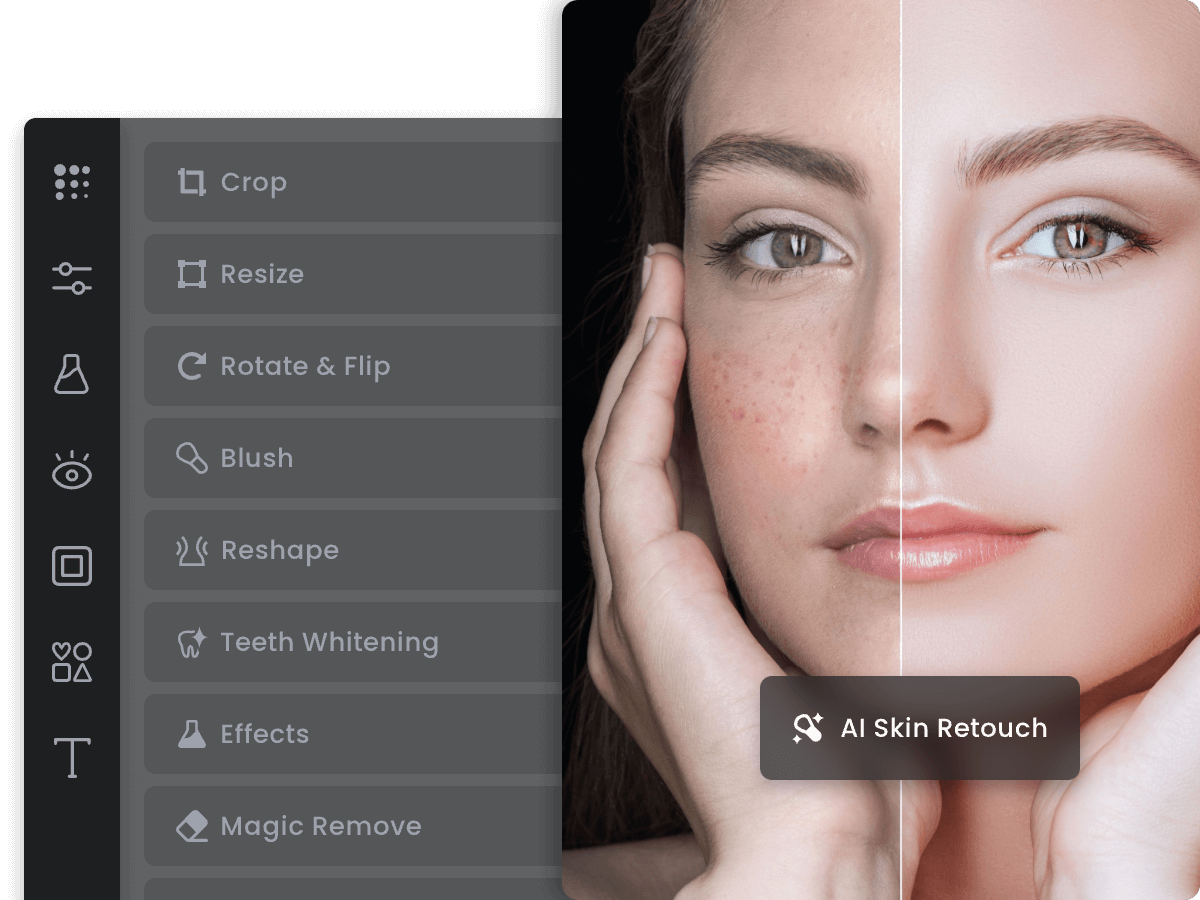
AI-enhanced online photo editor with design templates and batch tools
- One-tap AI photo enhancement and color correction
- AI background removal and replacement
- Text-to-image AI generation
Discover More AI Tools
Weekly curated tools, scenarios, and MCP server updates.
Disclosure: Some links on this page may be affiliate links. We may earn a commission if you make a purchase through these links, at no additional cost to you. This helps support Coda One.