Create Social Media Content with AI
Plan, write, and schedule a full week of social media posts across Instagram, Twitter/X, LinkedIn, and TikTok in under an hour. AI helps you generate captions, hashtags, content calendars, and visual concepts tailored to each platform's format and audience expectations. Instead of staring at a blank screen every day, you batch-create a week's worth of content in one sitting -- then spend the rest of your time engaging with your audience instead of producing for them.
Tools You'll Need
- 1
Build Your Weekly Content Calendar
Start by generating a structured content calendar for the week. Define your brand voice, target audience, and content pillars so the AI can produce posts that actually sound like you — not like a bot.
I need a 7-day social media content calendar for [your brand/niche, e.g., a DTC skincare brand targeting women 25-35].

Here's my context:
- Platforms I'm active on: [Instagram, Twitter/X, LinkedIn, TikTok — pick the ones you use]
- My content pillars (3-5 recurring themes): [e.g., product education, behind-the-scenes, customer stories, industry tips, trending topics]
- Brand voice: [e.g., friendly and witty, never corporate. Think best friend who happens to be an expert]
- Current goals: [e.g., grow followers, drive traffic to website, launch a new product next week]
- Any upcoming events or dates to tie into: [e.g., product launch March 20, International Women's Day]

For each day, give me:
1. Platform (rotate across my active platforms)
2. Content type (carousel, single image, reel/short video, text post, story, poll)
3. Topic and angle
4. Best posting time for this platform
5. A one-line content brief describing the post concept

Make sure the week has variety — don't give me 7 educational posts. Mix value posts, engagement bait, personal/behind-the-scenes, and promotional content in roughly a 40/30/20/10 ratio.
Tip: Front-load your week with your strongest content (Tuesday-Thursday get the most engagement on most platforms). Save lighter content for weekends. Never post the same format two days in a row.
- 2
Generate Platform-Specific Captions and Copy
Take each day's content brief and expand it into full, ready-to-post captions for each platform. The key is platform-native writing — what works on LinkedIn bombs on Twitter.
Write the full caption/copy for the following social media post:

- Platform: [Instagram / Twitter / LinkedIn / TikTok]
- Content type: [carousel / reel / single image / text post]
- Topic: [from your calendar, e.g., '3 skincare mistakes people make in winter']
- Target audience: [e.g., women 25-35 interested in clean beauty]
- Brand voice: [e.g., friendly, slightly sarcastic, knowledgeable but never preachy]
- CTA goal: [e.g., save this post, comment your experience, click link in bio, share with a friend]

Platform-specific requirements:
- Instagram: Write a hook (first line people see before 'more'), then the body (150-300 words), then CTA, then a block of 20-30 relevant hashtags (mix of high-volume and niche). Include 2-3 emoji max — don't overdo it.
- Twitter/X: Write 3 variations under 280 characters each. One should be a hot take, one a tip, one a question. No hashtags in the tweet body — put 1-2 in a reply.
- LinkedIn: Professional but human tone. Open with a pattern-interrupt first line. 150-250 words. No hashtags in the body, 3-5 at the bottom.
- TikTok: Write a scroll-stopping hook for the first 3 seconds of the video, then a caption under 150 characters with 3-5 trending hashtags.

Give me 2 caption options so I can pick the stronger one.
Tip: Resist the urge to use the same caption everywhere. A post that does 10x on LinkedIn will get zero engagement on Instagram. Platform-native content always outperforms cross-posted content.
- 3
Create Visual Concepts and Image Prompts
For each post, generate AI image prompts or design briefs you can feed directly into Canva or Midjourney. Even if you're using stock photos, a clear visual direction saves hours of scrolling.
I need visual concepts for these social media posts. For each one, give me:

1. **Image/Visual description**: What should the viewer see? Describe the composition, colors, mood, and any text overlay.
2. **Canva search terms**: 3-5 search terms to find relevant templates or stock photos in Canva.
3. **AI image generation prompt**: A ready-to-use prompt for Midjourney or DALL-E if I want a custom image.
4. **Text overlay copy**: The exact words to put on the image (keep it to 5-10 words max for feed posts).
5. **Color palette**: Suggest hex codes that match my brand colors [your brand colors, e.g., #1A1A2E, #E94560, #F5F5F5].

Posts to create visuals for:
- Post 1: [paste your day 1 content brief]
- Post 2: [paste your day 2 content brief]
- Post 3: [paste your day 3 content brief]
[continue for all posts in your calendar]

For carousels, describe each slide individually (most carousels perform best at 7-10 slides). Slide 1 is the hook — it must stop the scroll. Last slide is always the CTA.
Tip: Canva's AI features (Magic Design, text-to-image) are good enough for 80% of social content. Save Midjourney for hero images and campaign visuals where you need something truly unique.
- 4
Generate Hashtag Strategy and Engagement Hooks
Build a reusable hashtag bank organized by content pillar, plus a list of engagement hooks (questions, polls, CTAs) that drive comments and shares — the metrics algorithms actually reward.
Create a hashtag strategy and engagement toolkit for my social media accounts.

My niche: [e.g., clean beauty / SaaS marketing / fitness coaching]
My account size: [e.g., 2,500 followers on Instagram, 800 on Twitter]

Part 1 — HASHTAG BANK:
For each of my content pillars below, give me 3 tiers of hashtags:
- Tier 1 (5 hashtags): Niche/low competition (under 100K posts) — where I can actually rank
- Tier 2 (5 hashtags): Medium competition (100K-1M posts) — stretch targets
- Tier 3 (3 hashtags): High volume (1M+ posts) — for discoverability

Content pillars:
1. [e.g., Skincare tips and education]
2. [e.g., Product highlights and reviews]
3. [e.g., Behind the scenes / founder story]
4. [e.g., Industry trends and news]

Part 2 — ENGAGEMENT HOOKS:
Give me 15 fill-in-the-blank engagement hooks I can reuse across posts:
- 5 question hooks (that invite comments)
- 5 "save this" hooks (that drive saves/bookmarks)
- 5 share/tag hooks (that drive shares)

Example format: "If you're still [common mistake], stop. Here's what to do instead: [value]"

Part 3 — BANNED LIST:
List 10 hashtags in my niche that are shadow-banned or so oversaturated they're useless. Tell me why to avoid each one.
Tip: For accounts under 10K followers, focus 70% of your hashtags on Tier 1 (niche). Competing for #fitness (500M+ posts) is pointless at that stage. Niche hashtags are where small accounts get discovered.
- 5
Schedule and Optimize Your Content
Load everything into your scheduling tool and set up a basic performance tracking system so you learn what works over time, not just what feels good to post.
I've created a week of social media content. Help me build a simple performance tracking system.

For each post I publish this week, I want to track:
1. Platform
2. Post type (carousel, reel, text, image)
3. Content pillar
4. Posting time
5. Hook style used
6. Key metrics after 48 hours: [impressions, reach, engagement rate, saves, shares, link clicks]

Create a simple spreadsheet template (as a markdown table) with these columns. Pre-fill it with this week's 7 posts based on my calendar.

Also give me:
- A checklist of things to do in the first 30 minutes after posting (to boost initial engagement)
- 3 rules for deciding whether to boost/promote a post based on organic performance
- When to review and adjust the strategy (what day, what metrics to look at, what to change for next week)

Finally, write me 3 template replies I can use to respond to common comments quickly:
1. A reply for compliments/positive comments
2. A reply for questions about pricing/availability
3. A reply for negative feedback or complaints
Tip: The first 30-60 minutes after posting are critical for the algorithm. Don't post and disappear. Stay active — reply to every comment, engage with other accounts in your niche, and post a story directing people to your new post.
 Claude
  Copy.ai
  Midjourney
  DALL-E (OpenAI)
 Recommended Tools for This Scenario

ChatGPT
Freemium
The AI assistant that started the generative AI revolution
- GPT-4o multimodal model with text, vision, and audio
- DALL-E 3 image generation
- Code Interpreter for data analysis and visualization

Canva
Freemium
All-in-one visual design platform with AI-powered creative tools
- Drag-and-drop visual editor with 250,000+ templates
- Magic Studio AI suite (text-to-image, Magic Eraser, Magic Expand)
- Background Remover for instant subject isolation
Predis.ai
Freemium
AI social media content generator for posts, carousels, reels, and ads
- AI content generation from text prompts with design
- Carousel and reel/video creation from descriptions
- Built-in post scheduling across platforms
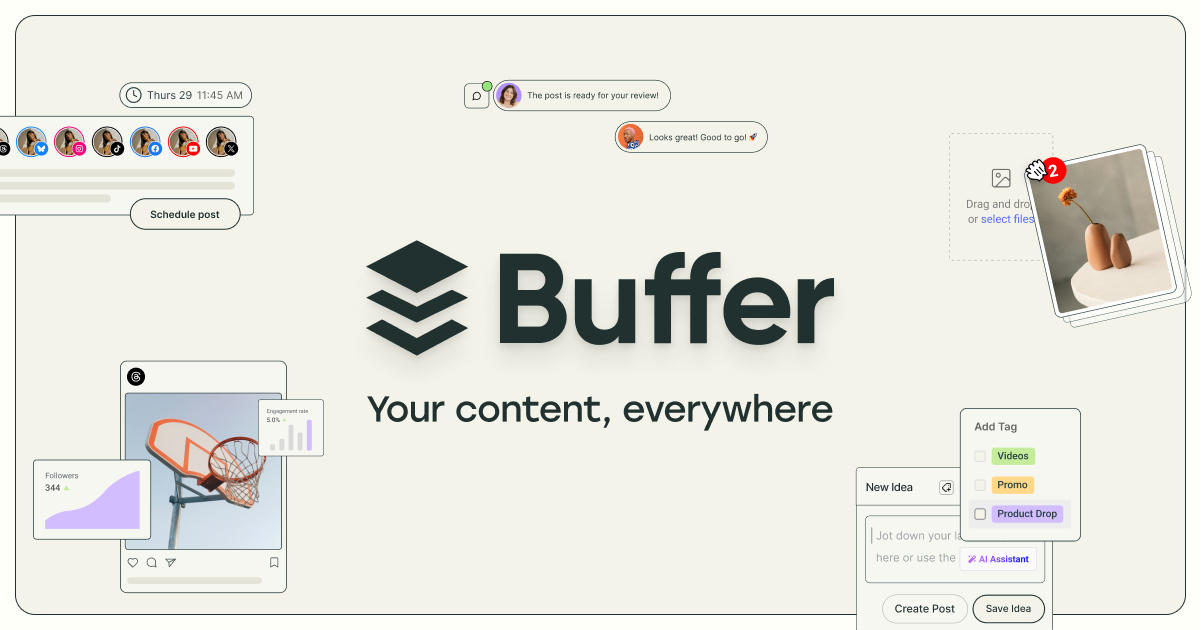
Buffer
Freemium
Simple social media scheduling with AI-powered content creation and analytics
- AI Assistant for post generation and content repurposing
- Multi-platform scheduling with queue and calendar views
- Start Page customizable link-in-bio landing page