Buffer
By Coda One Team · Last verified: March 2026
Disclosure: Some links earn us a commission at no extra cost to you. Rankings are independent — tools cannot pay for placement.
Simple social media scheduling with AI-powered content creation and analytics
What is Buffer?
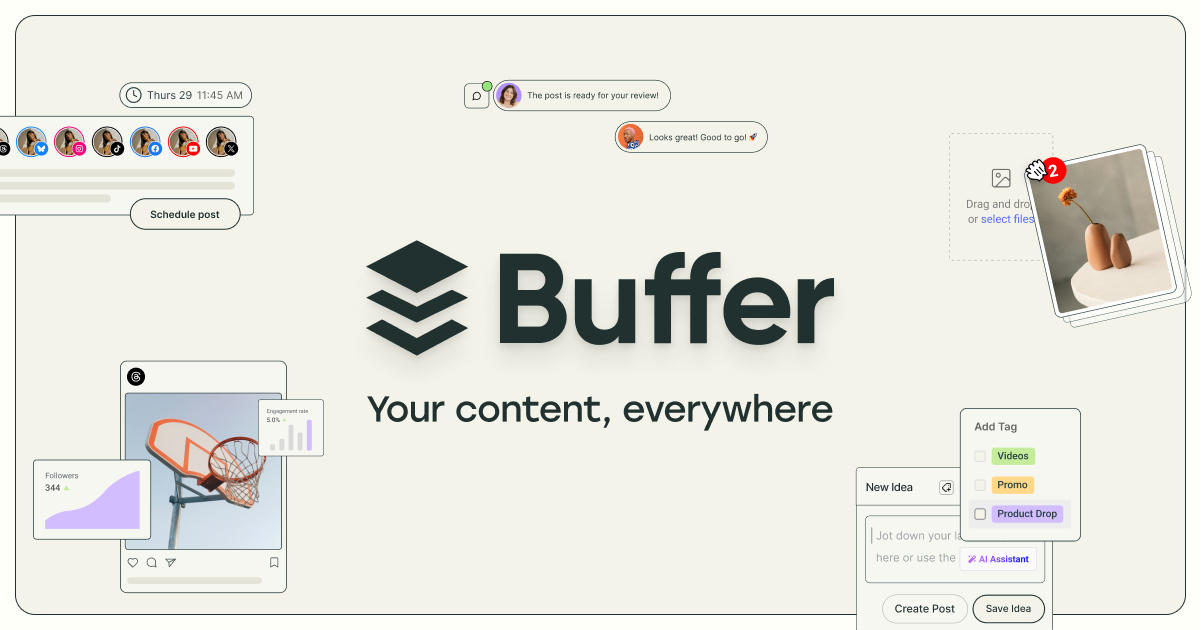
Buffer is a streamlined social media management platform known for its clean interface and ease of use, making it a favorite among small businesses, solopreneurs, and creators. The platform focuses on doing the core social media workflow well: scheduling posts, analyzing performance, and engaging with audiences across Instagram, Facebook, Twitter/X, LinkedIn, TikTok, Pinterest, YouTube, and Mastodon.
Buffer's AI Assistant generates social media post ideas, repurposes long-form content into social-ready formats, suggests relevant hashtags, and adapts content for different platforms. The tool can take a blog post URL or topic and produce multiple platform-specific variations. Start Page provides a customizable link-in-bio landing page. Analytics tracks engagement, reach, and audience growth with exportable reports.
Buffer's per-channel pricing model means users only pay for the platforms they actually use, offering flexibility that flat-rate competitors don't match. The free tier supporting three channels makes it one of the most accessible social scheduling tools available.
Key Features
Pros & Cons
Pros
- ✓ Cleanest and most intuitive interface in social media management
- ✓ Per-channel pricing is cost-effective for focused strategies
- ✓ Generous free tier with AI Assistant included
- ✓ Buffer has a transparent company culture and strong community
Cons
- ✗ Limited social listening and monitoring capabilities
- ✗ Analytics less advanced than Sprout Social or Hootsuite
- ✗ No built-in social inbox for unified message management
Ready to try Buffer?
See if it fits your workflow — free plan available.
Video Tutorials
Buffer Social Media Post Scheduler Tutorial
Joe Zeplin
Pricing
Free for 3 channels; Essentials $6/channel/mo, Team $12/channel/mo, Agency $120/mo for 10 channels
Free
$0
- ✓3 social channels
- ✓10 scheduled posts per channel
- ✓AI Assistant
- ✓Start Page (link-in-bio)
- ✓Basic analytics
Essentials
$6/channel/mo
- ✓Unlimited scheduled posts
- ✓Engagement tools
- ✓Analytics and reporting
- ✓Custom scheduling times
- ✓Hashtag manager
Team
$12/channel/mo
- ✓Unlimited users
- ✓Approval workflows
- ✓Draft collaboration
- ✓Exported reports
- ✓Agency-friendly features
Agency
$120/mo
- ✓10 channels included
- ✓Custom access permissions
- ✓White-label reports
- ✓Agency dashboard
- ✓Priority support
Pay with crypto using a virtual Visa card
Humanize AI content from Buffer
Transform AI-generated text into natural, human-sounding writing that bypasses detection tools.
Try FreeWho is Buffer for?
Solo creator or small business social media scheduling
Content repurposing from blogs to social with AI assistance
Multi-platform publishing with platform-specific formatting
Link-in-bio landing page for Instagram and TikTok profiles
Small team social media collaboration with approvals
Frequently Asked Questions
Is Buffer free?
Buffer offers a free tier with limited features. Free for 3 channels; Essentials $6/channel/mo, Team $12/channel/mo, Agency $120/mo for 10 channels Paid plans unlock additional capabilities.
What are Buffer's key features?
Buffer's standout features include AI Assistant for post generation and content repurposing, Multi-platform scheduling with queue and calendar views, Start Page customizable link-in-bio landing page, Analytics with engagement, reach, and growth tracking. It offers 8 features in total designed for solo creator or small business social media scheduling.
Can I pay for Buffer with cryptocurrency?
Buffer does not currently accept cryptocurrency directly. However, you can pay with crypto using a virtual Visa card funded by USDT, USDC, or other stablecoins.
What are the best alternatives to Buffer?
Popular alternatives to Buffer include ActiveCampaign, AdCreative.ai, Ahrefs. Each offers different strengths in pricing, features, and specialization.
Does Buffer have an API?
Yes, Buffer offers an API. The API uses a usage-based pricing model.
Do I need to sign up to use Buffer?
Buffer requires an account to access most features. If you prefer no-signup tools, browse Coda One's free tools.
Does Buffer work on mobile?
Buffer works in any modern browser on desktop, tablet, and mobile — no install required. For offline or on-device workflows, check our tool catalog for alternatives.
Is my data safe with Buffer?
Review Buffer's privacy policy at https://buffer.com for specifics on data retention. For browser-local processing (no server upload), see Coda One's PDF and image tools.
What pricing plans does Buffer offer?
Buffer offers 4 plans: Free, Essentials, Team, and more. Starts at Free. Compare with Coda One's own pricing.
Can I cancel or get a refund from Buffer?
Cancellation and refund policies are set by Buffer — check their terms at https://buffer.com. Coda One's own paid plans can be cancelled anytime from your subscription dashboard.
How can I pay for Buffer with USDT or USDC?
Since Buffer does not take crypto directly, the practical route is a Coda One virtual Visa card funded by USDT/USDC, which works anywhere Visa is accepted.
Who is Buffer best for?
Buffer is most useful for Solo creator or small business social media scheduling, Content repurposing from blogs to social with AI assistance, Multi-platform publishing with platform-specific formatting. For related workflows, explore Coda One's AI tool catalog.
Use Buffer for…
Step-by-step guides featuring Buffer with prompts you can copy and use right away.
Related Tools

ActiveCampaign
Advanced marketing automation with AI-powered email and CRM for growing businesses
- Visual automation builder with advanced branching logic
- Predictive Sending for per-contact optimal delivery timing
- AI Content Generation for emails and automation messages

AdCreative.ai
AI ad creative generator producing high-converting banners, social, and video ads
- AI creative generation with conversion prediction scoring
- Banner ad generation across 50+ standard dimensions
- Video ad creation from product images and prompts

Ahrefs
Premium SEO toolset with the industry's best backlink index and SERP data
- Site Explorer with the largest live backlink index (35T+ links)
- Keyword Explorer across 10 search engines and 187 countries
- AI Content Grader for content optimization scoring

Apollo.io
Sales intelligence platform with 275M+ contacts and AI-powered outreach
- B2B contact database with 275M+ verified contacts
- AI Email Writer for personalized cold outreach
- Multi-step sequences across email, phone, and LinkedIn
Discover More AI Tools
Weekly curated tools, scenarios, and MCP server updates.
Disclosure: Some links on this page may be affiliate links. We may earn a commission if you make a purchase through these links, at no additional cost to you. This helps support Coda One.