Write Professional Emails with AI in Minutes
Draft polished professional emails in 2 minutes instead of 20. AI handles the tone calibration, structure, and phrasing for every email scenario -- cold outreach, follow-ups, bad news delivery, negotiation, apologies, and internal communication. You provide the context and key points; AI produces a draft you can review and send. Particularly useful for non-native English speakers who spend extra time second-guessing phrasing and formality levels.
Tools You'll Need
- 1
Draft Your Email with Context and Constraints
Give the AI everything it needs to write a great email: who, what, why, what tone, and what outcome you want. The more specific your brief, the less editing you'll do.
Write a professional email for me. Here's the context:

**Email Type**: [Choose one]
a) Cold outreach (first contact with someone I don't know)
b) Follow-up (I already contacted them and haven't heard back)
c) Request (asking for something — a meeting, information, a favor)
d) Bad news / rejection (declining, canceling, or delivering unwelcome information)
e) Apology (something went wrong and I need to address it)
f) Negotiation (discussing terms, pricing, or conditions)
g) Introduction (introducing myself or connecting two people)
h) Thank you / appreciation
i) Internal team communication (announcement, update, or directive)
j) Complaint (professional but firm)

**Recipient**: [e.g., a potential client I met at a conference / my boss / a vendor who missed a deadline / a job recruiter]
**My relationship with them**: [never met / met once / work together regularly / they report to me / I report to them]
**Their likely mindset**: [busy and impatient / friendly and open / probably annoyed with us / doesn't know who I am]

**Key points to include** (in priority order):
1. [Most important point]
2. [Second point]
3. [Third point, if any]

**Desired outcome**: [What do I want them to DO after reading this? e.g., reply with available times, approve my request, not be angry at me]
**Tone**: [warm and friendly / professional and direct / formal and respectful / casual / empathetic and apologetic]
**Length**: [1-2 sentences / short paragraph / medium (150 words) / detailed (300+ words)]
**Constraints**:
- [e.g., Don't mention pricing yet / Don't sound desperate / Don't use 'I hope this finds you well' / Include a specific deadline]

Write the full email including subject line. Give me 2 subject line options (one straightforward, one with a hook).
Tip: Tell the AI what NOT to say. Constraints produce better emails than instructions. 'Don't apologize excessively,' 'Don't use more than 3 sentences,' 'Don't sound like you're begging' — these negative constraints prevent the most common AI email mistakes.
- 2
Refine the Tone and Make It Sound Like You
The first draft will be competent but generic. This step transforms it from 'AI wrote this' to 'this sounds like me on my best day.'
Here's the email draft you wrote: [Paste the draft from Step 1] I need adjustments: 1. **Tone Calibration**: The current tone feels [too formal / too casual / too apologetic / too aggressive / too wordy / too cold]. Adjust it to be [your preferred tone description]. Here's an example of how I actually write: [paste a sentence or two from a real email you've sent that captures your voice]. 2. **Personality Injection**: I want this email to sound like a real person wrote it, not a template. Add one of these: - A brief human touch (1 sentence that shows I'm a person, not a form letter) - A specific detail that shows I did my homework on the recipient - A light moment of humor IF appropriate for this relationship 3. **Power Check**: Review every sentence. Does each one earn its place? Cut any sentence that: - States something obvious ('I hope you're doing well') - Hedges unnecessarily ('I was just wondering if perhaps...') - Repeats a point already made - Is there only to be polite but adds nothing 4. **CTA Clarity**: Is the call-to-action crystal clear? The reader should know EXACTLY what I want them to do and by when. If my current CTA is vague, make it specific. 5. **Subject Line Test**: For each subject line option, answer: Would I open this email if I received 50 emails today? If not, write better options. Return the revised email with a note on what you changed and why.Tip: The best professional emails are short. If your email is longer than your phone screen, it won't get read — it'll get 'saved for later' (which means never). Ask yourself: can I cut this in half and still get the same result? Almost always, yes.
- 3
Handle Difficult Reply Scenarios
The hardest emails aren't the ones you initiate -- they're the replies to tricky situations. AI helps you craft responses to scenarios where you need to be diplomatic, firm, or both.
I received this email and need help crafting a response:

[Paste the email you received]

My situation:
- My honest reaction to this email: [e.g., annoyed, confused, pressured, flattered but not interested]
- What I want to say but can't: [e.g., 'This is ridiculous and you know it' / 'I don't want to do this but I can't say no' / 'You're wrong but you're also my boss']
- What I actually need to communicate: [the professional version of your reaction]
- My goal for this exchange: [e.g., decline without burning the bridge, buy more time, push back on unreasonable demands, accept but set boundaries]
- Political dynamics: [e.g., they're senior to me / they're a client we can't lose / this is a peer relationship / I have leverage here]

Write a response that:
1. Acknowledges their email (without agreeing to everything in it)
2. Clearly states my position or decision
3. Provides reasoning that's hard to argue with (logic > emotion)
4. Keeps the door open for the relationship (unless I'm intentionally closing it)
5. Ends with a clear next step

Give me 2 versions:
- Version A: Diplomatic (prioritizes relationship preservation)
- Version B: Direct (prioritizes clarity and efficiency)

Tell me which version you'd recommend for this specific situation and why.
Tip: When replying to a difficult email, wait at least 30 minutes before sending. Draft it with AI immediately (while the context is fresh), but save it and re-read later. The extra time often prevents you from sounding more emotional than you intended. Your future self will thank you.
- 4
Build Reusable Email Templates for Recurring Scenarios
If you write the same types of emails repeatedly (follow-ups, meeting requests, project updates), create templates once and reuse them forever. AI generates the templates; you just fill in the blanks each time.
Create a set of reusable email templates for my most common scenarios. For each template:
- Include [PLACEHOLDER] fields I fill in each time
- Keep it under 150 words
- Sound natural, not template-y (nobody should feel like they got a form letter)
- Include subject line with [PLACEHOLDER] fields

Templates I need:

1. **Meeting Request**: Asking someone for a 30-minute meeting
   Placeholders: [PERSON_NAME], [TOPIC], [REASON_WHY], [SUGGESTED_TIMES], [MEETING_FORMAT]

2. **Follow-Up After No Reply**: Polite nudge after 3-5 days of silence
   Placeholders: [PERSON_NAME], [ORIGINAL_TOPIC], [NEW_VALUE_ADD], [DEADLINE_IF_ANY]

3. **Project Status Update**: Quick update to stakeholders
   Placeholders: [PROJECT_NAME], [COMPLETED_ITEMS], [IN_PROGRESS], [BLOCKERS], [NEXT_STEPS], [DEADLINE]

4. **Introduction / Warm Intro**: Connecting two people
   Placeholders: [PERSON_A], [PERSON_B], [CONTEXT_A], [CONTEXT_B], [WHY_CONNECT]

5. **Declining an Invitation or Request**: Saying no gracefully
   Placeholders: [PERSON_NAME], [WHAT_DECLINING], [BRIEF_REASON], [ALTERNATIVE_OFFER]

6. **Thank You After Meeting**: Post-meeting follow-up
   Placeholders: [PERSON_NAME], [MEETING_TOPIC], [KEY_TAKEAWAY], [NEXT_ACTION], [DEADLINE]

For each template, also give me:
- A 'when to use' note (and when NOT to use — when should I write from scratch instead?)
- One common mistake people make with this email type
Tip: Store your templates where you actually write emails. If you use Gmail, save them as Gmail templates (Settings > Templates). If Outlook, use Quick Parts. If you store them in a notes app you have to copy-paste from, you won't use them — the friction is too high.
 Notion AI
 Recommended Tools for This Scenario

ChatGPT
Freemium
The AI assistant that started the generative AI revolution
- GPT-4o multimodal model with text, vision, and audio
- DALL-E 3 image generation
- Code Interpreter for data analysis and visualization

Claude
Freemium
Anthropic's AI assistant built for thoughtful analysis and safe, nuanced conversations
- 200K token context window for massive document processing
- Artifacts — interactive side-panel for code, docs, and visualizations
- Projects with persistent context and custom instructions
Grammarly
Freemium
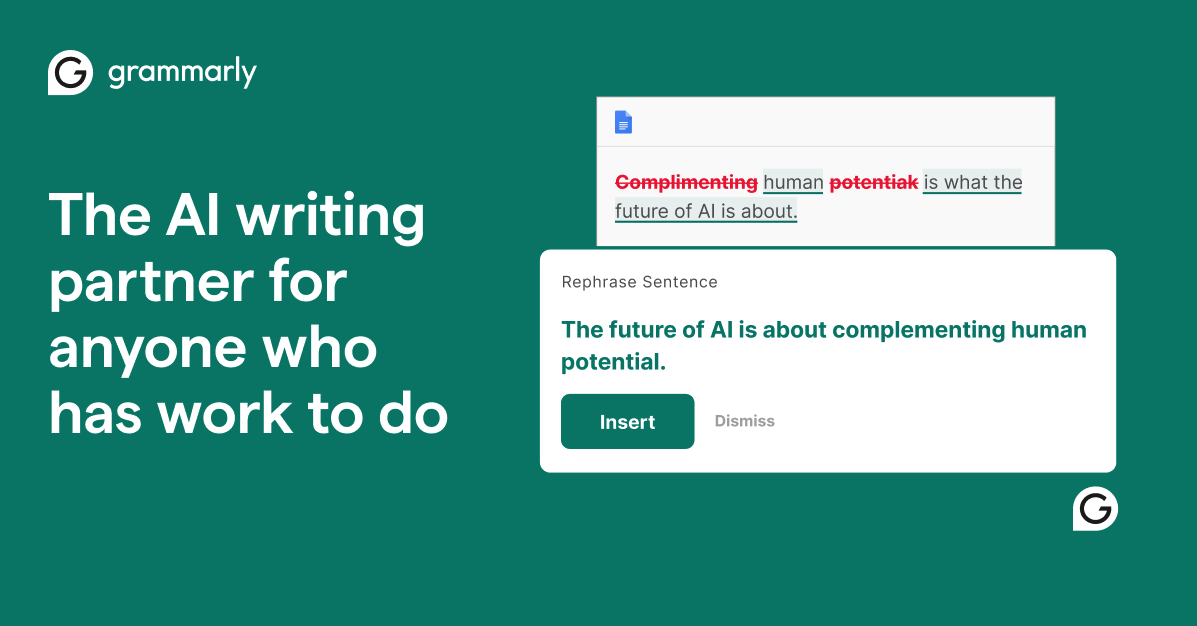
AI-powered writing assistant for grammar, clarity, and tone
- Real-time grammar, spelling, and punctuation correction
- Tone detection and adjustment
- Full-sentence rewrite suggestions
Microsoft Copilot
Freemium
GPT-4 powered AI assistant embedded across the Microsoft ecosystem
- GPT-4 and GPT-4o powered conversations
- DALL-E 3 image generation
- Bing web search integration