Grammarly
By Coda One Team · Last verified: March 2026
Disclosure: Some links earn us a commission at no extra cost to you. Rankings are independent — tools cannot pay for placement.
AI-powered writing assistant for grammar, clarity, and tone
What is Grammarly?
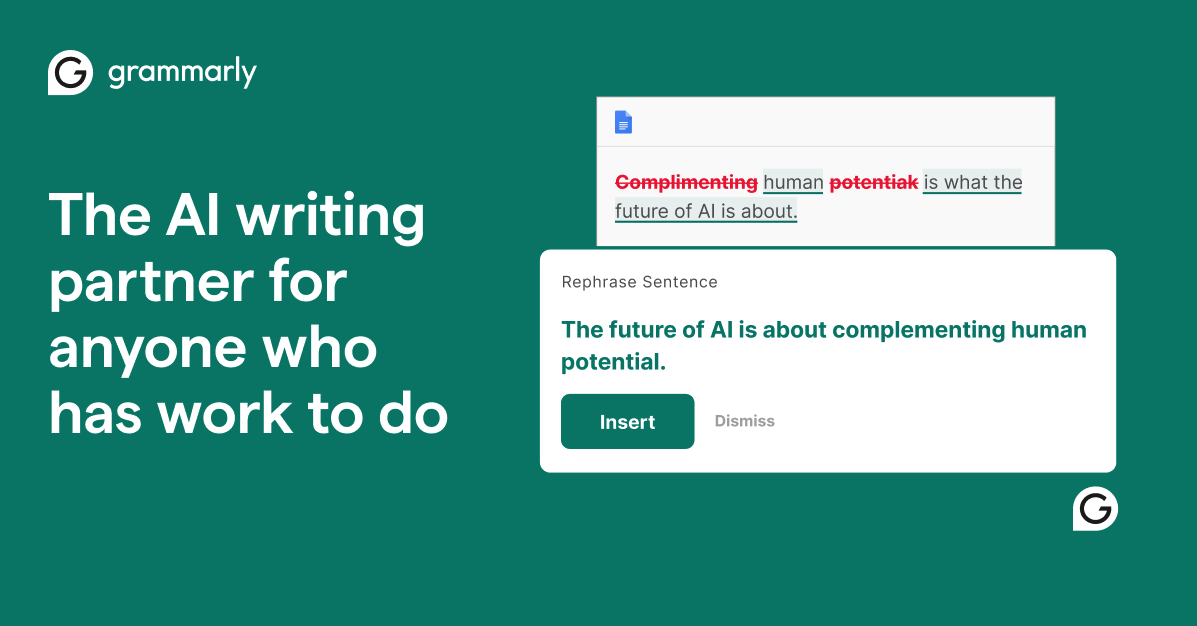
Grammarly is the world's most widely used AI writing assistant, helping over 30 million people and 70,000 teams communicate more effectively every day. It goes far beyond basic spell-check, offering real-time corrections for grammar, punctuation, clarity, conciseness, and tone across virtually every platform you write on. The browser extension works seamlessly in Gmail, Google Docs, LinkedIn, Slack, and hundreds of other sites, while native desktop and mobile apps for Windows, macOS, iOS, and Android ensure complete coverage regardless of where you write. Grammarly's tone detector analyzes the emotional delivery of your message before you hit send, flagging when your words might come across as harsh, uncertain, or overly casual for the context. The AI-powered rewrite suggestions go beyond simple corrections to offer full-sentence restructuring that improves flow and impact while preserving your intended meaning. The Premium tier adds advanced checks for word choice, inclusive language, fluency, formality level adjustments, and full-sentence rewrites that transform awkward phrasing into polished prose. The plagiarism detector scans your text against 16 billion web pages, academic papers, and published works. For teams, Grammarly Business offers a centralized admin dashboard, custom style guides, brand tone profiles, snippet libraries for consistent messaging, and detailed analytics on writing improvements across the entire organization. Enterprise features include SAML SSO, SCIM user provisioning, and data loss prevention controls. HIPAA and SOC 2 Type II compliance make it suitable for healthcare, finance, and other regulated industries that need to balance writing quality with data security.
Key Features
Pros & Cons
Pros
- ✓ Unmatched platform coverage with extensions and integrations everywhere
- ✓ Highly accurate grammar and style corrections with low false-positive rate
- ✓ Generous free tier sufficient for basic writing needs
- ✓ Enterprise-grade security with SOC 2 and HIPAA compliance
Cons
- ✗ Premium pricing adds up for individual users wanting advanced features
- ✗ Can be overly prescriptive with style suggestions, not ideal for creative writing
- ✗ Limited offline functionality; requires internet connection for most features
Ready to try Grammarly?
See if it fits your workflow — free plan available.
Video Tutorials
Grammarly Tutorial: How to Improve Your Writing Instantly
Kevin Stratvert and Grammarly
Pricing
Free basic grammar checking; Premium at $12/mo for advanced features; Business at $15/member/mo for teams
Free
$0
- ✓Basic grammar and spelling corrections
- ✓Tone detection
- ✓Browser extension and desktop app
- ✓Limited AI writing suggestions
Premium
$12/mo
- ✓Full-sentence rewrites
- ✓Clarity and conciseness suggestions
- ✓Tone adjustment and word choice
- ✓Plagiarism detection
- ✓Inclusive language checks
Business
$15/member/mo
- ✓Everything in Premium
- ✓Brand tone and style guides
- ✓Admin dashboard and analytics
- ✓SAML SSO and SCIM provisioning
- ✓Priority support
Pay with crypto using a virtual Visa card
Humanize AI content from Grammarly
Transform AI-generated text into natural, human-sounding writing that bypasses detection tools.
Try FreeWho is Grammarly for?
Professional email and business communication polishing
Academic writing and essay editing
Content marketing copy review before publication
Non-native English speakers improving fluency and clarity
Team-wide writing consistency enforcement
Frequently Asked Questions
Is Grammarly free?
Grammarly offers a free tier with limited features. Free basic grammar checking; Premium at $12/mo for advanced features; Business at $15/member/mo for teams Paid plans unlock additional capabilities.
What are Grammarly's key features?
Grammarly's standout features include Real-time grammar, spelling, and punctuation correction, Tone detection and adjustment, Full-sentence rewrite suggestions, Plagiarism detection against 16 billion web pages. It offers 8 features in total designed for professional email and business communication polishing.
Can I pay for Grammarly with cryptocurrency?
Grammarly does not currently accept cryptocurrency directly. However, you can pay with crypto using a virtual Visa card funded by USDT, USDC, or other stablecoins.
What are the best alternatives to Grammarly?
Popular alternatives to Grammarly include Copy.ai, Frase, Jasper. Each offers different strengths in pricing, features, and specialization.
Does Grammarly have an API?
Yes, Grammarly offers an API. The API uses a usage-based pricing model.
Do I need to sign up to use Grammarly?
Grammarly requires an account to access most features. If you prefer no-signup tools, browse Coda One's free tools.
Does Grammarly work on mobile?
Grammarly works in any modern browser on desktop, tablet, and mobile — no install required. For offline or on-device workflows, check our tool catalog for alternatives.
Is my data safe with Grammarly?
Review Grammarly's privacy policy at https://www.grammarly.com for specifics on data retention. For browser-local processing (no server upload), see Coda One's PDF and image tools.
What pricing plans does Grammarly offer?
Grammarly offers 3 plans: Free, Premium, Business. Starts at Free. Compare with Coda One's own pricing.
Can I cancel or get a refund from Grammarly?
Cancellation and refund policies are set by Grammarly — check their terms at https://www.grammarly.com. Coda One's own paid plans can be cancelled anytime from your subscription dashboard.
How can I pay for Grammarly with USDT or USDC?
Since Grammarly does not take crypto directly, the practical route is a Coda One virtual Visa card funded by USDT/USDC, which works anywhere Visa is accepted.
Who is Grammarly best for?
Grammarly is most useful for Professional email and business communication polishing, Academic writing and essay editing, Content marketing copy review before publication. For related workflows, explore Coda One's AI tool catalog.
Use Grammarly for…
Step-by-step guides featuring Grammarly with prompts you can copy and use right away.
AI for Client Communication — Emails, Updates & Boundaries
Client communication is one of the most time-consuming and emotionally draining parts of freelancing. Crafting a professional response to a difficult request, writing a project update that builds confidence, or saying no to scope creep without damaging the relationship — these take careful thought and often stress. AI handles the drafting so you can focus on the judgment: whether the draft is right for this specific client and situation, not whether you can find the words.
Draft Any Document with AI — Contracts to SOPs
Document drafting is one of the highest-leverage uses of AI in professional work. Whether you're writing an employment contract, a vendor agreement, a standard operating procedure, a business proposal, or an internal policy, AI can produce a complete first draft in minutes that would take hours from scratch. The key is understanding what AI does well (structure, completeness, standard clauses, consistency) and what it doesn't (jurisdiction-specific law, your company's unique context, judgment calls requiring legal advice). This workflow shows you how to use AI to draft documents correctly, review them intelligently, and customize them to your specific situation.
Learn English with AI: Speaking, Writing, and Grammar Practice
Practice English conversation, improve your writing, and master grammar with an AI tutor that's available 24/7, never judges your mistakes, and adapts to your exact level. Unlike language apps that make you repeat 'the cat is on the table' for weeks, AI tutors let you practice real scenarios -- job interviews, business emails, casual conversations, IELTS/TOEFL prep -- and give you detailed corrections with explanations of WHY something is wrong, not just what the right answer is.
Optimize Your LinkedIn Profile with AI
A weak LinkedIn profile doesn't just fail to attract opportunities — it actively hurts you when recruiters look you up after you've applied elsewhere. This workflow uses AI to rewrite every section of your profile to speak directly to the roles you want, improve your search ranking for the right keywords, and present you as a credible, compelling candidate rather than someone who just has a profile because they're supposed to.
Write a Blog Post with AI from Outline to Publish
Go from a blank page to a polished, SEO-friendly blog post in about an hour. AI handles the heavy lifting -- topic research, outline generation, first draft, editing, and meta description -- while you focus on injecting your expertise and unique perspective. This workflow works for personal blogs, company content marketing, and guest posts alike. The goal isn't to let AI write for you; it's to eliminate the 80% of writing time spent staring at a cursor and reorganizing paragraphs, so you can spend that time on the 20% that actually matters: your original ideas.
Write a Book with AI
Use AI as a writing partner to take a book from concept to complete manuscript. This isn't about having AI write your book for you — it's about using AI to handle structural planning, chapter scaffolding, writer's block, and editing so your ideas and voice come through clearly and efficiently.
Related Tools
Copy.ai
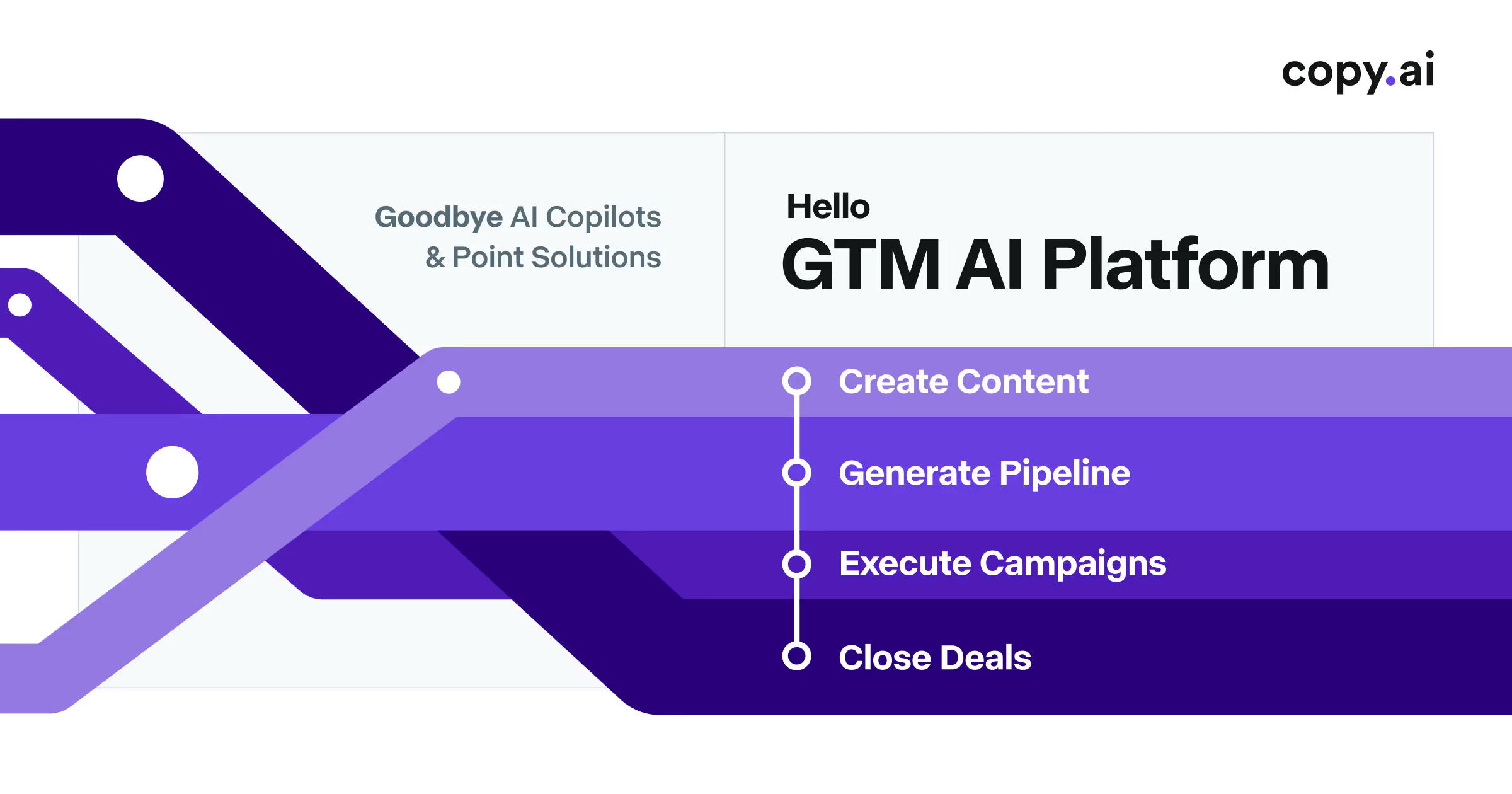
AI-powered GTM platform for marketing copy and sales enablement
- 90+ copywriting templates for ads, emails, and social media
- Workflow automation for chaining multi-step content pipelines
- Bulk content generation for A/B testing at scale
Frase
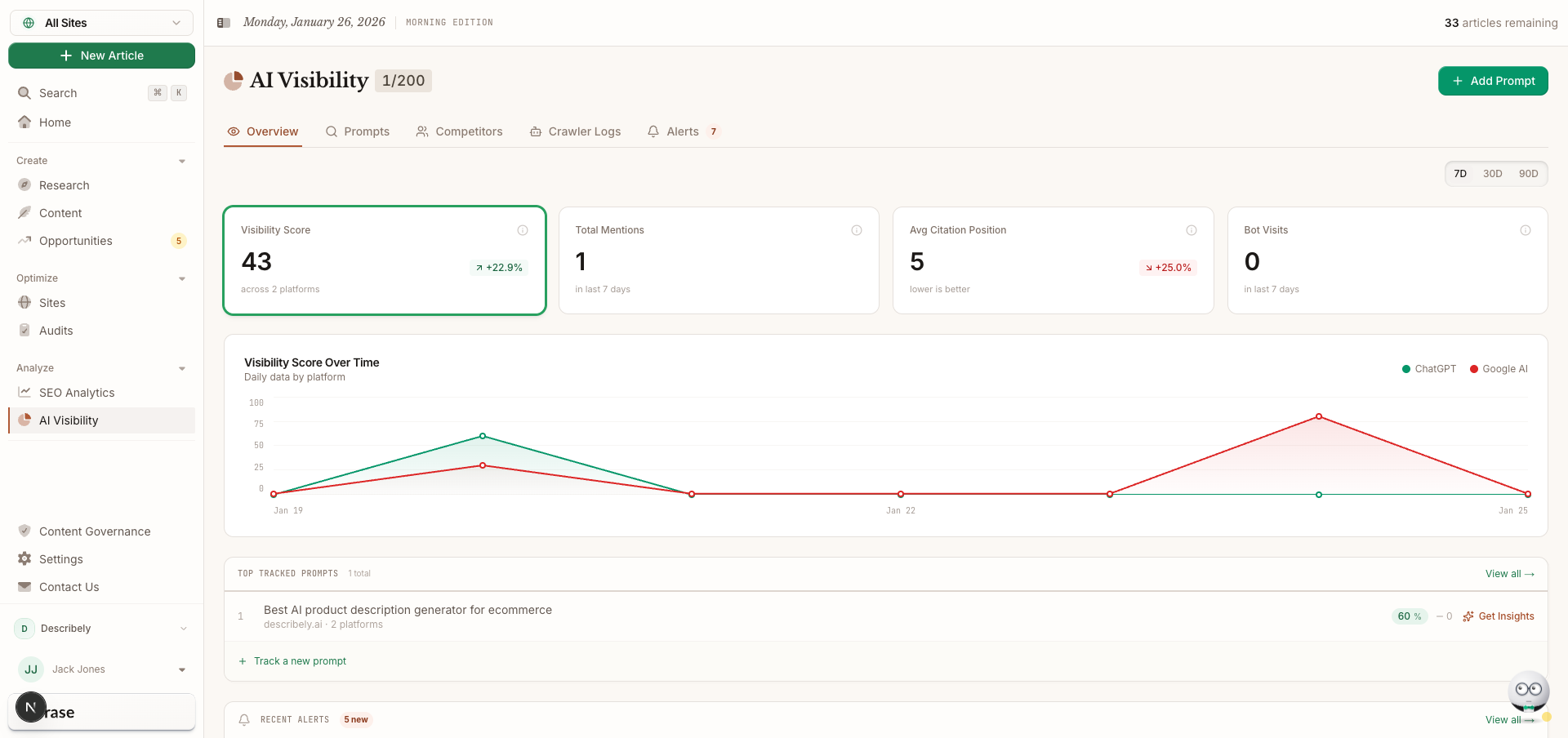
SEO content research, optimization, and AI writing in one workflow
- SERP analysis of top-ranking pages for any keyword
- Automated content brief generation with topic recommendations
- AI writing assistant guided by SEO research data

Jasper
Enterprise AI marketing platform for brand-consistent content at scale
- Brand Voice engine for tone and style consistency
- 50+ content templates for marketing use cases
- Campaign workflow for multi-channel content generation

LanguageTool
Open-source multilingual grammar checker supporting 30+ languages
- Grammar and style checking for 30+ languages
- Open-source core engine with self-hosting option
- Browser extensions for Chrome, Firefox, Safari, and Edge
Discover More AI Tools
Weekly curated tools, scenarios, and MCP server updates.
Disclosure: Some links on this page may be affiliate links. We may earn a commission if you make a purchase through these links, at no additional cost to you. This helps support Coda One.