Newsletter Writer
FlaggedWrites engaging email newsletters with curation, original commentary, and strong subject lines optimized for open rates and click-through.
$ Copy the SKILL.md file to your project's .claude/skills/ directory About This Skill
Newsletter Writer produces emails that subscribers actually open, read, and look forward to receiving. It treats the newsletter as a distinct writing format with its own conventions — not a blog post dropped into an email template.
Newsletter Anatomy
Subject Line (+ Preview Text) Generates 5 subject line variants per issue: - Curiosity gap ("The framework that 40% of marketers are using wrong") - Specificity ("7 tools that cut my research time by half") - News hook ("What the FTC ruling means for your business") - Reader benefit ("How to close more deals in 30 days") - Provocative question ("Is content marketing dead?")
Paired preview text (70 characters) to complement each subject line.
Opening Hook The first 2-3 sentences determine whether the reader continues or archives. The skill writes openings that acknowledge the reader's context, pose a tension, or deliver an immediate value.
Sections
Original Commentary — Your perspective on 1-2 key topics in the issue. Not a summary — your actual take, with a clear point of view that gives readers a reason to subscribe to you specifically.
- Curated Links — 3-5 external links with:
- Why you selected this piece (not just what it's about)
- The one thing to take away
- Who specifically it's most valuable for
Quick Hits — 3-5 short items (news, stats, tools, quotes) without editorial comment.
CTA — A single, clear call to action appropriate to the issue's theme.
Audience Calibration
Adjusts reading level, assumed knowledge, and reference density for: general consumers, domain professionals, executives, and developers.
Use Cases
- Writing weekly industry news digests for professional audiences
- Creating product update newsletters for SaaS subscribers
- Producing thought leadership newsletters for executive audiences
- Building content curation newsletters that drive referral traffic
Pros & Cons
Pros
- +5 subject line variants with preview text for A/B testing
- +Curation commentary explains why each link matters — not just what it is
- +Original commentary section maintains a distinct point of view
- +Audience calibration for professional, executive, and technical newsletters
Cons
- -Original commentary requires the user's actual perspective and domain knowledge — cannot manufacture expertise
- -Curated links must be supplied by the user — the skill writes about them but doesn't autonomously select topics
Related AI Tools

Claude
Anthropic's AI assistant built for thoughtful analysis and safe, nuanced conversations
- 200K token context window for massive document processing
- Artifacts — interactive side-panel for code, docs, and visualizations
- Projects with persistent context and custom instructions
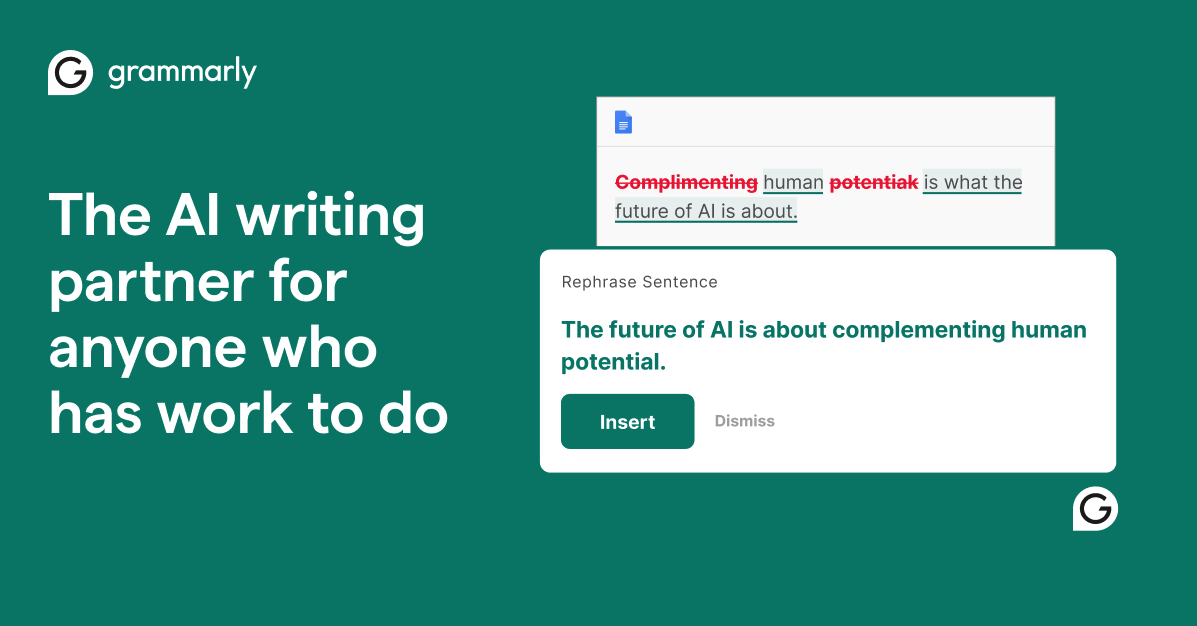
Grammarly
AI-powered writing assistant for grammar, clarity, and tone
- Real-time grammar, spelling, and punctuation correction
- Tone detection and adjustment
- Full-sentence rewrite suggestions

Notion AI
All-in-one workspace with AI-powered docs, wikis, and databases
- AI-powered Q&A across entire workspace
- Connected databases with relations and rollups
- Wiki with verified pages and ownership
Related Skills
Copy Editor
Grammar, style, and tone improvement agent that reviews text for clarity, consistency, and readability while preserving the author's voice.
Social Media Scheduler
Plans and organizes social media content calendars with optimal posting times, hashtag strategies, and cross-platform content adaptation.
FAQ
What does Newsletter Writer do?
What platforms support Newsletter Writer?
What are the use cases for Newsletter Writer?
What tools work with Newsletter Writer?
100+ free AI tools
Writing, PDF, image, and developer tools — all in your browser.
Next Step
Use the skill detail page to evaluate fit and install steps. For a direct browser workflow, move into a focused tool route instead of staying in broader support surfaces.