Technical Writer
FlaggedTechnical documentation agent that reads codebases, API schemas, and architecture docs to produce clear developer-facing documentation.
$ Copy the SKILL.md file to your project's .claude/skills/ directory About This Skill
Technical Writer is a documentation skill that reads your codebase and produces clear, well-structured technical documentation. It understands code patterns, API contracts, and system architecture to generate docs that actually match your implementation rather than generic templates.
How It Works
- Codebase analysis — Scans project structure, reads key source files, and identifies public APIs, configuration options, and extension points
- Pattern recognition — Detects framework conventions (Express routes, React components, CLI flags) to apply appropriate documentation patterns
- Content generation — Writes documentation with accurate code examples, parameter descriptions, and return value specifications
- Cross-referencing — Links related sections, adds see-also references, and builds a coherent navigation structure
- Style consistency — Follows established documentation style guides (Google, Microsoft, or project-specific) for consistent voice and formatting
Best For
- Open source projects needing contributor documentation
- Internal APIs that lack formal documentation
- Teams migrating from tribal knowledge to written docs
- Projects preparing for public release
Use Cases
- API reference documentation from OpenAPI specs
- Architecture decision records (ADRs)
- Developer onboarding guides
- Library and SDK usage documentation
- Runbook and troubleshooting guides
Pros & Cons
Pros
- +Reads actual code to produce accurate documentation
- +Follows industry documentation style guides
- +Generates working code examples from real source
- +Supports multiple output formats (Markdown, RST, HTML)
Cons
- -Code examples should be tested before publishing
- -May miss undocumented business logic nuances
- -Complex architectural concepts may need human editorial review
Related AI Tools

Notion AI
All-in-one workspace with AI-powered docs, wikis, and databases
- AI-powered Q&A across entire workspace
- Connected databases with relations and rollups
- Wiki with verified pages and ownership
Grammarly
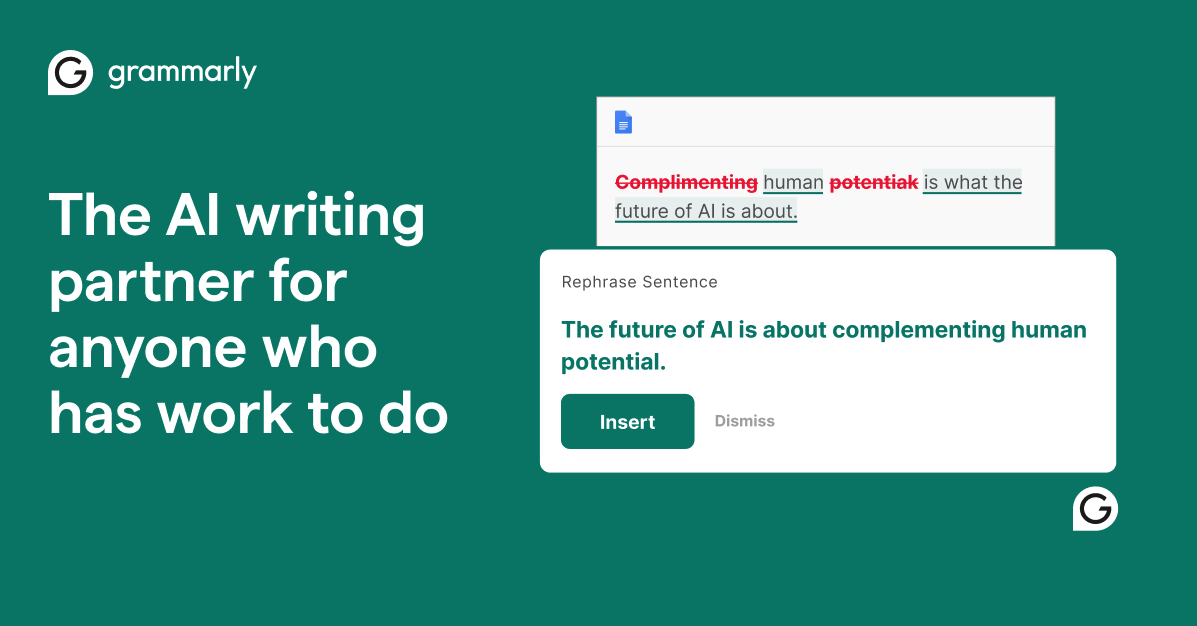
AI-powered writing assistant for grammar, clarity, and tone
- Real-time grammar, spelling, and punctuation correction
- Tone detection and adjustment
- Full-sentence rewrite suggestions
Related Skills
README Generator
README.md creation agent that analyzes codebases, detects frameworks and dependencies, and generates comprehensive project documentation.
Changelog Generator
Release notes agent that reads git history, groups commits by type, and produces formatted changelogs following Keep a Changelog conventions.
FAQ
What does Technical Writer do?
What platforms support Technical Writer?
What are the use cases for Technical Writer?
What tools work with Technical Writer?
100+ free AI tools
Writing, PDF, image, and developer tools — all in your browser.
Next Step
Use the skill detail page to evaluate fit and install steps. For a direct browser workflow, move into a focused tool route instead of staying in broader support surfaces.