
NaturalReader
Disclosure: Some links earn us a commission at no extra cost to you. Rankings are independent — tools cannot pay for placement.
Text-to-speech tool with natural-sounding AI voices
What is NaturalReader?
NaturalReader is a text-to-speech (TTS) platform that converts written text, documents, and web pages into spoken audio using natural-sounding AI voices. It has been in the TTS space since 2007, making it one of the longest-running text-to-speech services, and has continuously upgraded its voice technology from older synthesis methods to modern neural network-based voices.
The platform supports a wide range of input formats including plain text, PDF, DOCX, EPUB, and web pages. Users can paste text directly, upload documents, or use the browser extension to have any web page read aloud. NaturalReader offers over 200 AI voices across 50+ languages, with voice quality that ranges from standard to premium ultra-realistic voices powered by the latest neural TTS technology.
NaturalReader serves multiple user segments. Students and people with dyslexia or visual impairments use it as an accessibility tool. Content creators use it to generate voiceovers for videos and podcasts. Professionals use it to listen to documents and emails while multitasking. The platform is available as a web app, desktop application (Windows and Mac), mobile app, and Chrome extension.
The tool offers both personal and commercial licensing. Personal users can access free voices with limited features, while the paid plans add premium AI voices and commercial usage rights for content creation. An API is available for developers who want to integrate NaturalReader's TTS capabilities into their own applications.
Key Features
Pros & Cons
Pros
- ✓ Wide selection of natural-sounding voices across many languages
- ✓ Supports a broad range of document formats
- ✓ Available across all platforms (web, desktop, mobile, extension)
- ✓ Affordable pricing with commercial usage rights on Pro
Cons
- ✗ Free tier is limited to 20 minutes per day
- ✗ Best voices are locked behind paid plans
- ✗ Desktop app interface feels dated compared to competitors
Ready to try NaturalReader?
See if it fits your workflow — free plan available.
Video Tutorials
NaturalReader Text to Speech Tutorial
NaturalReader Official
Pricing
Free with basic voices; Plus $5.99/mo; Pro $9.99/mo with commercial rights
Free
$0
- ✓Basic AI voices
- ✓20 minutes/day listening
- ✓Web app access
- ✓Limited document uploads
Plus
$5.99/month
- ✓Premium AI voices
- ✓Unlimited listening
- ✓PDF, DOCX, EPUB support
- ✓Chrome extension
- ✓Personal use only
Pro
$9.99/month
- ✓All Plus features
- ✓Ultra-realistic AI voices
- ✓Commercial usage rights
- ✓MP3 download and export
- ✓Priority processing
Pay with crypto using a virtual Visa card
Who is NaturalReader for?
Students listening to textbooks and study materials
People with dyslexia or visual impairments accessing written content
Content creators generating voiceovers for videos and podcasts
Professionals listening to documents and reports while commuting
Developers integrating TTS into applications via the API
Frequently Asked Questions
Is NaturalReader free?
NaturalReader offers a free tier with limited features. Free with basic voices; Plus $5.99/mo; Pro $9.99/mo with commercial rights Paid plans unlock additional capabilities.
What are NaturalReader's key features?
NaturalReader's standout features include 200+ AI voices across 50+ languages, PDF, DOCX, EPUB, and web page support, Chrome extension for reading any web page aloud, MP3 audio file export for voiceovers. It offers 8 features in total designed for students listening to textbooks and study materials.
Can I pay for NaturalReader with cryptocurrency?
NaturalReader does not currently accept cryptocurrency directly. However, you can pay with crypto using a virtual Visa card funded by USDT, USDC, or other stablecoins.
What are the best alternatives to NaturalReader?
Popular alternatives to NaturalReader include ElevenLabs, Krisp, Murf.ai. Each offers different strengths in pricing, features, and specialization.
Does NaturalReader have an API?
Yes, NaturalReader offers an API. The API uses a usage-based pricing model.
Related Tools
ElevenLabs
Freemium
Ultra-realistic AI voice synthesis with instant voice cloning
- Ultra-realistic text-to-speech in 32 languages
- Instant and professional voice cloning
- Real-time streaming speech synthesis
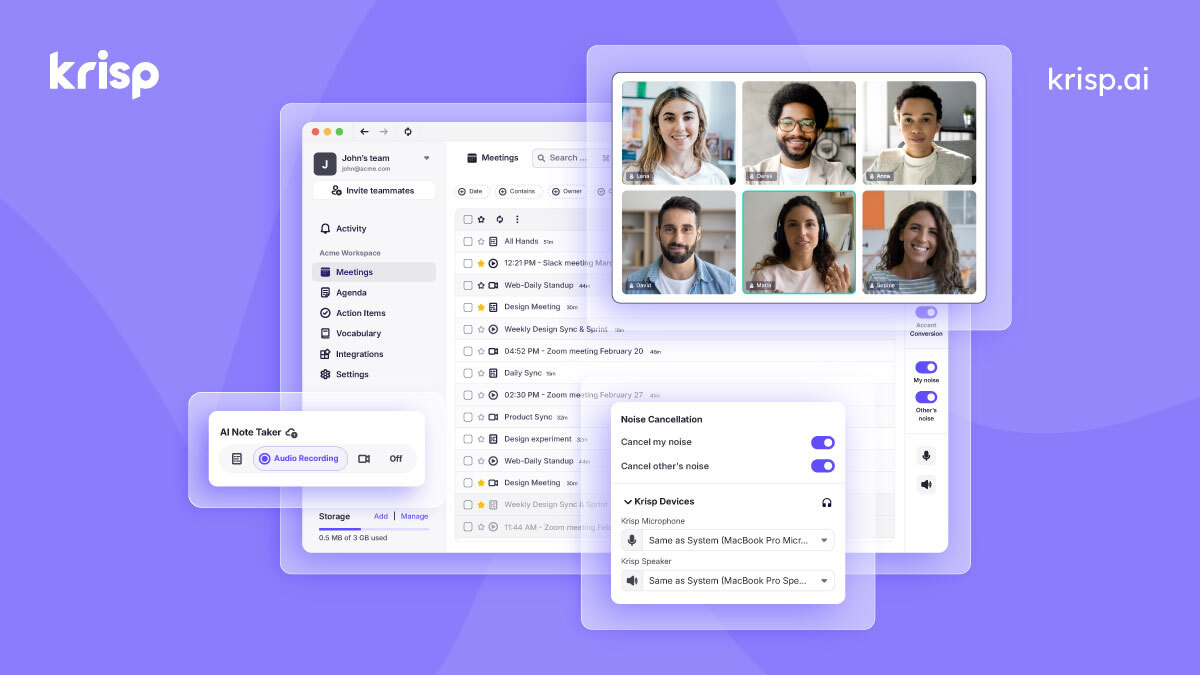
Krisp
Freemium
AI noise cancellation and voice enhancement for calls and meetings
- Real-time AI noise cancellation for calls
- Echo and background voice removal
- On-device audio processing for privacy

Murf.ai
Freemium
Enterprise AI voiceover platform for e-learning and corporate content
- 200+ AI voices across 30+ languages
- Studio editor with pitch, speed, and emphasis controls
- Video and voiceover synchronization

Otter.ai
Freemium
AI meeting transcription with automated notes and action items
- Real-time meeting transcription with speaker identification
- Automated meeting summaries and key takeaways
- Action item extraction and assignment
Disclosure: Some links on this page may be affiliate links. We may earn a commission if you make a purchase through these links, at no additional cost to you. This helps support Coda One.