By Coda One Team · Last verified: 2026-03-13
8 Best AI Photo Editors in 2026 (Compared)
Disclosure: Some links earn us a commission at no extra cost to you. Rankings are independent — tools cannot pay for placement.
8 AI photo editors tested on background removal, enhancement, retouching, and creative editing — here's which ones are worth paying for.
Our Top Picks

Adobe Firefly
Adobe's commercially safe generative AI built into the Creative Cloud
- Text-to-image generation with commercially safe training data
- Generative Fill for contextual object addition and removal
- Generative Expand to extend image boundaries

Remove.bg
Instant AI background removal in seconds with one click
- One-click instant background removal via web interface
- Handles hair, fur, and semi-transparent edges precisely
- Background replacement with custom images or solid colors

PhotoRoom
AI product photo studio for e-commerce with instant background generation
- Instant AI background removal optimized for products
- AI Background Generator for studio-quality scene placement
- Realistic AI Shadow generation matching scene lighting

Topaz Labs
AI-powered photo and video enhancement with perpetual desktop licenses
- AI-powered denoising that preserves detail
- Intelligent sharpening with motion and lens blur correction
- AI upscaling up to 6x resolution with realistic detail
Pixlr
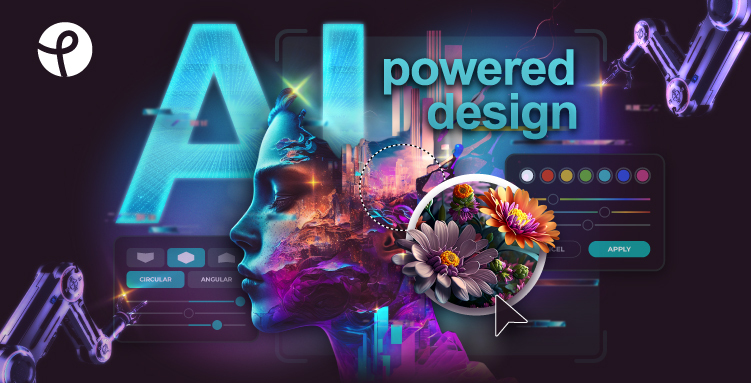
Browser-based Photoshop alternative with AI-powered editing tools
- Dual editors: Pixlr X (quick) and Pixlr E (advanced layer-based)
- AI background removal with one-click precision
- AI Infill for intelligent content replacement and extension
Fotor
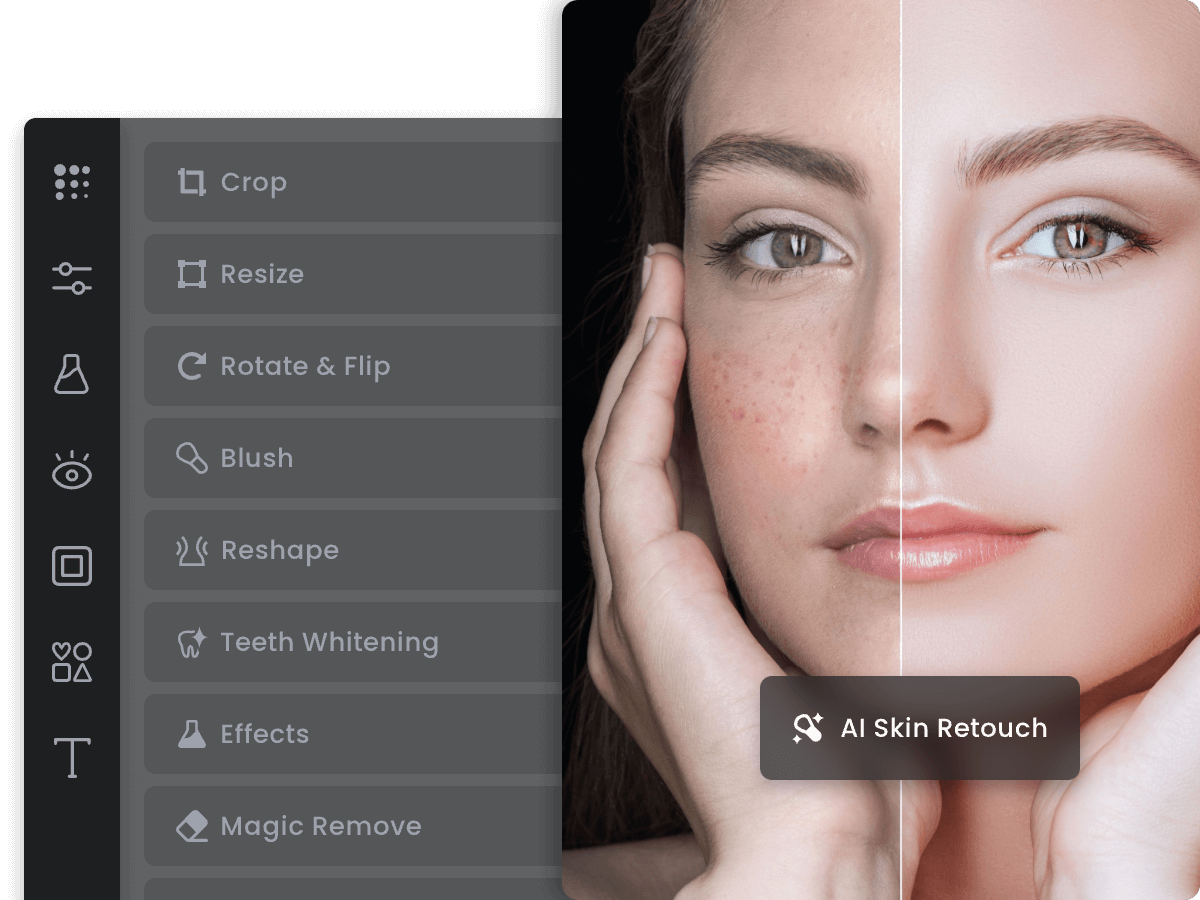
AI-enhanced online photo editor with design templates and batch tools
- One-tap AI photo enhancement and color correction
- AI background removal and replacement
- Text-to-image AI generation
Clipdrop
AI editing suite by Stability AI for cleanup, upscale, and relight
- AI Cleanup for intelligent object and blemish removal
- Relight tool for post-capture lighting adjustment
- Background removal and replacement
Magnific AI
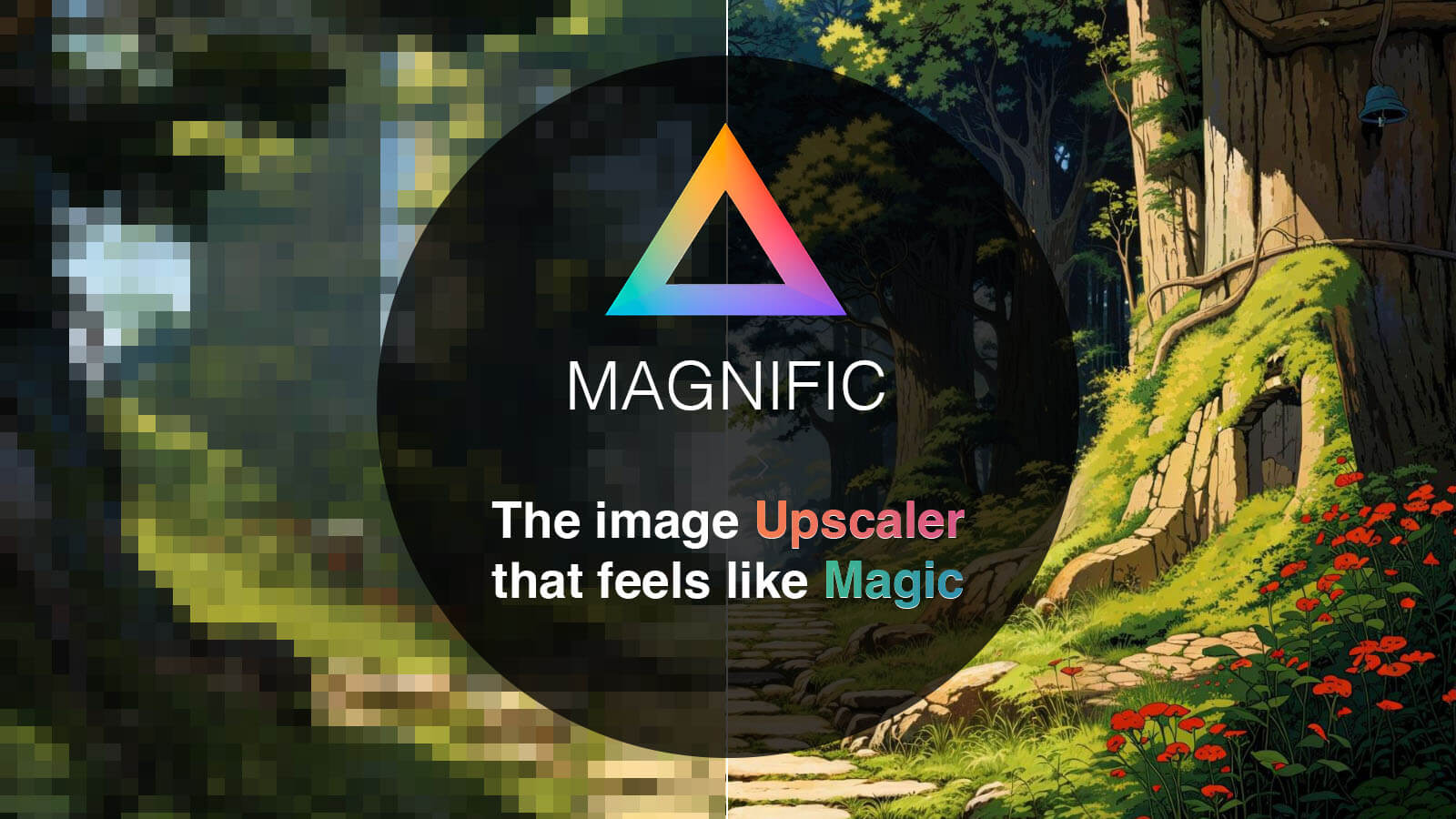
AI image upscaler that adds realistic detail and enhances resolution
- Generative AI upscaling that adds realistic detail
- Creativity slider for hallucination intensity control
- Style-specific optimization (Photography, Art, 3D, etc.)
The Short Answer
Adobe Firefly (in Photoshop) is the most powerful AI photo editor. Remove.bg is best for background removal. Topaz Labs is best for upscaling and enhancing old/low-quality photos. Magnific AI is best for adding detail during upscaling.
Quick Picks
Firefly — best generative editing. Remove.bg — best background removal. Topaz Labs — best enhancement. PhotoRoom — best for product photos. Clipdrop — best free creative editing.
Detailed Reviews
1. Adobe Firefly — Best Generative Editing
Firefly inside Photoshop is the most capable AI photo editor. Generative Fill adds, removes, or replaces anything with a text description. Generative Expand extends images beyond their borders. Trained on licensed content, so output is safe for commercial use. Requires Creative Cloud subscription.
2. Remove.bg — Best Background Removal
The standard for one-click background removal. Handles hair, fur, and transparent objects with high accuracy. API for batch processing at scale. Upload, get cutout, done. Free for low-res; paid for full resolution and bulk.
3. PhotoRoom — Best for E-Commerce
Removes backgrounds, adds studio lighting, places products in lifestyle scenes, batch processes entire catalogs. Mobile app works on location. Built specifically for marketplace sellers.
4. Topaz Labs — Best for Enhancement
Three dedicated AI models: Gigapixel (upscaling), DeNoise (noise reduction), Sharpen. Best results for rescuing low-quality photos and enlarging images cleanly. One-time purchase, not subscription. Photographers' go-to for both digital and scanned film.
5. Pixlr — Best Free Option
Browser-based photo editor with AI background removal, object removal, and enhancement. Free tier is generous. Not as powerful as Photoshop, but handles most common editing tasks without installing anything.
6. Fotor — Fastest Enhancement
One-click AI enhancement that fixes lighting, color, and detail instantly. Batch editing for consistency across sets. Good when you need quick improvements, not pixel-perfect work.
7. Clipdrop — Best Creative Editing
Background removal, upscaling, relighting, uncropping, style transfer — powered by Stable Diffusion. Many features free with quality limits. The most versatile free creative editing suite.
8. Magnific AI — Best Upscaling
Upscales images while adding realistic detail that wasn't in the original. The results can be strikingly more detailed than the source. Creative hallucination control lets you dial how much detail the AI invents. Best for preparing small images for print or enhancing AI-generated images.
How We Chose
Same test images across all tools: product shots, portraits, landscapes, low-light scenes, complex backgrounds. Compared output quality, processing speed, batch capability, and how AI edits compared to manual Photoshop work.
What to Consider
- Specialized tools beat general editors: Remove.bg for backgrounds, Topaz for upscaling
- Batch processing: Essential if you process hundreds of images
- Test before subscribing: Try your actual image types first
- API access: Matters for automated pipelines
- Pricing: Per-image, subscription, or one-time purchase — calculate for your volume
100+ free AI tools
Writing, PDF, image, and developer tools — all in your browser.
Frequently Asked Questions
What is the best free AI photo editor?
Pixlr offers the most comprehensive free online photo editor with AI features. Clipdrop provides several free AI editing tools. Remove.bg is free for low-resolution background removal. For desktop use, GIMP combined with AI plugins provides professional-grade editing at no cost.
Can AI photo editors replace Photoshop?
For basic tasks like background removal, enhancement, and retouching, AI photo editors are faster and easier than Photoshop. For complex compositing, precision masking, and advanced creative editing, Photoshop remains superior. Adobe's strategy is to bring AI into Photoshop through Firefly, giving users the best of both worlds.
How good is AI image upscaling?
AI upscaling has improved a lot. Topaz Gigapixel and Magnific AI can enlarge images 2-4x while adding realistic detail that was not in the original. Results are generally excellent for web and social media use, and increasingly suitable for print. Heavily compressed or very low-resolution originals still show limitations.
Disclosure: Some links on this page may be affiliate links. We may earn a commission if you make a purchase through these links, at no additional cost to you.