10 Best Freemium AI Tools in 2026 (Compared)
A comparison of the best freemium AI tools in 2026, focusing on what you actually get for free and when upgrading makes sense.
Our Top Picks

ChatGPT
Freemium
The AI assistant that started the generative AI revolution
- GPT-4o multimodal model with text, vision, and audio
- DALL-E 3 image generation
- Code Interpreter for data analysis and visualization
- Web browsing with real-time information
- Custom GPTs and GPT Store marketplace

Claude
Freemium
Anthropic's AI assistant built for thoughtful analysis and safe, nuanced conversations
- 200K token context window for massive document processing
- Artifacts — interactive side-panel for code, docs, and visualizations
- Projects with persistent context and custom instructions
- Claude Code CLI for developer workflow integration
- Superior long-form writing and analysis quality
Grammarly
Freemium
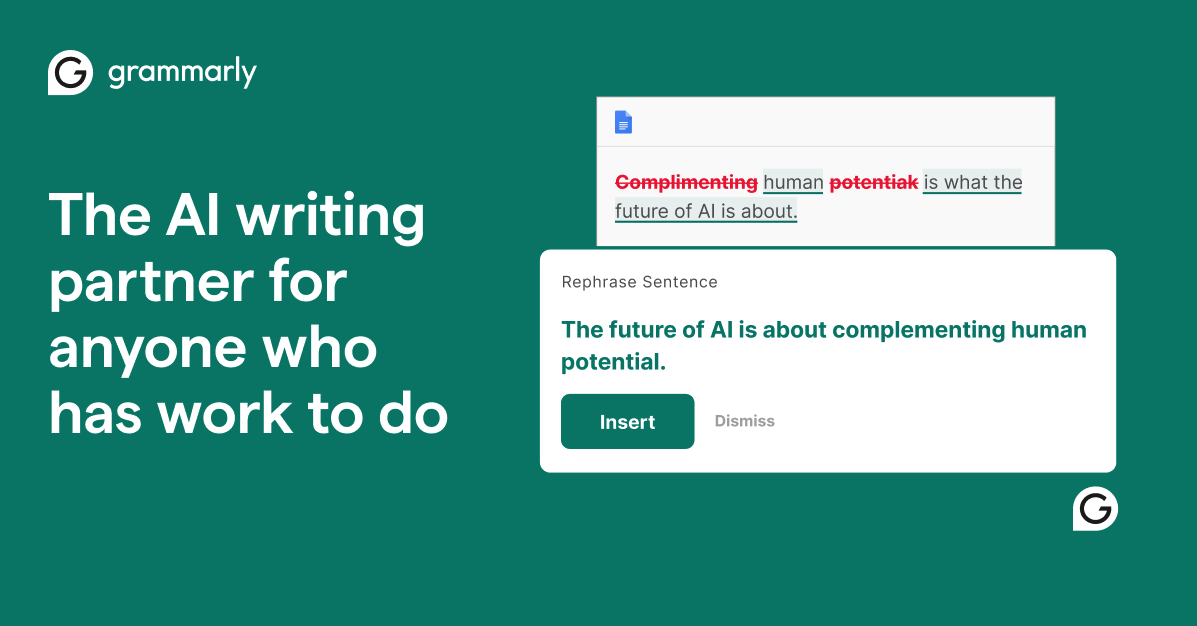
AI-powered writing assistant for grammar, clarity, and tone
- Real-time grammar, spelling, and punctuation correction
- Tone detection and adjustment
- Full-sentence rewrite suggestions
- Plagiarism detection against 16 billion web pages
- Browser extension for Chrome, Firefox, Safari, and Edge
Perplexity
Freemium
AI-powered search engine that answers questions with cited sources
- Real-time web search with inline source citations
- Pro Search multi-step deep research automation
- Multiple model options (Sonar, GPT-4o, Claude)
- File upload and document analysis
- Collections for organizing research threads

GitHub Copilot
Freemium
AI pair programmer that suggests code in real time across your IDE
- Real-time code completions across 30+ languages
- Copilot Chat for natural language code Q&A
- Pull request description and summary generation
- Multi-model support (GPT-4o, Claude, Gemini)
- Copilot Workspace for multi-file scaffolding

Leonardo AI
Freemium
Feature-rich AI image platform with fine-tuned models and real-time canvas
- Multiple fine-tuned models for different styles and use cases
- Realtime Canvas with live generation feedback
- Custom model training on user datasets
- Universal Upscaler with AI detail enhancement
- Image-to-motion animation feature
ElevenLabs
Freemium
Ultra-realistic AI voice synthesis with instant voice cloning
- Ultra-realistic text-to-speech in 32 languages
- Instant and professional voice cloning
- Real-time streaming speech synthesis
- Voice library marketplace with 200+ voices
- Long-form Projects for audiobooks and podcasts

Gamma
Freemium
AI-native presentation maker with 70M+ users worldwide
- AI-powered full presentation generation from prompts
- Gamma Agent for research-to-deck automation
- Interactive card-based presentation format
- Built-in analytics with viewer tracking
- Custom branding and theme editor

Otter.ai
Freemium
AI meeting transcription with automated notes and action items
- Real-time meeting transcription with speaker identification
- Automated meeting summaries and key takeaways
- Action item extraction and assignment
- Auto-join for Zoom, Teams, and Google Meet
- Cross-meeting search and AI chat
Buffer
Freemium
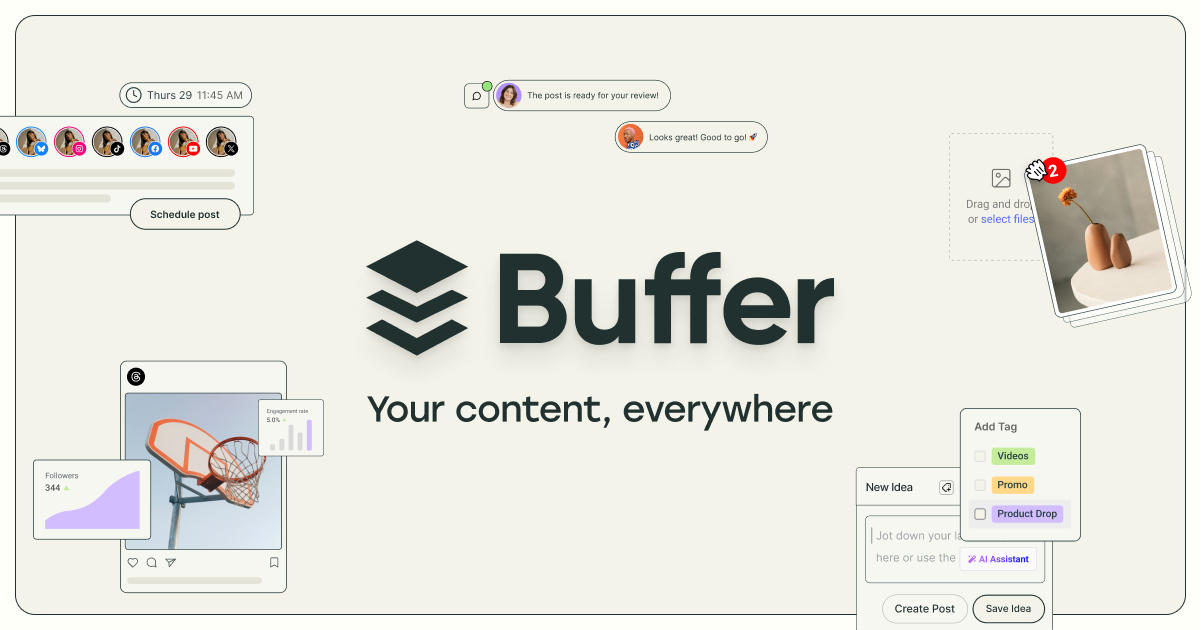
Simple social media scheduling with AI-powered content creation and analytics
- AI Assistant for post generation and content repurposing
- Multi-platform scheduling with queue and calendar views
- Start Page customizable link-in-bio landing page
- Analytics with engagement, reach, and growth tracking
- Hashtag manager with performance suggestions
Why Freemium AI Tools Are the Smart Starting Point
Freemium AI tools let you test serious capabilities before committing budget. The best freemium offerings provide genuinely useful free tiers — not crippled demos, but functional tools that handle real work. Understanding where the free tier ends and paid features begin helps you make informed purchasing decisions and avoid paying for capabilities you do not need.
The freemium model works particularly well in AI because it lets users experience the technology's value firsthand. Many professionals discover that the free tier covers 80% of their needs, while others find that the paid upgrade delivers outsized returns for specific workflows. Either way, starting with the free tier is the rational approach.
Our Top Picks at a Glance
ChatGPT offers the most capable free AI chat. Grammarly provides excellent free grammar and style checking. GitHub Copilot gives developers free code completion. Leonardo AI offers generous free image generation credits. Gamma creates impressive presentations for free.
Detailed Reviews
1. ChatGPT — Best Freemium Chatbot
ChatGPT's free tier provides access to GPT-4o mini with generous usage limits. You get text and image understanding, web browsing, and basic image generation. The Plus plan ($20/month) unlocks GPT-4o, higher usage limits, advanced reasoning, and custom GPTs. The free tier is genuinely useful for occasional users; the upgrade is worthwhile for daily power users.
2. Claude — Best Freemium for Writing and Analysis
Claude's free tier provides access to Claude Sonnet with reasonable daily message limits. It handles long documents, nuanced writing, and careful analysis impressively even on the free plan. The Pro plan ($20/month) adds Claude Opus, higher limits, and priority access. Upgrade if you hit message limits frequently or need the most capable model.
3. Grammarly — Best Freemium Writing Assistant
Grammarly's free tier catches grammar, spelling, and punctuation errors across browsers and apps. The AI writing features help with tone, clarity, and style. The Premium plan ($30/month) adds advanced style suggestions, tone detection, plagiarism checking, and full-text rewrites. The free tier is adequate for basic writing; professionals benefit from upgrading.
4. Perplexity — Best Freemium Research Tool
Perplexity's free tier provides AI-powered web search with cited answers. You get a limited number of Pro searches per day that use advanced models for deeper research. The Pro plan ($20/month) unlocks unlimited advanced searches, file analysis, and access to multiple AI models. The free tier handles casual research well; serious researchers should upgrade.
5. GitHub Copilot — Best Freemium Coding Tool
GitHub Copilot's free tier provides code completions with monthly limits. It integrates into VS Code and JetBrains IDEs, offering real-time suggestions as you type. The Individual plan ($10/month) unlocks unlimited completions, chat, and more advanced features. The free tier is good for trying the experience; active developers will quickly want unlimited access.
6. Leonardo AI — Best Freemium Image Generator
Leonardo AI provides 150 free daily credits for AI image generation. The quality is impressive, with specialized models for different styles and purposes. Paid plans start at $12/month for more credits, higher resolution, and priority processing. The free tier is exceptionally generous — many casual users never need to upgrade.
7. ElevenLabs — Best Freemium Voice Tool
ElevenLabs' free tier includes a limited number of characters for text-to-speech with access to high-quality voices. The quality is impressive even on the free plan. Paid plans start at $5/month for more characters and voice cloning. The free tier is sufficient for testing and small projects; content producers need paid plans for volume.
8. Gamma — Best Freemium Presentation Tool
Gamma's free tier lets you create AI-generated presentations, documents, and web pages with a limited number of credits. The AI produces well-designed, content-rich presentations from simple prompts. Paid plans start at $10/month for more credits and features like custom branding and analytics. The free tier handles occasional presentation needs well.
9. Otter.ai — Best Freemium Transcription Tool
Otter.ai's free tier provides 300 monthly minutes of transcription with AI-generated summaries. It joins meetings automatically and creates searchable transcripts. The Pro plan ($16.99/month) adds more minutes, advanced summaries, and team features. The free tier covers light meeting transcription; teams with daily meetings need to upgrade.
10. Buffer — Best Freemium Social Media Tool
Buffer's free tier manages up to 3 social media channels with basic scheduling and AI-powered post suggestions. Paid plans start at $6/month per channel for more features. The free tier works well for individuals managing a personal brand; businesses with multiple channels need paid plans.
How We Chose These Tools
We evaluated each tool's free tier on its own merits, not just as a gateway to paid features. We measured how much real work you can accomplish without paying, identified the specific triggers that make upgrading worthwhile, and assessed the overall value of each paid upgrade.
Key Considerations When Choosing
- Free tier limitations: Understand exactly what is limited — usage caps, feature restrictions, or quality differences
- Upgrade triggers: Know what specific need would justify paying before you commit
- Annual vs. monthly pricing: Most freemium tools offer significant discounts for annual billing
- Team pricing: Per-seat costs add up; calculate total cost for your team before comparing
- Feature overlap: Avoid paying for features you already get from another tool in your stack
- Trial periods: Some tools offer time-limited trials of premium features — take advantage of these
Subscribe to these tools with crypto
Use your Coda One virtual card to pay for any AI tool subscription with USDT, USDC, or BTC.
Get Your CardFrequently Asked Questions
Which freemium AI tools have the best free tiers?
Leonardo AI (150 daily image credits), ChatGPT (GPT-4o mini access), Grammarly (core grammar checking), and Buffer (3 social channels) offer the most usable free tiers. These provide genuine, ongoing value without requiring payment.
When should I upgrade from a free to paid AI plan?
Upgrade when you consistently hit usage limits, need features only available on paid plans, or when the time saved by premium features exceeds the subscription cost. For most users, this happens when AI becomes part of their daily workflow rather than occasional use.
Do freemium AI tools lock you in?
Most freemium tools allow you to export your data, but some make migration difficult. Before committing, check whether you can export your content, workflows, or projects. Avoid tools that trap your data in proprietary formats.
Disclosure: Some links on this page may be affiliate links. We may earn a commission if you make a purchase through these links, at no additional cost to you.