
Higgsfield AI
By Coda One Team · Last verified: March 2026
Disclosure: Some links earn us a commission at no extra cost to you. Rankings are independent — tools cannot pay for placement.
AI video generator for personalized social media content
What is Higgsfield AI?
Higgsfield AI is a video generation platform that creates personalized AI videos for social media. Its flagship capability is generating short-form videos where users can place themselves or custom characters into various scenes, styles, and scenarios using AI. The tool is designed for creating engaging social media content like TikToks, Reels, and Shorts without traditional video production.
The platform uses diffusion-based video generation models to create videos from text prompts and reference images. Users can upload a selfie and generate videos of themselves in different settings, outfits, and activities. The AI handles motion, facial expressions, and scene composition to produce videos that look more natural than typical AI-generated content.
Higgsfield differentiates from other AI video generators by focusing specifically on social media use cases and personal video content rather than generic text-to-video generation. The mobile-first approach makes it accessible to casual creators who want quick, shareable video content. The tool offers various templates and trending formats optimized for social media engagement.
Founded by a former Meta AI researcher, Higgsfield raised significant venture funding and has positioned itself at the intersection of AI video generation and the creator economy. It competes with tools like HeyGen and Synthesia but targets individual content creators rather than enterprise users.
Key Features
Pros & Cons
Pros
- ✓ Easy to create personalized AI videos without video editing skills
- ✓ Optimized specifically for social media short-form content
- ✓ Mobile app makes creation fast and accessible
- ✓ Affordable pricing for individual creators
Cons
- ✗ Video quality can be inconsistent across different prompts
- ✗ Limited control over fine details compared to traditional editing
- ✗ Free tier is quite restrictive with watermarks
Ready to try Higgsfield AI?
See if it fits your workflow — free plan available.
Video Tutorials
How to Use Higgsfield AI Better than 99% of People
Roboverse
Pricing
Free tier with limited generations; Pro plans available
Free
$0
- ✓Limited video generations per day
- ✓Basic templates and styles
- ✓Watermarked output
- ✓Standard resolution
Pro
$9.99/month
- ✓More video generations
- ✓No watermark
- ✓Priority generation queue
- ✓HD resolution
- ✓Access to all templates
Pay with crypto using a virtual Visa card
Humanize AI content from Higgsfield AI
Transform AI-generated text into natural, human-sounding writing that bypasses detection tools.
Try FreeWho is Higgsfield AI for?
Creating personalized TikTok and Instagram Reels content
Generating AI videos of yourself in creative scenarios
Making engaging social media content without filming
Testing video content ideas before investing in production
Creating trending format videos quickly
Frequently Asked Questions
Is Higgsfield AI free?
Higgsfield AI offers a free tier with limited features. Free tier with limited generations; Pro plans available Paid plans unlock additional capabilities.
What are Higgsfield AI's key features?
Higgsfield AI's standout features include AI-generated personalized videos from selfies, Text-to-video generation for social media, Trending social media templates and formats, Multiple visual styles and scene options. It offers 6 features in total designed for creating personalized tiktok and instagram reels content.
Can I pay for Higgsfield AI with cryptocurrency?
Higgsfield AI does not currently accept cryptocurrency directly. However, you can pay with crypto using a virtual Visa card funded by USDT, USDC, or other stablecoins.
What are the best alternatives to Higgsfield AI?
Popular alternatives to Higgsfield AI include CapCut, Descript, Filmora. Each offers different strengths in pricing, features, and specialization.
Related Tools

CapCut
Free all-in-one video editor with powerful AI features by ByteDance
- AI-powered auto captions and subtitles
- Background removal and chroma key
- Multi-track timeline editing with keyframe animation
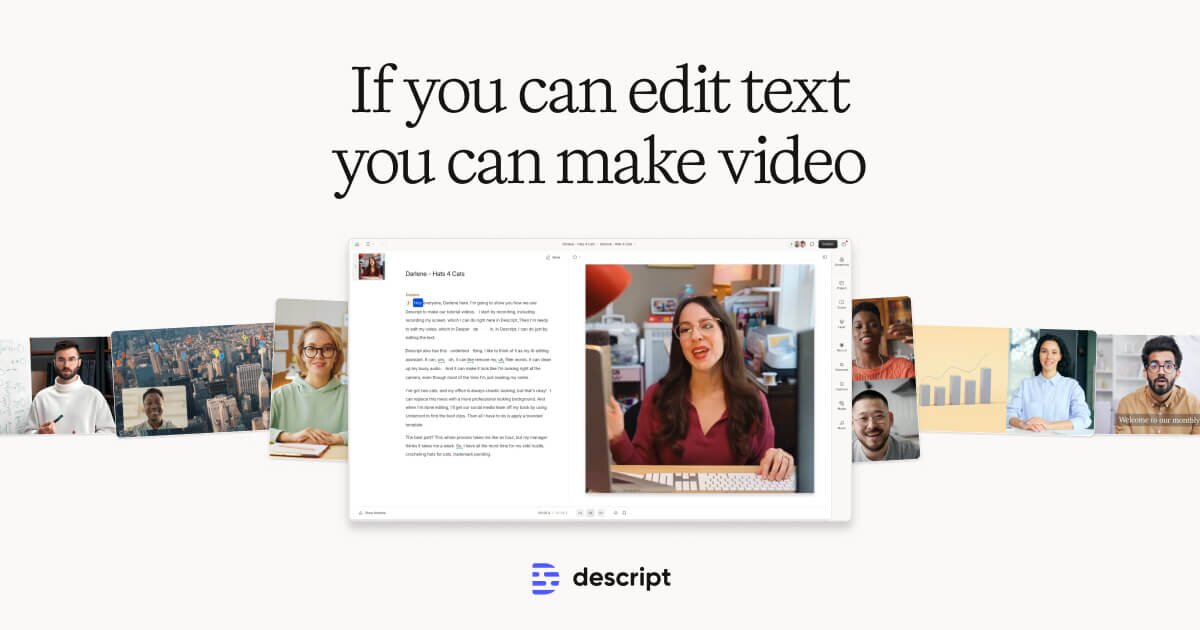
Descript
Edit video by editing text — transcript-based video and podcast editor
- Transcript-based video and audio editing
- Automatic filler word detection and removal
- AI eye contact correction for webcam footage
Filmora
Wondershare's intuitive desktop video editor with AI-powered creative tools
- Multi-track timeline with keyframe animation and motion tracking
- AI copilot editing assistant and text-to-video
- Built-in screen recorder and webcam capture
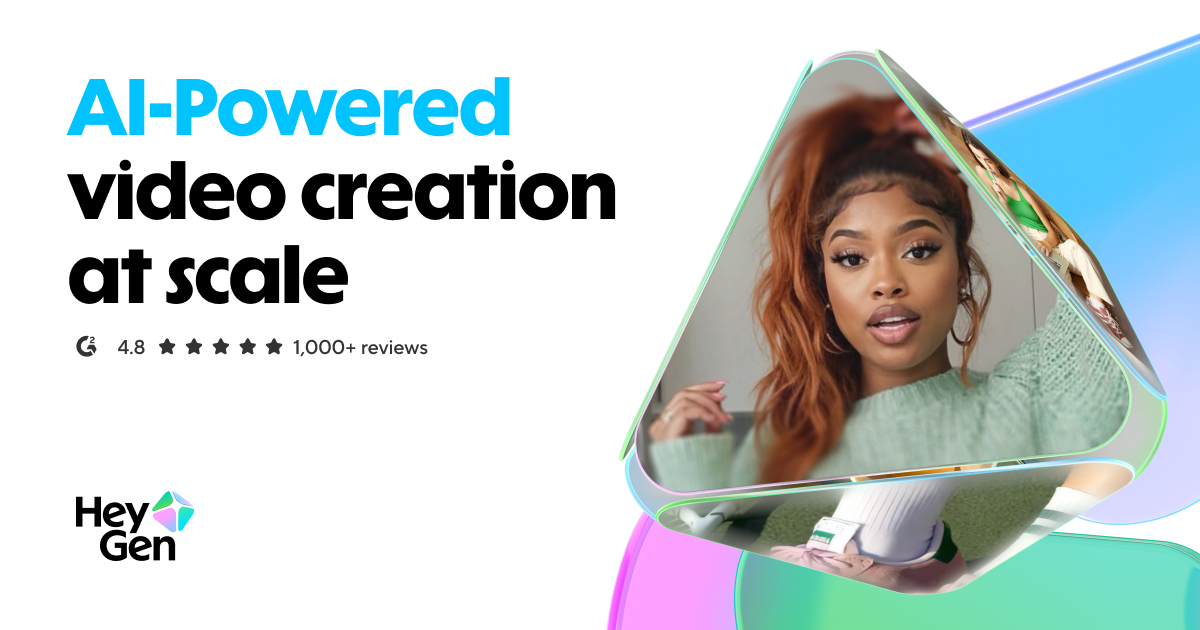
HeyGen
Leading AI avatar platform for business videos and multilingual dubbing
- 100+ photorealistic AI avatars with natural expressions
- Multilingual video translation with voice cloning and lip-sync
- Custom avatar creation from personal video recording
Discover More AI Tools
Weekly curated tools, scenarios, and MCP server updates.
Disclosure: Some links on this page may be affiliate links. We may earn a commission if you make a purchase through these links, at no additional cost to you. This helps support Coda One.