
Kling AI
By Coda One Team · Last verified: March 2026
Disclosure: Some links earn us a commission at no extra cost to you. Rankings are independent — tools cannot pay for placement.
Kuaishou's video generation model with strong motion and physics understanding
What is Kling AI?
Kling AI is a video generation platform developed by Chinese tech company Kuaishou, offering text-to-video and image-to-video capabilities that rival Western competitors at a significantly lower price point. The model demonstrates particularly strong understanding of physical motion, human movement, and realistic scene dynamics.
Kling AI generates videos up to 2 minutes in length, which is notably longer than most competitors. The platform supports multiple generation modes including text-to-video, image-to-video, and video extension. Its motion quality is a standout feature, with natural human gestures, fluid camera movements, and plausible physics interactions that give outputs a professional feel.
The platform's aggressive pricing strategy, starting at $5.99/month with a functional free tier, makes high-quality AI video generation accessible to a broader audience. Kling AI has rapidly gained global traction since opening access beyond China.
Key Features
Pros & Cons
Pros
- ✓ Very competitive pricing compared to Western alternatives
- ✓ Longer video generation up to 2 minutes
- ✓ Excellent motion quality and physics simulation
- ✓ Generous daily free credits
Cons
- ✗ Platform originated in China, raising data concerns for some users
- ✗ English interface and support less polished than competitors
- ✗ Inconsistent quality on complex or abstract prompts
Ready to try Kling AI?
See if it fits your workflow — free plan available.
Video Tutorials
How to Use Kling AI (Tutorial): Free High Quality AI Video Generator
Caffeinated Blogger
Pricing
Free tier with daily credits. Paid plans from $5.99/month with significantly more generation capacity.
Free
$0
- ✓66 credits/day
- ✓Standard mode
- ✓720p
- ✓5-second clips
- ✓Watermark
Standard
$5.99/month
- ✓660 credits/month
- ✓High quality mode
- ✓1080p
- ✓10-second clips
- ✓No watermark
Pro
$29.99/month
- ✓3000 credits/month
- ✓Professional mode
- ✓1080p
- ✓Up to 2-minute clips
- ✓Priority queue
Premier
$59.99/month
- ✓8000 credits/month
- ✓All modes
- ✓Highest quality
- ✓Priority processing
- ✓Commercial use
Pay with crypto using a virtual Visa card
Humanize AI content from Kling AI
Transform AI-generated text into natural, human-sounding writing that bypasses detection tools.
Try FreeWho is Kling AI for?
Affordable AI video generation for indie creators
Creating longer AI video clips for storytelling
Product and concept visualization
Social media content generation
Motion-heavy scenes requiring natural physics
Frequently Asked Questions
Is Kling AI free?
Kling AI offers a free tier with limited features. Free tier with daily credits. Paid plans from $5.99/month with significantly more generation capacity. Paid plans unlock additional capabilities.
What are Kling AI's key features?
Kling AI's standout features include Text-to-video and image-to-video generation, Up to 2-minute video clip generation, Strong physics and motion understanding, Multiple generation modes and quality levels. It offers 8 features in total designed for affordable ai video generation for indie creators.
Can I pay for Kling AI with cryptocurrency?
Kling AI does not currently accept cryptocurrency directly. However, you can pay with crypto using a virtual Visa card funded by USDT, USDC, or other stablecoins.
What are the best alternatives to Kling AI?
Popular alternatives to Kling AI include CapCut, Descript, Filmora. Each offers different strengths in pricing, features, and specialization.
Does Kling AI have an API?
Yes, Kling AI offers an API. The API uses a usage-based pricing model.
Do I need to sign up to use Kling AI?
Kling AI requires an account to access most features. If you prefer no-signup tools, browse Coda One's free tools.
Does Kling AI work on mobile?
Kling AI works in any modern browser on desktop, tablet, and mobile — no install required. For offline or on-device workflows, check our tool catalog for alternatives.
Is my data safe with Kling AI?
Review Kling AI's privacy policy at https://klingai.com for specifics on data retention. For browser-local processing (no server upload), see Coda One's PDF and image tools.
What pricing plans does Kling AI offer?
Kling AI offers 4 plans: Free, Standard, Pro, and more. Starts at Free. Compare with Coda One's own pricing.
Can I cancel or get a refund from Kling AI?
Cancellation and refund policies are set by Kling AI — check their terms at https://klingai.com. Coda One's own paid plans can be cancelled anytime from your subscription dashboard.
How can I pay for Kling AI with USDT or USDC?
Since Kling AI does not take crypto directly, the practical route is a Coda One virtual Visa card funded by USDT/USDC, which works anywhere Visa is accepted.
Who is Kling AI best for?
Kling AI is most useful for Affordable AI video generation for indie creators, Creating longer AI video clips for storytelling, Product and concept visualization. For related workflows, explore Coda One's AI tool catalog.
Related Tools

CapCut
Free all-in-one video editor with powerful AI features by ByteDance
- AI-powered auto captions and subtitles
- Background removal and chroma key
- Multi-track timeline editing with keyframe animation
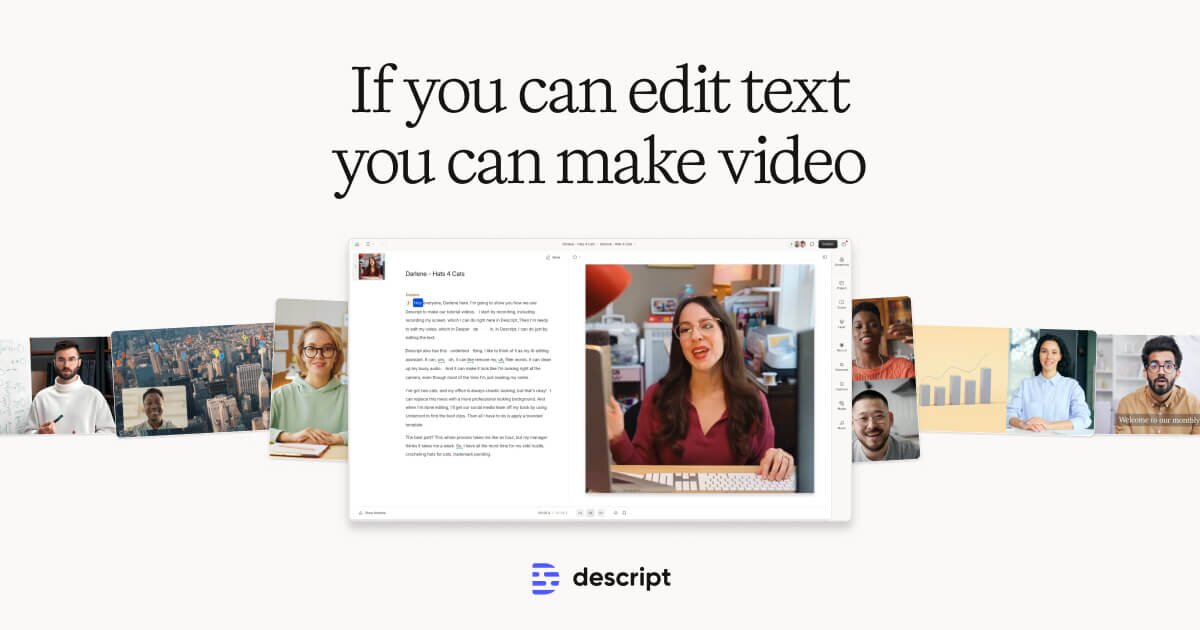
Descript
Edit video by editing text — transcript-based video and podcast editor
- Transcript-based video and audio editing
- Automatic filler word detection and removal
- AI eye contact correction for webcam footage
Filmora
Wondershare's intuitive desktop video editor with AI-powered creative tools
- Multi-track timeline with keyframe animation and motion tracking
- AI copilot editing assistant and text-to-video
- Built-in screen recorder and webcam capture
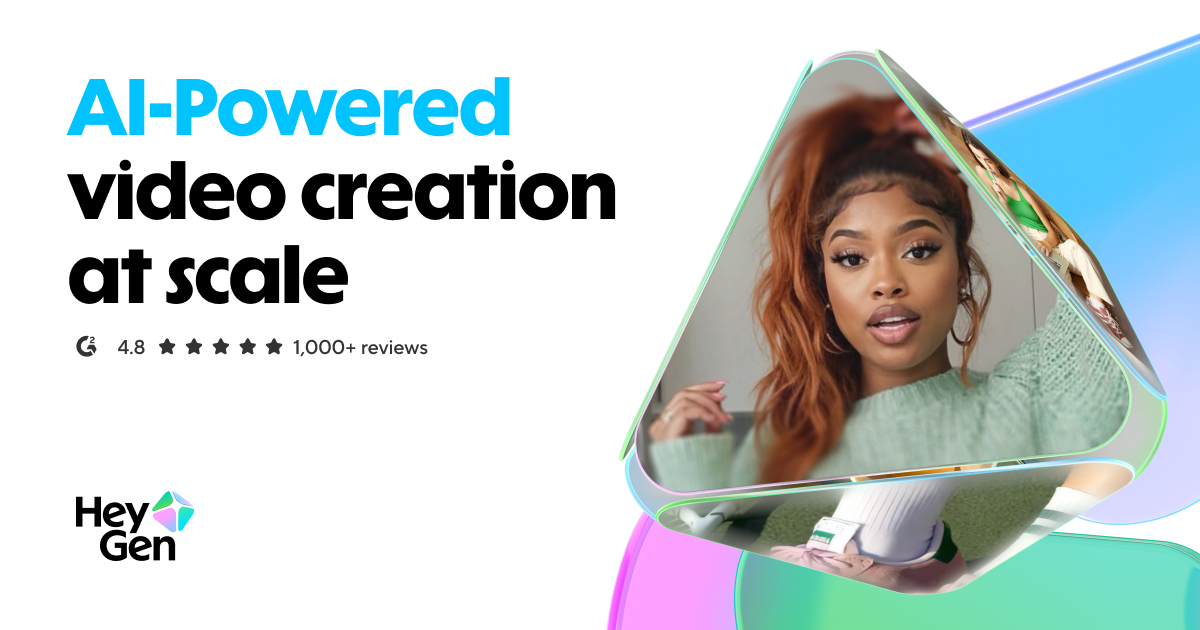
HeyGen
Leading AI avatar platform for business videos and multilingual dubbing
- 100+ photorealistic AI avatars with natural expressions
- Multilingual video translation with voice cloning and lip-sync
- Custom avatar creation from personal video recording
Discover More AI Tools
Weekly curated tools, scenarios, and MCP server updates.
Disclosure: Some links on this page may be affiliate links. We may earn a commission if you make a purchase through these links, at no additional cost to you. This helps support Coda One.