By Coda One Team · Last verified: 2026-03-13
10 Best AI Productivity Tools in 2026 (Compared)
Disclosure: Some links earn us a commission at no extra cost to you. Rankings are independent — tools cannot pay for placement.
10 AI productivity tools tested over 4 weeks. Here's which ones actually save time and which are gimmicks.
Our Top Picks

Notion AI
All-in-one workspace with AI-powered docs, wikis, and databases
- AI-powered Q&A across entire workspace
- Connected databases with relations and rollups
- Wiki with verified pages and ownership

Gamma
AI-native presentation maker with 70M+ users worldwide
- AI-powered full presentation generation from prompts
- Gamma Agent for research-to-deck automation
- Interactive card-based presentation format
ClickUp AI
All-in-one project management platform with ClickUp Brain AI
- ClickUp Brain AI for writing, summarization, and search
- 15+ project views including Gantt, Board, and Timeline
- Built-in docs with real-time collaboration
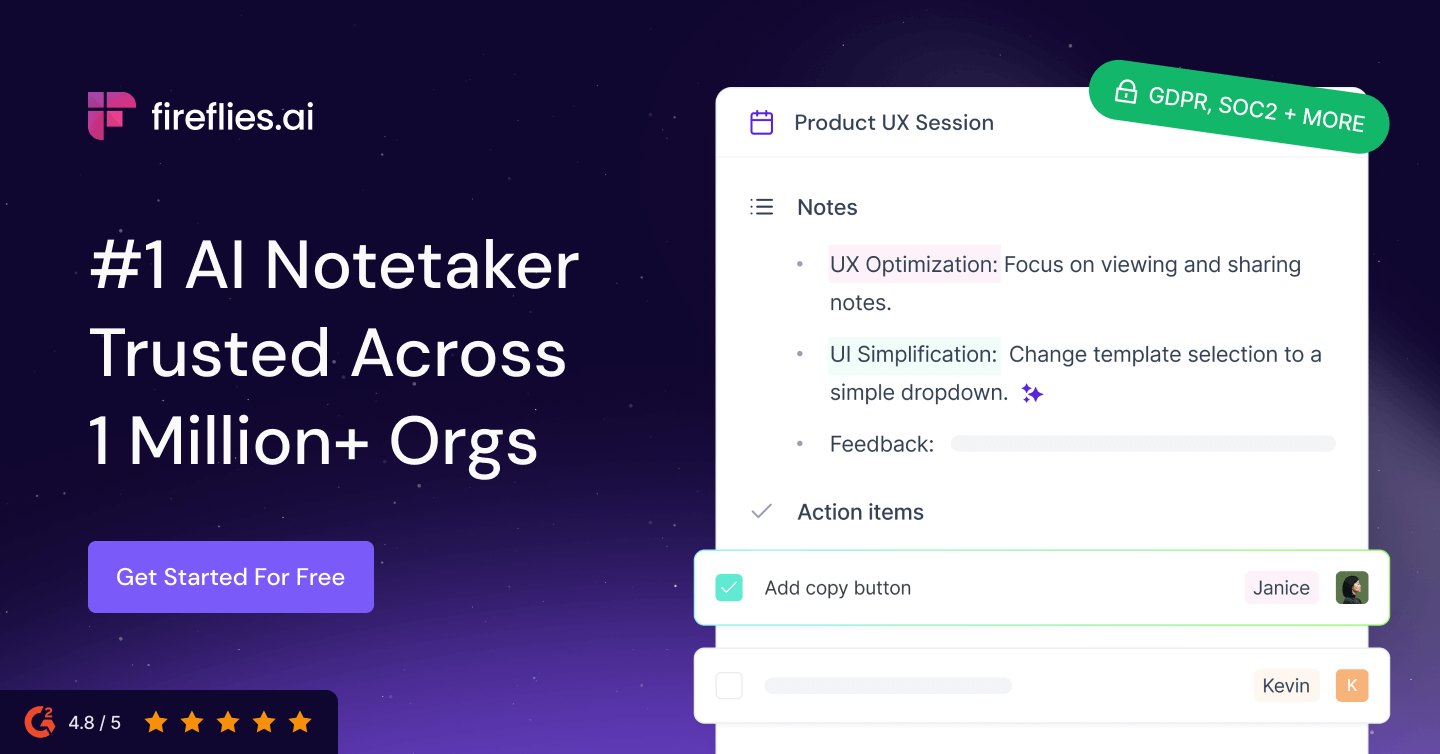
Fireflies.ai
AI meeting transcription and search across 100+ languages
- Automatic meeting recording and transcription in 100+ languages
- AI-generated summaries with action items and decisions
- AskFred AI chatbot for querying meeting history
Superhuman
Premium AI email client built for speed and inbox zero
- AI-powered email drafting matching personal writing style
- Auto Summarize for instant thread summaries
- Split Inbox with customizable email streams

Monday.com AI
Visual work OS with AI-powered automations and workflows
- AI-powered content generation and summarization with credits
- Visual color-coded boards with multiple views
- No-code automations with hundreds of recipes
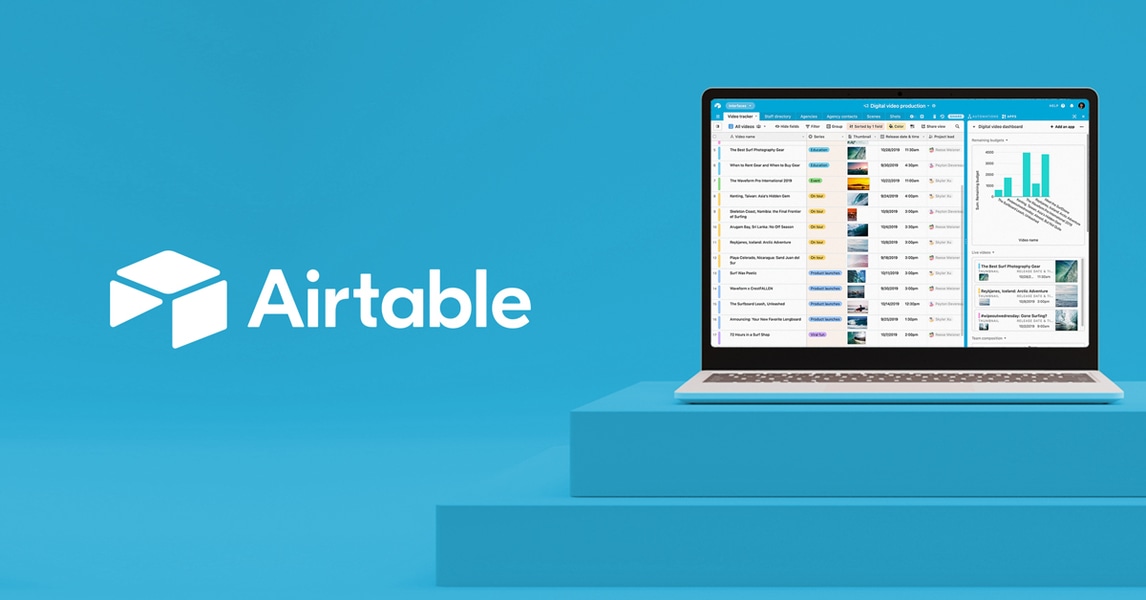
Airtable AI
AI-enhanced relational database with the simplicity of a spreadsheet
- AI-powered field generation and natural language queries
- Relational database with linked records and lookups
- Interface Designer for custom apps and dashboards

Beautiful.ai
Smart slide designer that auto-formats presentations as you build
- DesignAI auto-formats slides in real-time
- AI presentation generation from text prompts
- 60+ smart slide templates with adaptive layouts
Motion
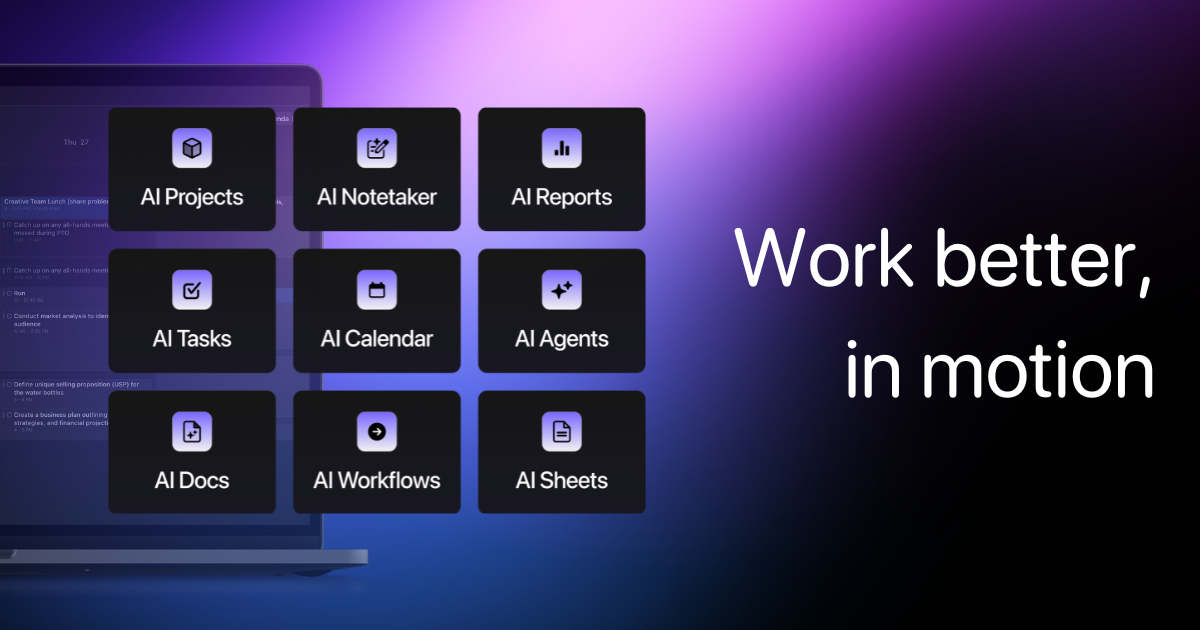
AI-powered calendar, task manager, and docs in one premium workspace
- AI auto-scheduling of tasks into optimal calendar slots
- Continuous replanning as schedules change
- Project management with Kanban and timeline views
Reclaim AI
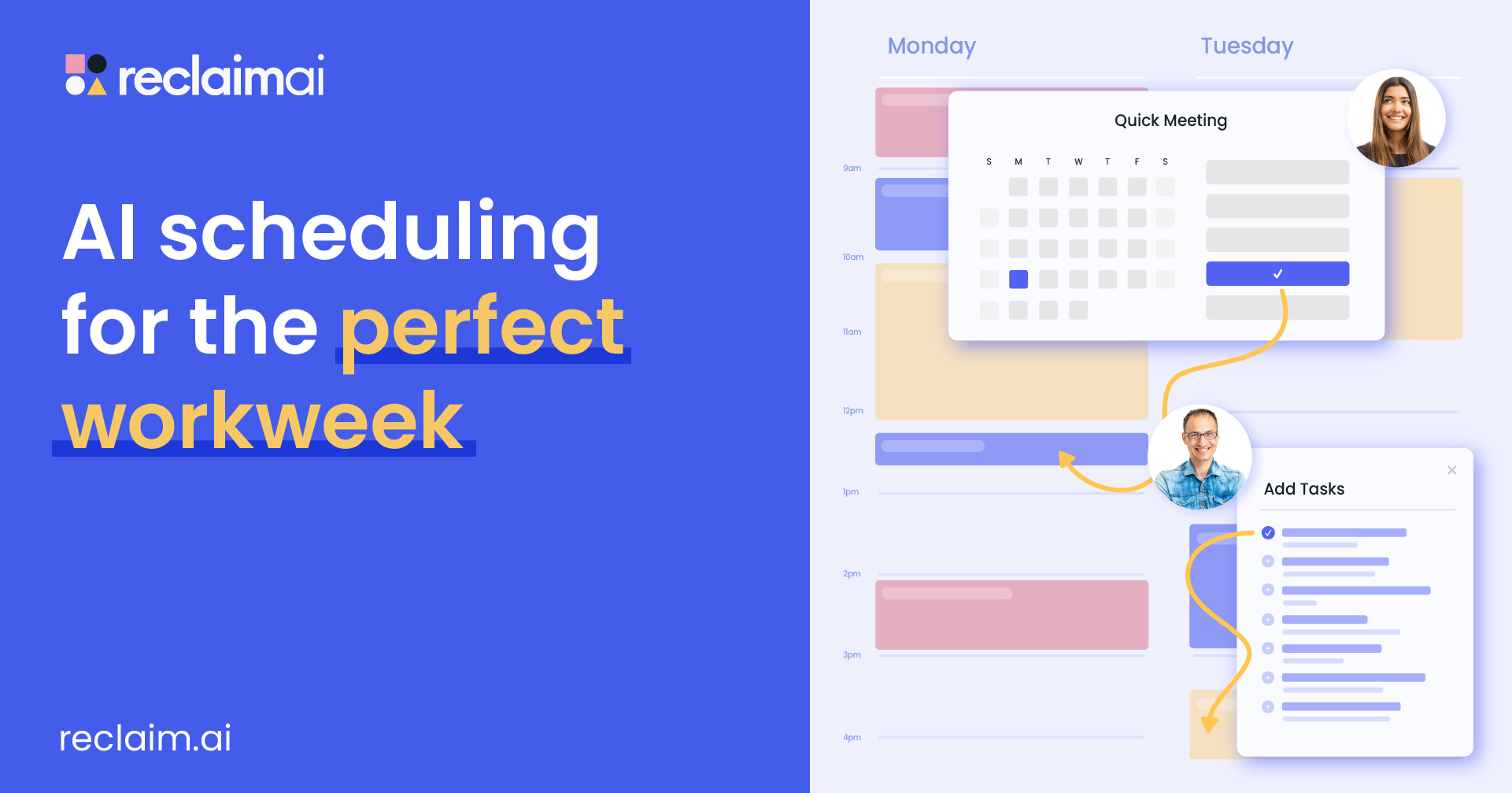
AI calendar assistant for smart scheduling, habits, and time analytics
- AI-powered automatic task and habit scheduling
- Smart 1:1 and team meeting scheduling
- Dynamic rescheduling when priorities change
The Short Answer
Notion AI is the best workspace add-on. Fireflies.ai is the best meeting note tool. Superhuman is the fastest email client. Motion is the best AI calendar manager. Pick based on where you lose the most time.
Quick Picks
Notion AI — best workspace AI. Gamma — fastest presentations. Fireflies.ai — best meeting notes. Superhuman — best email speed. Motion — best calendar optimization.
Detailed Reviews
1. Notion AI — Best All-in-One Workspace
Notion AI adds generative AI directly into Notion's already powerful workspace. It can summarize pages, generate content, translate text, answer questions about your workspace content, and build databases. The Q&A feature that searches across all your Notion content is particularly valuable for teams with large knowledge bases. The AI add-on costs $10/member/month on top of your Notion plan.
2. Gamma — Best for AI Presentations
Gamma has redefined presentation creation with AI. Describe your topic and it generates a complete, visually polished presentation with relevant content, images, and layouts. The results are surprisingly good for first drafts, and the editing interface makes refinement intuitive. It produces presentations, documents, and web pages from the same interface. Generous free tier available.
3. ClickUp AI — Best for Project Management
ClickUp AI integrates AI assistance throughout the project management workflow. It generates task descriptions, summarizes project updates, drafts status reports, and suggests task assignments. The AI is contextually aware of your projects and team structure, making its suggestions genuinely useful. Available as an add-on to ClickUp's project management plans.
4. Fireflies.ai — Best for Meeting Intelligence
Fireflies.ai automatically joins your video calls, transcribes conversations, identifies action items, and generates searchable summaries. Its AI assistant can answer questions about past meetings, track discussion topics over time, and integrate action items with project management tools. Essential for teams that rely heavily on meetings for coordination.
5. Superhuman — Best for Email Productivity
Superhuman combines AI with a speed-optimized email interface to help professionals process email much faster. AI features include one-click email drafting based on context, instant reply suggestions, auto-summarization of long threads, and smart scheduling. The $30/month price tag is justified for heavy email users who value speed.
6. Monday.com AI — Best for Team Workflows
Monday.com AI enhances its work management platform with AI-generated formulas, content suggestions, and workflow automation. It can generate project plans, suggest task assignments, and summarize workload distribution across teams. The AI integrates naturally into Monday's visual workflow boards. Available on most paid plans.
7. Airtable AI — Best for Structured Data
Airtable AI brings intelligence to its flexible database platform. It can categorize records, generate summaries, classify text, and create formulas using natural language. For teams managing structured data like content calendars, inventory, or CRM records, the AI features save significant manual data entry and classification time.
8. Beautiful.ai — Best for Design-Forward Presentations
Beautiful.ai focuses on making every presentation visually stunning with minimal effort. Its smart templates automatically adjust layouts, spacing, and design elements as you add content. The AI design engine ensures professional results even if you have no design skills. Ideal for teams that need polished presentations frequently.
9. Motion — Best for AI Calendar Management
Motion uses AI to automatically schedule tasks, meetings, and deep work blocks on your calendar. It dynamically rearranges priorities based on deadlines and importance, ensuring your most critical work gets scheduled. The automated planning feature is uniquely powerful for individuals and teams struggling with time management.
10. Reclaim AI — Best for Calendar Optimization
Reclaim AI takes a smart approach to calendar management by automatically finding optimal times for habits, tasks, and meetings. It protects focus time, schedules breaks, and adjusts priorities when conflicts arise. Integrates with Google Calendar and popular task managers. The free tier covers individual use well.
How We Chose These Tools
We evaluated each tool by integrating it into real work environments over a four-week period. We measured time saved, output quality, integration smoothness, and team adoption rates. We prioritized tools that deliver measurable productivity gains without steep learning curves.
Key Considerations When Choosing
- Existing workflow fit: The best tool is one your team will actually use daily
- Integration depth: Check compatibility with your current project management, calendar, and communication tools
- Per-seat pricing: AI add-ons can get expensive at scale; calculate total team cost
- Data sensitivity: Understand what data the AI accesses and how it is stored
- Learning curve: Tools that require minimal behavior change see higher adoption
- Mobile experience: Productivity should not stop when you leave your desk
- Customization: Look for tools that adapt to your workflows, not the reverse
100+ free AI tools
Writing, PDF, image, and developer tools — all in your browser.
Frequently Asked Questions
What is the best AI tool for meeting notes?
Fireflies.ai is the top choice for automated meeting notes, with real-time transcription, speaker identification, and AI-generated summaries. Otter.ai is a strong alternative with a more generous free tier. Both integrate with Zoom, Google Meet, and Microsoft Teams.
Is Notion AI worth the extra cost?
For teams already using Notion as their primary workspace, the AI add-on at $10/member/month delivers strong value through content generation, Q&A across your knowledge base, and automated summarization. If you only use Notion lightly, the cost may not be justified.
Can AI productivity tools actually save time?
Yes, measurably. Meeting transcription tools save 30-60 minutes per meeting in manual note-taking. AI email tools reduce email processing time by 30-50%. AI presentation generators can produce a first draft in minutes instead of hours. The key is choosing tools that address your specific bottlenecks.
Disclosure: Some links on this page may be affiliate links. We may earn a commission if you make a purchase through these links, at no additional cost to you.