Skip to content
Intermediate 120 min 5 Steps

Grow a YouTube Channel with AI — Script to SEO

YouTube is the second-largest search engine in the world and the most powerful long-form content platform for building an audience that trusts you. But most creators stall because they treat YouTube a...

What You'll Build

5
Steps
120m
Time
4
Tools
4
Prompts
Difficulty Intermediate
Best for
youtubevideo marketingcontent creationyoutube seo

Step-by-Step Guide

Follow this 5-step workflow to complete in about 120 min.

Find VideoWrite aEdit, Clip,Refine YourOptimize Titles,
1

Find Video Ideas with Real Search Demand

The most common reason YouTube channels fail is creating content nobody searches for. Every video should target a specific search query — or a specific audience problem — with a volume-demand fit you have identified before filming.

Prompt Template
Help me build a YouTube video idea system for my channel. I want every video I produce to have a real audience looking for it — not just content I find interesting. My channel: - Niche/topic: [describe specifically — not 'finance' but 'personal finance for US teachers with pension plans'] - Target viewer: [who are they, what do they already know, what do they want to achieve?] - Channel goal: [build audience / drive product sales / grow email list / establish expert authority / monetize with AdSense] - Current channel size: [subscriber count, or 'starting from zero'] - Competitors or channels I admire in my niche: [3-5 channel names] - My unique angle: [what can I offer that the big channels in my niche cannot? personal experience, specific sub-niche, format, personality?] 1. **Content pillar framework**: Identify 4-6 content pillars for my channel — recurring topic categories that serve my target viewer. For each pillar, write: the pillar name, the viewer intent behind it (what are they trying to accomplish?), and 3-4 example video ideas that serve that intent. 2. **Search-demand video ideas** (15 ideas): Generate 15 specific video ideas optimized for YouTube search. For each idea: - Working title (phrased as a question or outcome a viewer would actually search) - Target search query (the exact phrase someone would type) - Estimated search intent: informational / navigational / commercial / how-to - Why a viewer would click this over other results (my angle or unique hook) - Suggested video length (short 5-8 min / medium 10-15 min / deep-dive 20+ min) 3. **Trend-opportunity ideas** (5 ideas): Identify 5 timely ideas in my niche where I could be among the first to cover a trend, tool, or story. Explain why timing matters for each. 4. **Evergreen vs. topical split recommendation**: For my channel goal and stage, what ratio of evergreen search content to timely topical content should I produce? Why? 5. **12-week content calendar**: Sequence my top 12 ideas into a publishing calendar. Vary pillar topics, mix short and longer formats, and build in logical follow-up videos that create a series momentum.
Tip: Before producing any video, paste your title into YouTube's search bar and look at the autocomplete suggestions. Those suggestions are real search queries with real volume. If YouTube does not autocomplete your topic, either the demand is low or you are not phrasing it the way viewers think about it. Also check the 'About X results' count on competitors' videos for your keyword — a top video with 100K+ views on a topic you can cover is better evidence of demand than any keyword tool.
2

Write a High-Retention Script

Audience retention is YouTube's most important ranking signal. Scripts that hook immediately, deliver on the thumbnail promise, and keep viewers watching to the end get pushed by the algorithm. Structure is as important as the information.

Prompt Template
Write a complete YouTube video script optimized for high audience retention. I want a script I can film directly from, with natural spoken language — not an essay read aloud. Video details: - Title: [your video title] - Target viewer: [specific description] - Target length: [e.g., '10-12 minutes'] - My unique angle: [what makes my take different from other videos on this topic?] - Key information to cover: [main points, facts, tips, or steps the video needs to include] - Call to action at the end: [subscribe / visit link / download freebie / watch next video] - My speaking style: [conversational / educational / storytelling / fast-paced / calm and methodical] Script structure: **Hook (first 30 seconds — the most important part of the video)** Write 3 different hook options: - Option A: Bold statement or counterintuitive claim that creates curiosity - Option B: Relatable problem statement — articulate the viewer's pain in their own words - Option C: Big promise — state the specific outcome this video will deliver For each hook, the first sentence must be so compelling that a viewer who found this by accident would choose to keep watching. **Pattern interrupt at 30 seconds**: One sentence that transitions from the hook to a quick credibility or context statement. Why should this specific viewer trust me on this topic? **B-roll directions**: Note where to cut away from talking-head footage for visual variety (e.g., '[B-roll: screen recording of the tool]' or '[B-roll: hands demonstrating]') **Main content sections** (each 2-4 minutes): For each section: - Section title (shown as on-screen text) - Opening sentence that re-engages viewers who skipped the intro - Core content in spoken, conversational language (no jargon unless explained) - Pattern interrupt recommendation (story, example, graphic, or question) to reset attention - Transition sentence to the next section that creates forward momentum ('And that brings us to the part most people get wrong...') **Retention-engineering moments**: At the 30% and 60% marks in the video, write a 'loop opener' — a tease of something coming later that gives viewers a reason to keep watching. **Outro (60-90 seconds)**: - Summary of the 3 key takeaways (not a recap of everything — just the 3 things they should remember) - CTA (specific and single — one action, not four) - End screen teaser: One sentence that makes the suggested next video feel essential to watch.
Tip: The 30-second retention cliff is the most important moment in any YouTube video. If viewers are still watching at 30 seconds, most will watch to at least 50% of the video. Study your analytics in YouTube Studio — filter by videos that have 50%+ average view duration and look for patterns in how those videos opened. The format of your best-retained videos is your winning formula. Replicate it systematically.
3

Edit, Clip, and Repurpose with AI

One YouTube video should produce content for 5+ platforms with minimal extra effort. AI editing tools can remove silences, generate transcripts, and identify the best 60-second clips automatically — turning one hour of recording into a week of content.

Prompt Template
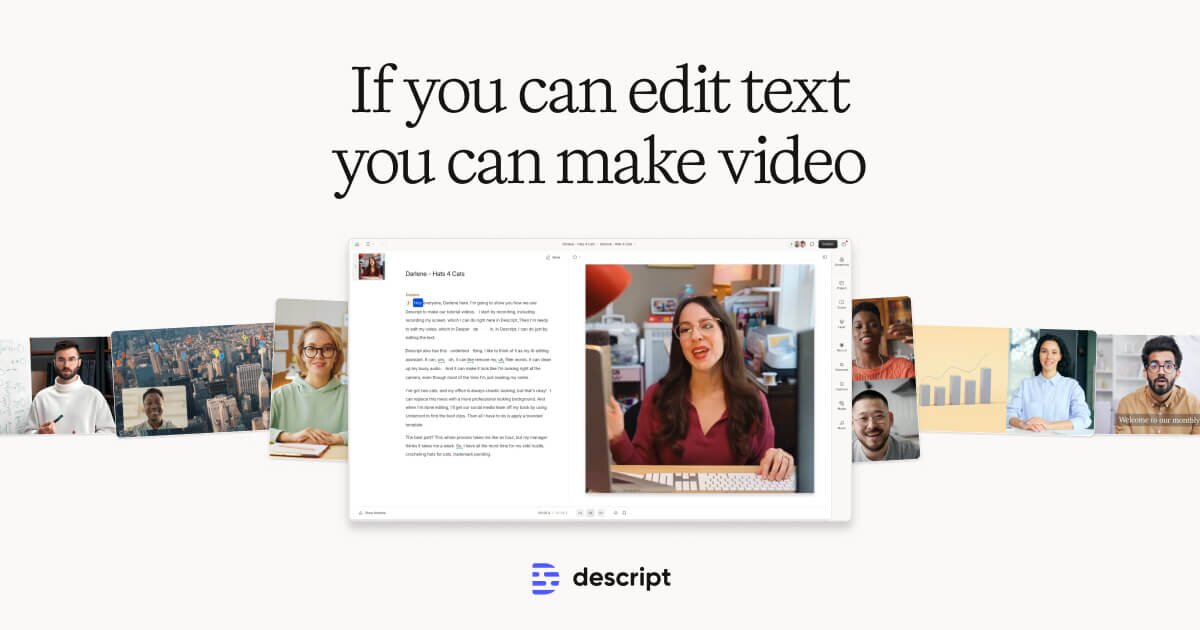
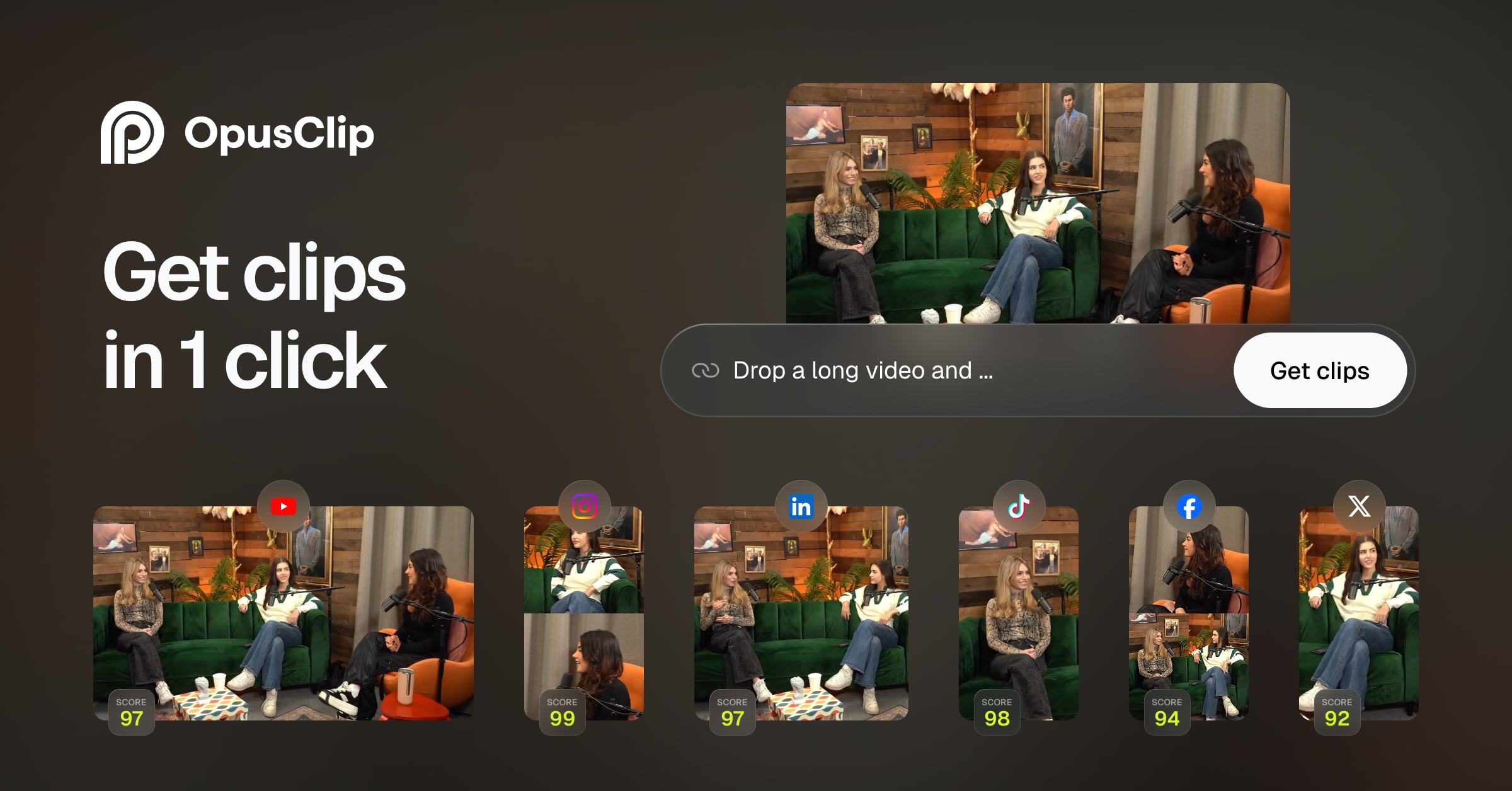
Design a content repurposing system for my YouTube channel. I want to maximize the output from every video I produce without spending more filming time. My current setup: - Video length I produce: [e.g., '10-15 minute YouTube videos'] - Platforms I want content on: [YouTube Shorts / TikTok / Instagram Reels / LinkedIn / Twitter/X / podcast / blog — list which ones] - Time I have for repurposing per video: [e.g., '2 hours per week'] - Tools available: [Descript yes/no / CapCut / Opus Clip / other] - Do I have a team or is this solo: [solo / VA / editor] 1. **Repurposing workflow map**: For a single 12-minute YouTube video, design the complete repurposing workflow. What gets created, in what order, using what tool, and how long does each step take? 2. **Short-form clip strategy**: What are the 5 types of moments in a long-form video that perform best as YouTube Shorts or TikToks? For each type, describe what it looks and sounds like, and how to identify it during editing. 3. **Descript editing workflow**: Walk me through a step-by-step editing process in Descript for: - Removing filler words and silences automatically - Finding the best clip moments using transcript search - Creating square (1:1) and vertical (9:16) exports from horizontal (16:9) footage - Adding captions for silent viewing 4. **Opus Clip prompt**: What clip selection criteria should I give Opus Clip to find the highest-performing short-form moments in my video? Write specific instructions for my niche: [niche/topic]. 5. **Blog post from transcript**: Write a repurposing prompt I can use with ChatGPT or Claude to turn my video transcript into a 800-1,200 word blog post that is genuinely useful (not just a transcript dump). The post should be optimized for Google search, not just copied from the video. 6. **Email newsletter repurpose**: Write a repurposing prompt to turn the same video into a 300-400 word email newsletter that stands alone — someone who never watches the video gets real value from the email, but is also motivated to watch.
Tip: The best Shorts and Reels are not the most information-dense moments from your long video — they are the moments with the strongest emotional hook and the clearest single point. A 45-second clip that makes someone laugh, surprises them, or gives them one immediately actionable insight will outperform a 90-second educational summary every time. When reviewing your transcript for clips, mark every moment where you naturally said something punchy, surprising, or emotionally direct. Those are your clips.
4

Refine Your Copy

Marketing copy needs to be sharp, on-brand, and natural. Use Coda One to rewrite for different tones and catch any grammar issues.

Tip: Try the Rewriter with different tone settings (Persuasive, Casual, Professional) to find what works best.
5

Optimize Titles, Thumbnails, and Descriptions for Discovery

YouTube's algorithm decides which 500 million videos to show your viewer in the next second. Title and thumbnail are the only levers you have to win that competition. Optimize both like conversion rate optimization, not like creative expression.

Prompt Template
Optimize the YouTube title, thumbnail concept, and description for my video to maximize click-through rate and search ranking. Video details: - Topic: [what is the video about?] - Target keyword: [the search phrase I want to rank for] - Target viewer: [who is this for? what do they already know? what do they want?] - Key promise or outcome: [what does the viewer get from watching?] - Unique angle: [what makes this video different from 20 other videos on the same topic?] - Channel tone: [educational / entertaining / controversial / calm / high-energy] **Title optimization**: Write 10 title variations. Cover all these angles: - Keyword-first: starts with the target search phrase - Outcome-led: promises a specific result ('How I [achieved X] in [timeframe]') - Curiosity gap: creates an information gap the viewer must click to close - Numbered list: '[X] Things You Did Not Know About [Topic]' - Contrarian: challenges a common belief ('Why [Popular Advice] Is Wrong') - Personal story: frames as an experience ('I Tried [X] for 30 Days — Here is What Happened') - Problem-aware: speaks directly to a frustration ('[Problem]? Do This Instead') For each title, rate it on: (1) searchability — would a viewer type this? (2) curiosity — does it create a need to click? (3) clarity — is the video promise obvious? **Thumbnail brief** (for Canva or a designer): Design 3 thumbnail concepts. For each: - Visual layout: what is shown — face / product / graphic / before-after? - Text overlay: max 4 words (larger text, fewer words performs better on mobile) - Color scheme: how does it contrast with YouTube's white background and other thumbnails in this niche? - Emotional expression (if a face is used): what expression reinforces the video's promise? - One-sentence brief for Canva: describe the thumbnail design in terms a template editor can execute **Description optimization**: Write a complete video description: - First 2-3 sentences (shown before 'Show More'): summarize the video's value in terms of viewer outcome, include target keyword naturally - Chapters/timestamps (if applicable): list the main sections with timing - Resources mentioned: links to tools, articles, or products referenced - CTA section: subscribe prompt, newsletter or freebie link, related videos - SEO keyword section: 5-8 natural sentences that include secondary keywords without keyword-stuffing - Tags suggestion: 10-15 tags mixing broad, specific, and long-tail terms **A/B test recommendation**: If I could only test one variable — title vs. thumbnail — which should I test first and why?
Tip: Test thumbnails before production by creating two simple mockups in Canva and showing them to 5 people in your target audience. Ask only: 'What do you think this video is about?' — not 'which do you prefer?' The thumbnail that generates the most accurate description of your video's topic is the one that will perform better in search. Misleading thumbnails that generate clicks but not watch time will be punished by YouTube's algorithm within days.

Recommended Tools for This Scenario

MCP Servers for This Scenario

Browse all MCP servers →

Frequently Asked Questions

How long does it take to grow a YouTube channel from zero?
Channels that publish consistently (1-2 videos per week) in a defined niche typically reach 1,000 subscribers (monetization eligibility) in 6-18 months. Channels with strong SEO strategy, clear viewer targeting, and high click-through rates can grow faster. The channels that grow fastest share one trait: they treat every video as a search traffic asset, not a creative broadcast. 'Went viral' growth exists but is unpredictable — sustainable channel growth comes from accumulating search-indexed videos that continue driving views for years. A video published two years ago can still generate 80% of a channel's monthly views.
How long should my YouTube videos be?
The ideal length is exactly as long as your video needs to be — no longer. Algorithms do not reward long videos for length; they reward videos with high average percentage viewed. A 6-minute video with 70% average view duration outperforms a 20-minute video with 30% average view duration. For how-to and educational content, 8-15 minutes is a good target — long enough to cover a topic thoroughly, short enough to maintain attention. For entertainment and personal content, 10-20 minutes is common. The metric to optimize is absolute watch time minutes delivered per video, which is average duration x number of views.
Should I use a faceless channel or appear on camera?
On-camera channels build deeper audience trust and higher subscriber loyalty, which leads to better long-term monetization (sponsorships, products, memberships). Faceless channels have lower production barriers and can scale to multiple channels more easily, but typically monetize through AdSense and affiliate links only. For a creator building a business around their expertise, showing your face is the stronger long-term strategy. For someone who wants passive income from content without building a personal brand, faceless is viable — but expect lower RPMs and slower subscriber growth.
What is the most important metric to track on YouTube?
Click-through rate (CTR) and average view duration are the two metrics that most directly influence how much YouTube distributes your video. CTR tells you if your title and thumbnail are winning the competition for attention. Average view duration tells you if your content keeps the promise your thumbnail made. A healthy CTR is 4-10% for most channels (branded/subscriber traffic is higher, impressions-based discovery is lower). Average view duration above 40-50% is good. But the metric that ultimately matters most is impressions from Browse features and Suggested video — because that means YouTube's algorithm is actively recommending your content beyond your existing subscribers.

Coda One Tools for This Scenario

Try AI Humanizer

Transform AI-generated text into natural, human-sounding writing that bypasses detection tools.

Try Free

Try AI Rewriter

Rewrite and improve any text while preserving meaning and adding a human touch.

Try Free

Try AI Grammar Checker

Find and fix grammar, spelling, and punctuation errors with detailed explanations.

Try Free
youtubevideo marketingcontent creationyoutube seovideo scriptcontent repurposingaudience growth
Was this helpful?

Get More Scenarios Like This

New AI guides, top tools, and prompt templates — curated weekly.