OpusClip
By Coda One Team · Last verified: March 2026
Disclosure: Some links earn us a commission at no extra cost to you. Rankings are independent — tools cannot pay for placement.
AI-powered long-to-short video repurposing with viral clip detection
What is OpusClip?
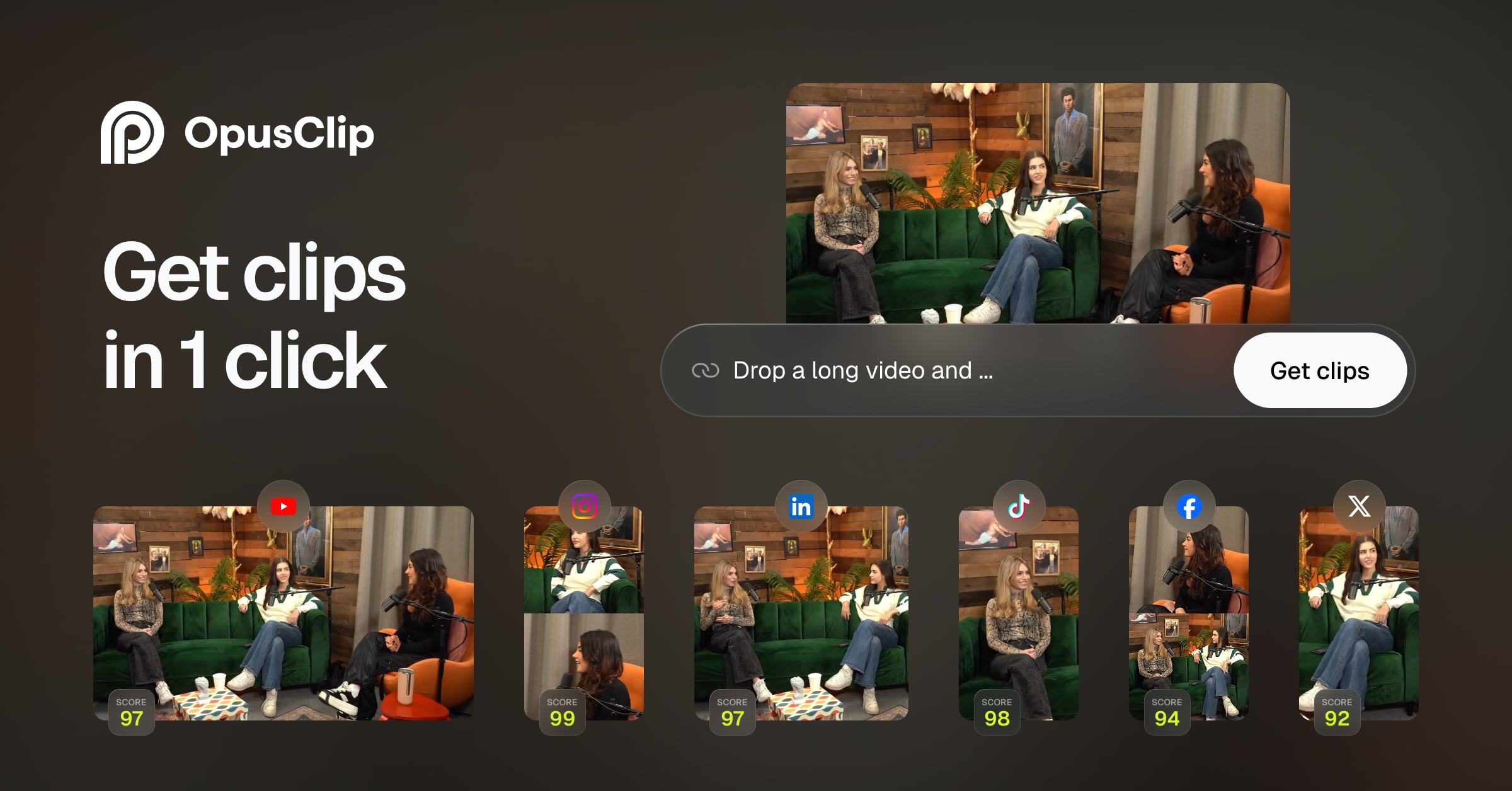
OpusClip is an AI-powered video repurposing tool that automatically transforms long-form videos into engaging short-form clips optimized for TikTok, YouTube Shorts, Instagram Reels, and LinkedIn. The platform analyzes video content to identify the most compelling moments, then produces ready-to-post clips complete with animated captions, speaker tracking, and virality scoring.
The core workflow is remarkably simple: paste a YouTube, Zoom, or Google Drive link, and OpusClip's AI analyzes the transcript and visual content to extract multiple short clips ranked by predicted viral potential. Each clip gets automatic animated captions with customizable styles, dynamic speaker reframing to keep faces centered in vertical format, and B-roll suggestions. The virality score helps creators prioritize which clips to post first.
OpusClip supports batch processing for content teams managing multiple channels, and offers a scheduling feature for direct posting to social platforms. The platform also includes a clip editor for fine-tuning AI selections, brand kit management for consistent visual identity, and analytics to track clip performance. It has become an essential tool for podcasters, YouTubers, and marketing teams who need to maximize the reach of their long-form content across short-form platforms.
Key Features
Pros & Cons
Pros
- ✓ Dramatically saves time repurposing long-form content
- ✓ Virality scoring helps prioritize best clips
- ✓ High-quality auto-captions with trending styles
- ✓ Simple paste-a-link workflow requires minimal effort
Cons
- ✗ Processing minutes limit can be restrictive on free plan
- ✗ AI clip selection occasionally misses the best moments
- ✗ Limited editing capabilities for fine-grained adjustments
Ready to try OpusClip?
See if it fits your workflow — free plan available.
Video Tutorials
OpusClip - Full Tutorial 2025: Best Long Video To Short Video AI
OpusClip
Pricing
Free plan with limited processing minutes. Paid plans unlock more minutes and premium features.
Free
$0
- ✓60 processing minutes/month
- ✓Auto-captions
- ✓720p export
- ✓Watermark included
Starter
$19/month
- ✓200 processing minutes/month
- ✓1080p export
- ✓No watermark
- ✓Brand kit
- ✓ClipAnything
Pro
$49/month
- ✓600 processing minutes/month
- ✓All features
- ✓Priority processing
- ✓Social scheduling
- ✓Analytics
Pay with crypto using a virtual Visa card
Humanize AI content from OpusClip
Transform AI-generated text into natural, human-sounding writing that bypasses detection tools.
Try FreeWho is OpusClip for?
Repurposing podcasts into short-form social media clips
Extracting highlights from webinars and conference talks
YouTube to TikTok/Shorts/Reels content recycling
Marketing teams scaling short-form content output
Coaches and educators distributing key takeaways
Frequently Asked Questions
Is OpusClip free?
OpusClip offers a free tier with limited features. Free plan with limited processing minutes. Paid plans unlock more minutes and premium features. Paid plans unlock additional capabilities.
What are OpusClip's key features?
OpusClip's standout features include AI viral clip detection with virality scoring, Automatic animated captions with custom styles, Dynamic speaker tracking and reframing for vertical video, Batch processing for multiple videos. It offers 8 features in total designed for repurposing podcasts into short-form social media clips.
Can I pay for OpusClip with cryptocurrency?
OpusClip does not currently accept cryptocurrency directly. However, you can pay with crypto using a virtual Visa card funded by USDT, USDC, or other stablecoins.
What are the best alternatives to OpusClip?
Popular alternatives to OpusClip include CapCut, Descript, Filmora. Each offers different strengths in pricing, features, and specialization.
Do I need to sign up to use OpusClip?
OpusClip requires an account to access most features. If you prefer no-signup tools, browse Coda One's free tools.
Does OpusClip work on mobile?
OpusClip works in any modern browser on desktop, tablet, and mobile — no install required. For offline or on-device workflows, check our tool catalog for alternatives.
Is my data safe with OpusClip?
Review OpusClip's privacy policy at https://www.opus.pro for specifics on data retention. For browser-local processing (no server upload), see Coda One's PDF and image tools.
What pricing plans does OpusClip offer?
OpusClip offers 3 plans: Free, Starter, Pro. Starts at Free. Compare with Coda One's own pricing.
Can I cancel or get a refund from OpusClip?
Cancellation and refund policies are set by OpusClip — check their terms at https://www.opus.pro. Coda One's own paid plans can be cancelled anytime from your subscription dashboard.
How can I pay for OpusClip with USDT or USDC?
Since OpusClip does not take crypto directly, the practical route is a Coda One virtual Visa card funded by USDT/USDC, which works anywhere Visa is accepted.
Who is OpusClip best for?
OpusClip is most useful for Repurposing podcasts into short-form social media clips, Extracting highlights from webinars and conference talks, YouTube to TikTok/Shorts/Reels content recycling. For related workflows, explore Coda One's AI tool catalog.
Use OpusClip for…
Step-by-step guides featuring OpusClip with prompts you can copy and use right away.
Grow a YouTube Channel with AI — Script to SEO
YouTube is the second-largest search engine in the world and the most powerful long-form content platform for building an audience that trusts you. But most creators stall because they treat YouTube as a creative project instead of a system. This workflow uses AI to run every part of that system: finding video ideas with real search demand, writing scripts that retain viewers, editing and repurposing content efficiently, and optimizing titles, thumbnails, and descriptions for discovery.
Market Your Podcast with AI — Growth to Monetization
Most podcasters publish great episodes that nobody finds. The content problem is usually not the bottleneck — the distribution, discoverability, and promotion problem is. This guide covers how to use AI to repurpose every episode into dozens of pieces of content, write show notes that rank in search, create audiogram clips that spread on social media, pitch to new audiences, and build the monetization assets that turn listeners into revenue.
Related Tools

CapCut
Free all-in-one video editor with powerful AI features by ByteDance
- AI-powered auto captions and subtitles
- Background removal and chroma key
- Multi-track timeline editing with keyframe animation
Descript
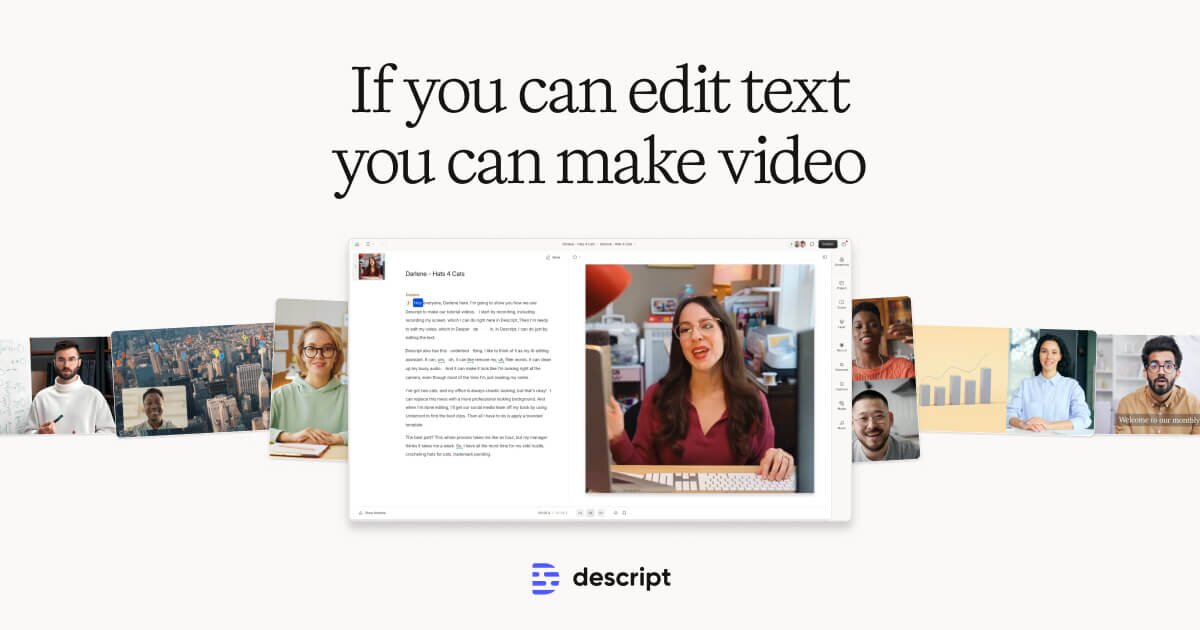
Edit video by editing text — transcript-based video and podcast editor
- Transcript-based video and audio editing
- Automatic filler word detection and removal
- AI eye contact correction for webcam footage

Filmora
Wondershare's intuitive desktop video editor with AI-powered creative tools
- Multi-track timeline with keyframe animation and motion tracking
- AI copilot editing assistant and text-to-video
- Built-in screen recorder and webcam capture

HeyGen
Leading AI avatar platform for business videos and multilingual dubbing
- 100+ photorealistic AI avatars with natural expressions
- Multilingual video translation with voice cloning and lip-sync
- Custom avatar creation from personal video recording
Discover More AI Tools
Weekly curated tools, scenarios, and MCP server updates.
Disclosure: Some links on this page may be affiliate links. We may earn a commission if you make a purchase through these links, at no additional cost to you. This helps support Coda One.