
HyperWrite
By Coda One Team · Last verified: March 2026
Disclosure: Some links earn us a commission at no extra cost to you. Rankings are independent — tools cannot pay for placement.
AI writing assistant with browser-wide autocomplete and generation
What is HyperWrite?
HyperWrite is an AI writing assistant that lives in your browser, offering intelligent autocomplete, content generation, and text transformation across every website you visit. Its TypeAhead feature provides sentence completions as you type in Gmail, Google Docs, LinkedIn, Twitter, and any other text field, functioning like a personalized AI co-writer. Beyond autocomplete, HyperWrite includes dedicated tools for summarizing content, generating emails from bullet points, explaining complex text in simple terms, and rewriting passages in different styles. The AutoWrite feature can generate full drafts from minimal prompts. HyperWrite also introduced an AI agent feature that can perform web tasks autonomously, like filling out forms or conducting research. The free tier provides 15 generations per month, while Premium at $19.99/mo offers unlimited generations and access to the most advanced AI models. The tool is built by OthersideAI, which focuses on making AI assistance feel natural and integrated into existing workflows rather than requiring users to switch to a separate application.
Key Features
Pros & Cons
Pros
- ✓ TypeAhead autocomplete works everywhere in the browser, not just specific apps
- ✓ AI agent feature for web automation is genuinely innovative
- ✓ Natural integration into existing workflows without app switching
- ✓ Broad utility from emails to articles to research
Cons
- ✗ Free tier with only 15 generations/month is very limited
- ✗ Less focused than specialized tools — jack of all trades risk
- ✗ Agent features still experimental and not always reliable
Ready to try HyperWrite?
See if it fits your workflow — free plan available.
Video Tutorials
How To Use Hyperwrite Ai - Tutorial + Review 2025 (Overview)
How To PC
Pricing
Free with 15 generations/mo; Premium at $19.99/mo unlimited; Ultra at $44.99/mo with agent features
Free
$0
- ✓15 generations per month
- ✓TypeAhead autocomplete
- ✓Browser extension
- ✓Basic writing tools
Premium
$19.99/mo
- ✓Unlimited generations
- ✓Advanced AI models (GPT-4)
- ✓All writing tools
- ✓AutoWrite full draft generation
- ✓Priority processing
Ultra
$44.99/mo
- ✓Everything in Premium
- ✓AI agent for web automation
- ✓Autonomous task completion
- ✓Research agent
- ✓Early access to new features
Pay with crypto using a virtual Visa card
Humanize AI content from HyperWrite
Transform AI-generated text into natural, human-sounding writing that bypasses detection tools.
Try FreeWho is HyperWrite for?
Professionals speeding up email composition with autocomplete
Writers generating first drafts from brief outlines
Researchers summarizing articles and complex documents
Automating repetitive web tasks with AI agent feature
Frequently Asked Questions
Is HyperWrite free?
HyperWrite offers a free tier with limited features. Free with 15 generations/mo; Premium at $19.99/mo unlimited; Ultra at $44.99/mo with agent features Paid plans unlock additional capabilities.
What are HyperWrite's key features?
HyperWrite's standout features include TypeAhead intelligent sentence autocomplete across all websites, AutoWrite full content generation from prompts, Email generation from bullet points, Text summarization and simplification tools. It offers 6 features in total designed for professionals speeding up email composition with autocomplete.
Can I pay for HyperWrite with cryptocurrency?
HyperWrite does not currently accept cryptocurrency directly. However, you can pay with crypto using a virtual Visa card funded by USDT, USDC, or other stablecoins.
What are the best alternatives to HyperWrite?
Popular alternatives to HyperWrite include Copy.ai, Frase, Grammarly. Each offers different strengths in pricing, features, and specialization.
Do I need to sign up to use HyperWrite?
HyperWrite requires an account to access most features. If you prefer no-signup tools, browse Coda One's free tools.
Does HyperWrite work on mobile?
HyperWrite works in any modern browser on desktop, tablet, and mobile — no install required. For offline or on-device workflows, check our tool catalog for alternatives.
Is my data safe with HyperWrite?
Review HyperWrite's privacy policy at https://www.hyperwriteai.com for specifics on data retention. For browser-local processing (no server upload), see Coda One's PDF and image tools.
What pricing plans does HyperWrite offer?
HyperWrite offers 3 plans: Free, Premium, Ultra. Starts at Free. Compare with Coda One's own pricing.
Can I cancel or get a refund from HyperWrite?
Cancellation and refund policies are set by HyperWrite — check their terms at https://www.hyperwriteai.com. Coda One's own paid plans can be cancelled anytime from your subscription dashboard.
How can I pay for HyperWrite with USDT or USDC?
Since HyperWrite does not take crypto directly, the practical route is a Coda One virtual Visa card funded by USDT/USDC, which works anywhere Visa is accepted.
Who is HyperWrite best for?
HyperWrite is most useful for Professionals speeding up email composition with autocomplete, Writers generating first drafts from brief outlines, Researchers summarizing articles and complex documents. For related workflows, explore Coda One's AI tool catalog.
Related Tools

Copy.ai
AI-powered GTM platform for marketing copy and sales enablement
- 90+ copywriting templates for ads, emails, and social media
- Workflow automation for chaining multi-step content pipelines
- Bulk content generation for A/B testing at scale
Frase
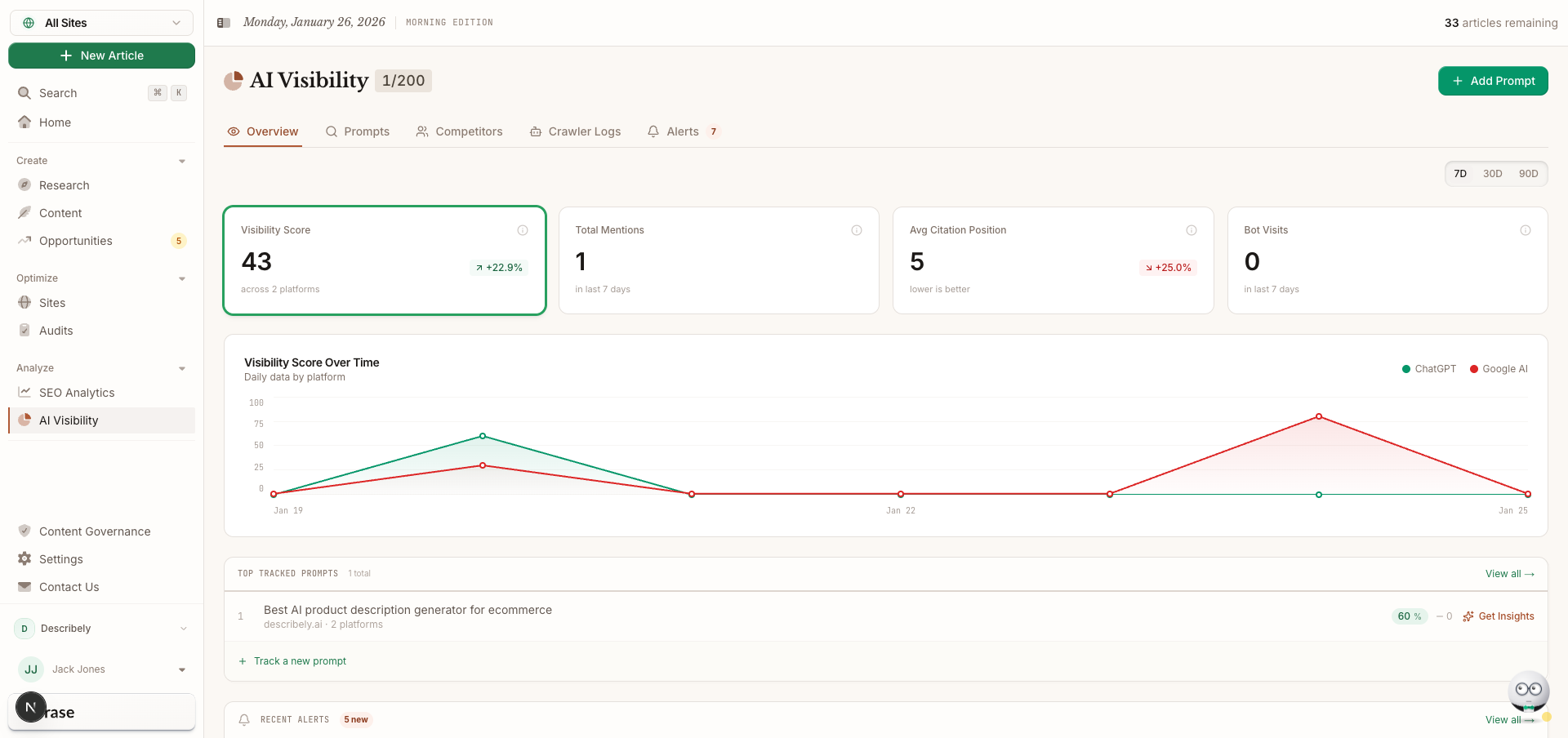
SEO content research, optimization, and AI writing in one workflow
- SERP analysis of top-ranking pages for any keyword
- Automated content brief generation with topic recommendations
- AI writing assistant guided by SEO research data
Grammarly
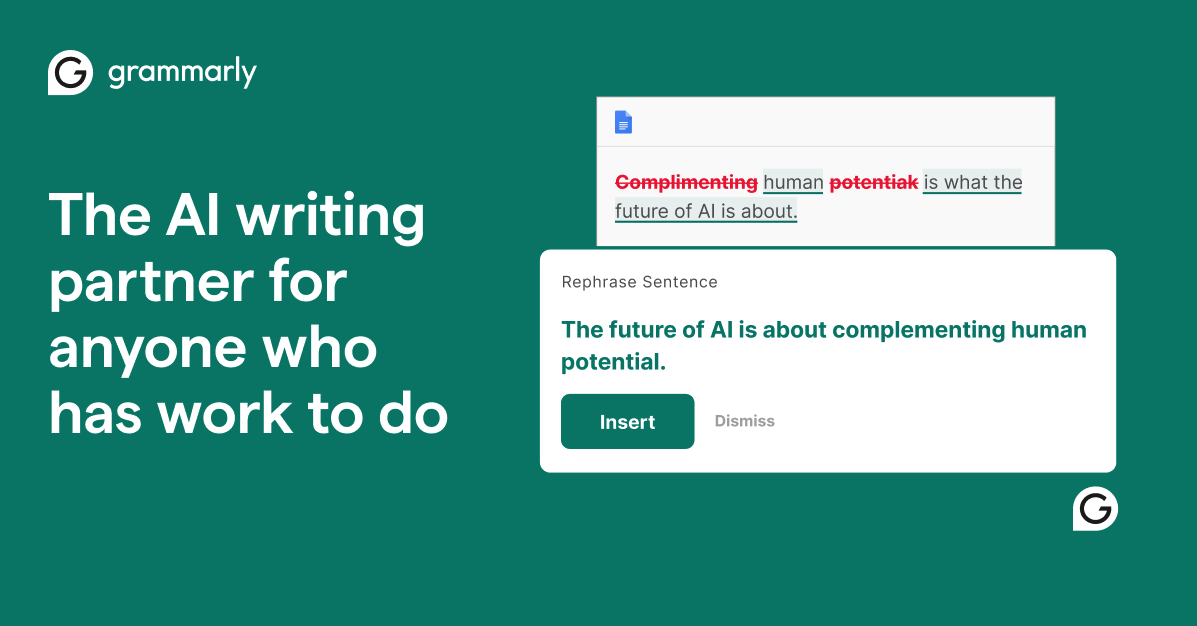
AI-powered writing assistant for grammar, clarity, and tone
- Real-time grammar, spelling, and punctuation correction
- Tone detection and adjustment
- Full-sentence rewrite suggestions

Jasper
Enterprise AI marketing platform for brand-consistent content at scale
- Brand Voice engine for tone and style consistency
- 50+ content templates for marketing use cases
- Campaign workflow for multi-channel content generation
Discover More AI Tools
Weekly curated tools, scenarios, and MCP server updates.
Disclosure: Some links on this page may be affiliate links. We may earn a commission if you make a purchase through these links, at no additional cost to you. This helps support Coda One.