
Mubert
By Coda One Team · Last verified: March 2026
Disclosure: Some links earn us a commission at no extra cost to you. Rankings are independent — tools cannot pay for placement.
AI-generated royalty-free music for content creators and businesses
What is Mubert?
Mubert is an AI music generation platform that creates royalty-free tracks instantly for content creators, app developers, and businesses. Unlike traditional stock music libraries, Mubert generates unique music in real-time based on user preferences for mood, genre, tempo, and duration, ensuring every track is original.
The platform uses a hybrid approach combining AI algorithms with a vast library of samples created by human musicians. This produces more musical, professional-sounding results than purely synthetic generation. Users select parameters like genre (electronic, ambient, hip-hop, cinematic), mood (energetic, calm, dark, uplifting), tempo, and desired duration, and Mubert generates a matching track.
Mubert offers multiple products: Mubert Render for content creators needing background music, Mubert Studio for musicians contributing samples to the platform, Mubert API for developers integrating AI music into apps, and Mubert Play for personal listening. The API is particularly notable, enabling apps to provide personalized, non-repetitive background music streams.
For content creators, Mubert solves the perpetual challenge of finding affordable, unique background music that won't trigger copyright claims. Every generated track comes with a commercial license, making it safe for YouTube, podcasts, social media, and commercial projects.
Key Features
Pros & Cons
Pros
- ✓ Every track is unique — no copyright claim risk
- ✓ Much faster than searching stock music libraries
- ✓ Hybrid AI+human approach produces natural-sounding results
- ✓ Strong API for developer integration
- ✓ Commercial license included on paid plans
Cons
- ✗ AI-generated music lacks the emotion and nuance of human composition
- ✗ Free tier requires attribution and limits monthly tracks
- ✗ Not suitable for hero music or featured soundtrack roles
- ✗ Genre coverage weighted toward electronic and ambient styles
Ready to try Mubert?
See if it fits your workflow — free plan available.
Video Tutorials
Mubert Tutorial and Review: How to Turn AI Into an Ultimate Music Creation Machine!
Lucas AI Academy
Pricing
Free tier with attribution required; Creator at $14/mo; Business at $39/mo
Free
$0
- ✓25 tracks per month
- ✓Personal use license
- ✓Attribution required
- ✓MP3 download
- ✓Standard quality
Creator
$14/mo
- ✓500 tracks per month
- ✓Commercial license
- ✓No attribution required
- ✓WAV and MP3 formats
- ✓YouTube monetization safe
Business
$39/mo
- ✓Unlimited tracks
- ✓Full commercial license
- ✓All formats and quality levels
- ✓API access
- ✓White-label options
- ✓Priority support
Pay with crypto using a virtual Visa card
Humanize AI content from Mubert
Transform AI-generated text into natural, human-sounding writing that bypasses detection tools.
Try FreeWho is Mubert for?
Background music for YouTube videos and podcasts
Social media content soundtracks
In-app background music for mobile applications
Meditation and focus music streams
Commercial video production background scores
Frequently Asked Questions
Is Mubert free?
Mubert offers a free tier with limited features. Free tier with attribution required; Creator at $14/mo; Business at $39/mo Paid plans unlock additional capabilities.
What are Mubert's key features?
Mubert's standout features include Real-time AI music generation from mood and genre parameters, Royalty-free commercial licensing on all generated tracks, Genre selection (electronic, ambient, hip-hop, cinematic, and more), Mood-based generation (energetic, calm, dark, uplifting). It offers 10 features in total designed for background music for youtube videos and podcasts.
Can I pay for Mubert with cryptocurrency?
Mubert does not currently accept cryptocurrency directly. However, you can pay with crypto using a virtual Visa card funded by USDT, USDC, or other stablecoins.
What are the best alternatives to Mubert?
Popular alternatives to Mubert include ElevenLabs, Krisp, Murf.ai. Each offers different strengths in pricing, features, and specialization.
Does Mubert have an API?
Yes, Mubert offers an API. API available on Business plan; enterprise pricing for high-volume integration
Do I need to sign up to use Mubert?
Mubert requires an account to access most features. If you prefer no-signup tools, browse Coda One's free tools.
Does Mubert work on mobile?
Mubert works in any modern browser on desktop, tablet, and mobile — no install required. For offline or on-device workflows, check our tool catalog for alternatives.
Is my data safe with Mubert?
Review Mubert's privacy policy at https://mubert.com for specifics on data retention. For browser-local processing (no server upload), see Coda One's PDF and image tools.
What pricing plans does Mubert offer?
Mubert offers 3 plans: Free, Creator, Business. Starts at Free. Compare with Coda One's own pricing.
Can I cancel or get a refund from Mubert?
Cancellation and refund policies are set by Mubert — check their terms at https://mubert.com. Coda One's own paid plans can be cancelled anytime from your subscription dashboard.
How can I pay for Mubert with USDT or USDC?
Since Mubert does not take crypto directly, the practical route is a Coda One virtual Visa card funded by USDT/USDC, which works anywhere Visa is accepted.
Who is Mubert best for?
Mubert is most useful for Background music for YouTube videos and podcasts, Social media content soundtracks, In-app background music for mobile applications. For related workflows, explore Coda One's AI tool catalog.
Related Tools
ElevenLabs
Ultra-realistic AI voice synthesis with instant voice cloning
- Ultra-realistic text-to-speech in 32 languages
- Instant and professional voice cloning
- Real-time streaming speech synthesis
Krisp
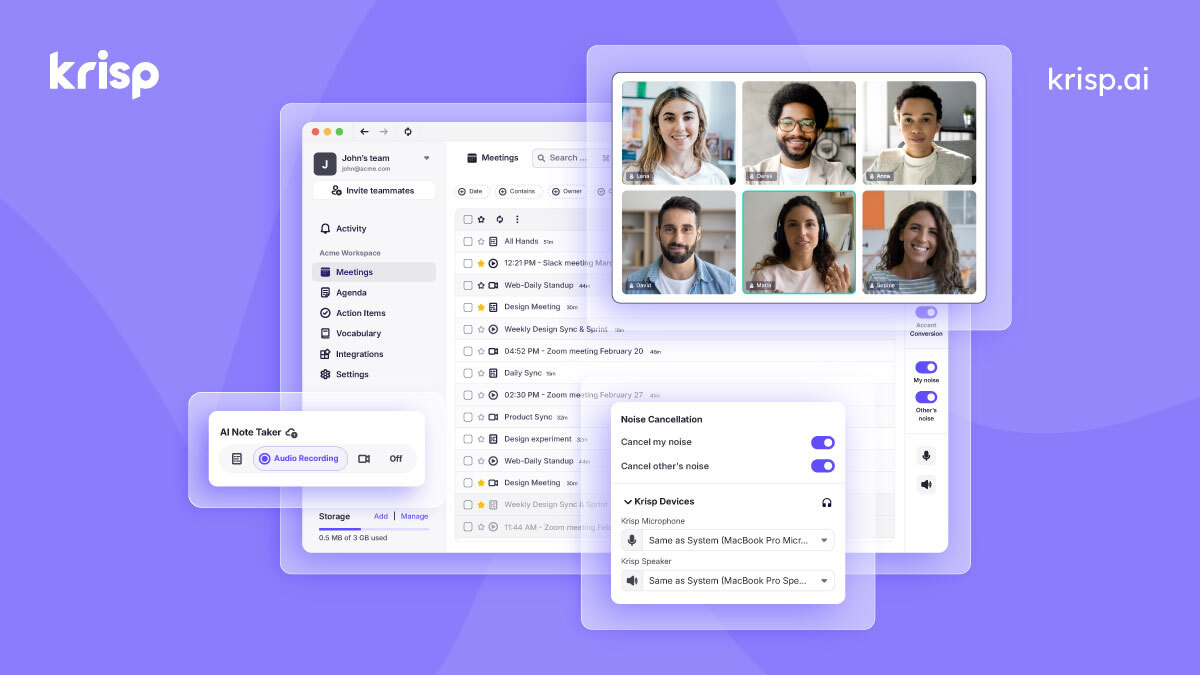
AI noise cancellation and voice enhancement for calls and meetings
- Real-time AI noise cancellation for calls
- Echo and background voice removal
- On-device audio processing for privacy

Murf.ai
Enterprise AI voiceover platform for e-learning and corporate content
- 200+ AI voices across 30+ languages
- Studio editor with pitch, speed, and emphasis controls
- Video and voiceover synchronization

Otter.ai
AI meeting transcription with automated notes and action items
- Real-time meeting transcription with speaker identification
- Automated meeting summaries and key takeaways
- Action item extraction and assignment
Discover More AI Tools
Weekly curated tools, scenarios, and MCP server updates.
Disclosure: Some links on this page may be affiliate links. We may earn a commission if you make a purchase through these links, at no additional cost to you. This helps support Coda One.