
Napkin AI
By Coda One Team · Last verified: March 2026
Disclosure: Some links earn us a commission at no extra cost to you. Rankings are independent — tools cannot pay for placement.
Transform text into professional diagrams and visuals instantly with AI
What is Napkin AI?
Napkin AI is a visual communication tool that automatically transforms text content into professional diagrams, infographics, flowcharts, and visual explanations. Users paste text — blog posts, documentation, presentations, or any written content — and Napkin generates multiple visual representation options in seconds.
The platform uses AI to understand the structure and relationships within text content, then produces contextually appropriate visualizations. It can generate flowcharts from process descriptions, comparison tables from feature lists, timelines from sequential events, and data visualizations from statistics mentioned in text.
Napkin's output is designed for immediate use in presentations, social media, blog posts, and documentation. Generated visuals are fully editable, allowing users to customize colors, layout, fonts, and content. The tool supports multiple export formats including PNG, SVG, and PDF.
The product has gained significant traction among content creators, marketers, and educators who need to quickly create visual assets from existing written content. Rather than spending hours in design tools or hiring designers, Napkin enables anyone to produce polished visuals that enhance content engagement and comprehension.
Key Features
Pros & Cons
Pros
- ✓ Dramatically faster than manual diagram creation
- ✓ AI understands content context for appropriate visual types
- ✓ Clean, professional output ready for immediate use
- ✓ Fully editable results for fine-tuning
- ✓ Excellent for repurposing blog content into social visuals
Cons
- ✗ AI interpretation may not always match intended emphasis
- ✗ Limited customization compared to dedicated design tools
- ✗ Free tier includes watermarks on exports
- ✗ Complex or nuanced content may need manual adjustment
Ready to try Napkin AI?
See if it fits your workflow — free plan available.
Video Tutorials
Transform Text into Stunning Visuals with Napkin AI
Napkin AI Official
Pricing
Free tier with limited generations; Pro at $15/mo for unlimited visuals and premium features
Free
$0
- ✓Limited visual generations per month
- ✓Basic templates and styles
- ✓PNG export
- ✓Watermarked outputs
Pro
$15/mo
- ✓Unlimited visual generations
- ✓All templates and styles
- ✓SVG and PDF export
- ✓No watermark
- ✓Brand kit customization
- ✓Priority rendering
Pay with crypto using a virtual Visa card
Humanize AI content from Napkin AI
Transform AI-generated text into natural, human-sounding writing that bypasses detection tools.
Try FreeWho is Napkin AI for?
Converting blog posts into shareable social media infographics
Creating presentation diagrams from written briefs
Generating visual documentation for technical processes
Producing educational visual aids from lesson content
Quick visual content creation for marketing campaigns
Frequently Asked Questions
Is Napkin AI free?
Napkin AI offers a free tier with limited features. Free tier with limited generations; Pro at $15/mo for unlimited visuals and premium features Paid plans unlock additional capabilities.
What are Napkin AI's key features?
Napkin AI's standout features include AI text-to-diagram conversion, Multiple visual style options per input, Flowchart and process diagram generation, Comparison table and matrix creation. It offers 10 features in total designed for converting blog posts into shareable social media infographics.
Can I pay for Napkin AI with cryptocurrency?
Napkin AI does not currently accept cryptocurrency directly. However, you can pay with crypto using a virtual Visa card funded by USDT, USDC, or other stablecoins.
What are the best alternatives to Napkin AI?
Popular alternatives to Napkin AI include Airtable AI, Asana AI, ClickUp AI. Each offers different strengths in pricing, features, and specialization.
Do I need to sign up to use Napkin AI?
Napkin AI requires an account to access most features. If you prefer no-signup tools, browse Coda One's free tools.
Does Napkin AI work on mobile?
Napkin AI works in any modern browser on desktop, tablet, and mobile — no install required. For offline or on-device workflows, check our tool catalog for alternatives.
Is my data safe with Napkin AI?
Review Napkin AI's privacy policy at https://www.napkin.ai for specifics on data retention. For browser-local processing (no server upload), see Coda One's PDF and image tools.
What pricing plans does Napkin AI offer?
Napkin AI offers 2 plans: Free, Pro. Starts at Free. Compare with Coda One's own pricing.
Can I cancel or get a refund from Napkin AI?
Cancellation and refund policies are set by Napkin AI — check their terms at https://www.napkin.ai. Coda One's own paid plans can be cancelled anytime from your subscription dashboard.
How can I pay for Napkin AI with USDT or USDC?
Since Napkin AI does not take crypto directly, the practical route is a Coda One virtual Visa card funded by USDT/USDC, which works anywhere Visa is accepted.
Who is Napkin AI best for?
Napkin AI is most useful for Converting blog posts into shareable social media infographics, Creating presentation diagrams from written briefs, Generating visual documentation for technical processes. For related workflows, explore Coda One's AI tool catalog.
Related Tools
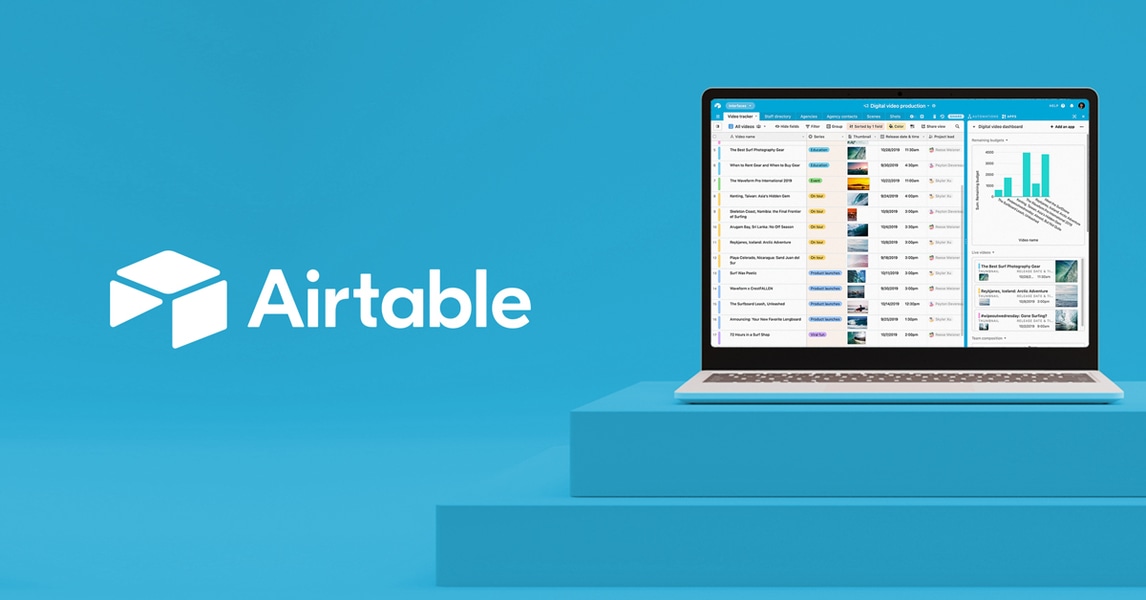
Airtable AI
AI-enhanced relational database with the simplicity of a spreadsheet
- AI-powered field generation and natural language queries
- Relational database with linked records and lookups
- Interface Designer for custom apps and dashboards
Asana AI
Enterprise project management with built-in AI and workflow automation
- AI-generated status updates and project summaries
- AI Studio for custom AI-powered automations
- Portfolios for cross-project executive visibility

ClickUp AI
All-in-one project management platform with ClickUp Brain AI
- ClickUp Brain AI for writing, summarization, and search
- 15+ project views including Gantt, Board, and Timeline
- Built-in docs with real-time collaboration
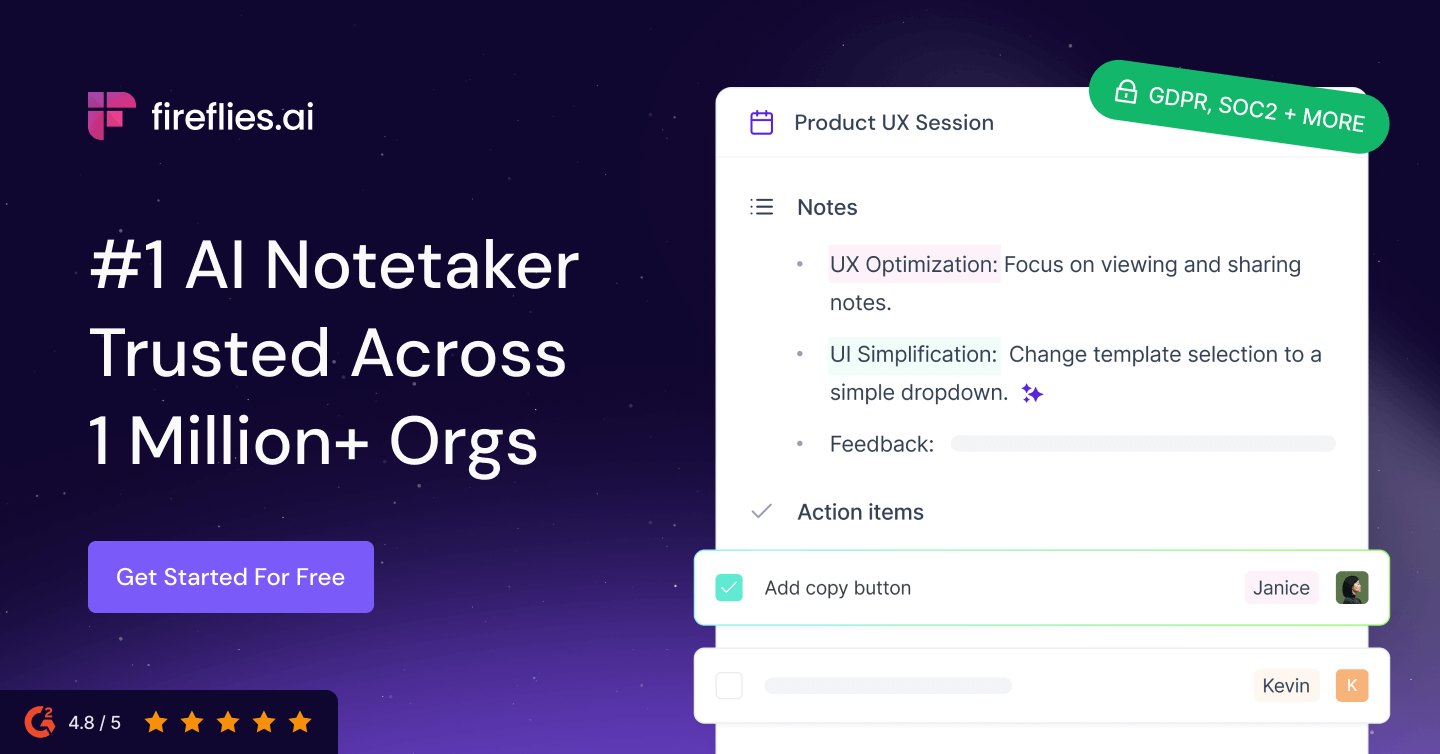
Fireflies.ai
AI meeting transcription and search across 100+ languages
- Automatic meeting recording and transcription in 100+ languages
- AI-generated summaries with action items and decisions
- AskFred AI chatbot for querying meeting history
Discover More AI Tools
Weekly curated tools, scenarios, and MCP server updates.
Disclosure: Some links on this page may be affiliate links. We may earn a commission if you make a purchase through these links, at no additional cost to you. This helps support Coda One.