
Obsidian
By Coda One Team · Last verified: March 2026
Disclosure: Some links earn us a commission at no extra cost to you. Rankings are independent — tools cannot pay for placement.
A local-first markdown knowledge base with a graph of linked notes
What is Obsidian?
Obsidian is a note-taking and knowledge management app that stores everything as plain Markdown files on your local device. No cloud lock-in, no proprietary format — your notes are yours. The app's core idea is bidirectional linking: connect notes to each other and visualize the relationships in an interactive graph view.
The plugin ecosystem is where Obsidian gets interesting. Over 1,800 community plugins cover everything from Kanban boards to spaced repetition to AI-powered search and writing assistance. Canvas mode lets you arrange notes, images, and PDFs on a spatial whiteboard. Dataview turns your notes into a queryable database. Templates and daily notes support journaling and recurring workflows.
Obsidian is free for personal use. Commercial use requires a $50/year license. Obsidian Sync ($4/mo) adds end-to-end encrypted cloud sync, and Obsidian Publish ($8/mo) turns your vault into a website. The app runs on Windows, macOS, Linux, iOS, and Android.
This is the tool for people who think in connections rather than folders. Researchers, writers, developers, and PKM enthusiasts who want full ownership of their data and deep customization tend to gravitate here. It's not AI-native, but community plugins like Smart Connections and Copilot bring AI features to those who want them.
Key Features
Pros & Cons
Pros
- ✓ Complete data ownership — plain Markdown files stored locally
- ✓ Massive plugin ecosystem covers almost any workflow
- ✓ Fast and lightweight even with thousands of notes
- ✓ Free for personal use with no feature restrictions
Cons
- ✗ No built-in AI features — relies on community plugins
- ✗ Steep learning curve for new users unfamiliar with Markdown
- ✗ Real-time collaboration requires third-party workarounds
Ready to try Obsidian?
See if it fits your workflow — free plan available.
Pricing
Free for personal use; $50/year commercial license; optional Sync ($4/mo) and Publish ($8/mo)
Personal
$0
- ✓Full app with all core features
- ✓Unlimited vaults and notes
- ✓Community plugins and themes
- ✓Local storage only
Commercial
$50/year
- ✓Everything in Personal
- ✓License for business and commercial use
- ✓Priority support
Sync Add-on
$4/mo
- ✓End-to-end encrypted cloud sync
- ✓Version history
- ✓Up to 10 vaults
- ✓Selective sync
Publish Add-on
$8/mo
- ✓Publish notes as a website
- ✓Custom domain support
- ✓Graph view on the web
- ✓Password protection
Pay with crypto using a virtual Visa card
Humanize AI content from Obsidian
Transform AI-generated text into natural, human-sounding writing that bypasses detection tools.
Try FreeWho is Obsidian for?
Building a personal knowledge base with linked notes
Academic research and literature review organization
Software documentation and technical wikis
Daily journaling and task management with plugins
Publishing notes as a digital garden or blog
Frequently Asked Questions
Is Obsidian free?
Obsidian offers a free tier with limited features. Free for personal use; $50/year commercial license; optional Sync ($4/mo) and Publish ($8/mo) Paid plans unlock additional capabilities.
What are Obsidian's key features?
Obsidian's standout features include Local-first Markdown storage with no vendor lock-in, Bidirectional linking and interactive graph view, 1,800+ community plugins for extended functionality, Canvas mode for spatial note arrangement. It offers 8 features in total designed for building a personal knowledge base with linked notes.
Can I pay for Obsidian with cryptocurrency?
Obsidian does not currently accept cryptocurrency directly. However, you can pay with crypto using a virtual Visa card funded by USDT, USDC, or other stablecoins.
What are the best alternatives to Obsidian?
Popular alternatives to Obsidian include Airtable AI, Asana AI, ClickUp AI. Each offers different strengths in pricing, features, and specialization.
Do I need to sign up to use Obsidian?
Obsidian requires an account to access most features. If you prefer no-signup tools, browse Coda One's free tools.
Does Obsidian work on mobile?
Obsidian works in any modern browser on desktop, tablet, and mobile — no install required. For offline or on-device workflows, check our tool catalog for alternatives.
Is my data safe with Obsidian?
Review Obsidian's privacy policy at https://obsidian.md for specifics on data retention. For browser-local processing (no server upload), see Coda One's PDF and image tools.
What pricing plans does Obsidian offer?
Obsidian offers 4 plans: Personal, Commercial, Sync Add-on, and more. Starts at Free. Compare with Coda One's own pricing.
Can I cancel or get a refund from Obsidian?
Cancellation and refund policies are set by Obsidian — check their terms at https://obsidian.md. Coda One's own paid plans can be cancelled anytime from your subscription dashboard.
How can I pay for Obsidian with USDT or USDC?
Since Obsidian does not take crypto directly, the practical route is a Coda One virtual Visa card funded by USDT/USDC, which works anywhere Visa is accepted.
Who is Obsidian best for?
Obsidian is most useful for Building a personal knowledge base with linked notes, Academic research and literature review organization, Software documentation and technical wikis. For related workflows, explore Coda One's AI tool catalog.
Related Tools
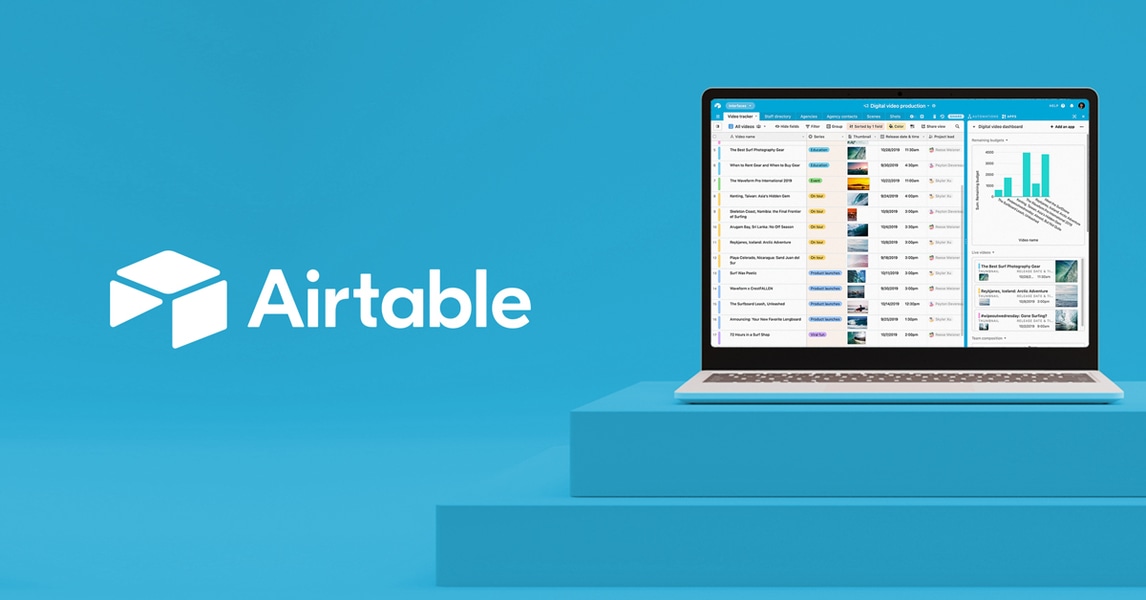
Airtable AI
AI-enhanced relational database with the simplicity of a spreadsheet
- AI-powered field generation and natural language queries
- Relational database with linked records and lookups
- Interface Designer for custom apps and dashboards
Asana AI
Enterprise project management with built-in AI and workflow automation
- AI-generated status updates and project summaries
- AI Studio for custom AI-powered automations
- Portfolios for cross-project executive visibility

ClickUp AI
All-in-one project management platform with ClickUp Brain AI
- ClickUp Brain AI for writing, summarization, and search
- 15+ project views including Gantt, Board, and Timeline
- Built-in docs with real-time collaboration
Fireflies.ai
AI meeting transcription and search across 100+ languages
- Automatic meeting recording and transcription in 100+ languages
- AI-generated summaries with action items and decisions
- AskFred AI chatbot for querying meeting history
Discover More AI Tools
Weekly curated tools, scenarios, and MCP server updates.
Disclosure: Some links on this page may be affiliate links. We may earn a commission if you make a purchase through these links, at no additional cost to you. This helps support Coda One.