Runway
By Coda One Team · Last verified: March 2026
Disclosure: Some links earn us a commission at no extra cost to you. Rankings are independent — tools cannot pay for placement.
Industry-leading AI video generation with Gen-3 Alpha model
What is Runway?
Runway is the pioneering AI creative studio that set the standard for AI-powered video generation. Its Gen-3 Alpha model represents one of the most advanced text-to-video and image-to-video systems available, capable of generating highly realistic and cinematic video clips with impressive temporal consistency, detailed motion, and nuanced understanding of physics and lighting.
Beyond video generation, Runway offers a comprehensive suite of over 30 AI-powered creative tools. These include motion brush for controlling movement in generated videos, inpainting to remove or replace objects, infinite image expansion, AI training for custom model fine-tuning, and green screen removal. The platform also provides a full video editor with multi-track timeline, making it possible to generate, edit, and compose everything in one workspace.
Runway has established itself as the tool of choice for filmmakers, advertisers, and creative professionals exploring AI-assisted production. The company has collaborated with major studios and won an Emmy for its contributions to visual effects technology. Its API enables developers to integrate Runway's generation capabilities into their own applications, opening up programmatic video creation at scale.
Key Features
Pros & Cons
Pros
- ✓ Best-in-class video generation quality with Gen-3 Alpha
- ✓ Comprehensive creative suite beyond just generation
- ✓ Strong API for developers and integration workflows
- ✓ Trusted by professional filmmakers and studios
Cons
- ✗ Credit-based system can get expensive with heavy use
- ✗ Generation times can be slow during peak periods
- ✗ Free tier is very limited for serious work
Ready to try Runway?
See if it fits your workflow — free plan available.
Video Tutorials
Runway AI - Tutorial for Beginners in 17 MINUTES
Skills Factory
Pricing
Free tier with limited credits. Paid plans offer more generation credits and higher resolution outputs.
Free
$0
- ✓125 credits
- ✓3 video projects
- ✓720p exports
- ✓Gen-3 Alpha access (limited)
Standard
$12/month
- ✓625 credits/month
- ✓Unlimited projects
- ✓4K exports
- ✓Upscaled resolution
- ✓No watermark
Pro
$28/month
- ✓2250 credits/month
- ✓Unlimited projects
- ✓4K exports
- ✓Custom model training
- ✓Priority generation
Unlimited
$76/month
- ✓Unlimited Gen-3 generations
- ✓All Pro features
- ✓Priority processing
Pay with crypto using a virtual Visa card
Humanize AI content from Runway
Transform AI-generated text into natural, human-sounding writing that bypasses detection tools.
Try FreeWho is Runway for?
Cinematic AI video generation for film and advertising
Visual effects prototyping and concept visualization
Marketing video creation from text prompts
Creative experimentation and art projects
Automated video content pipelines via API
Frequently Asked Questions
Is Runway free?
Runway offers a free tier with limited features. Free tier with limited credits. Paid plans offer more generation credits and higher resolution outputs. Paid plans unlock additional capabilities.
What are Runway's key features?
Runway's standout features include Gen-3 Alpha text-to-video and image-to-video generation, Motion brush for directing movement in generated clips, 30+ AI creative tools (inpainting, expand, remove background), Custom model training on your own visual data. It offers 8 features in total designed for cinematic ai video generation for film and advertising.
Can I pay for Runway with cryptocurrency?
Runway does not currently accept cryptocurrency directly. However, you can pay with crypto using a virtual Visa card funded by USDT, USDC, or other stablecoins.
What are the best alternatives to Runway?
Popular alternatives to Runway include CapCut, Descript, Filmora. Each offers different strengths in pricing, features, and specialization.
Does Runway have an API?
Yes, Runway offers an API. The API uses a usage-based pricing model.
Do I need to sign up to use Runway?
Runway requires an account to access most features. If you prefer no-signup tools, browse Coda One's free tools.
Does Runway work on mobile?
Runway works in any modern browser on desktop, tablet, and mobile — no install required. For offline or on-device workflows, check our tool catalog for alternatives.
Is my data safe with Runway?
Review Runway's privacy policy at https://runwayml.com for specifics on data retention. For browser-local processing (no server upload), see Coda One's PDF and image tools.
What pricing plans does Runway offer?
Runway offers 4 plans: Free, Standard, Pro, and more. Starts at Free. Compare with Coda One's own pricing.
Can I cancel or get a refund from Runway?
Cancellation and refund policies are set by Runway — check their terms at https://runwayml.com. Coda One's own paid plans can be cancelled anytime from your subscription dashboard.
How can I pay for Runway with USDT or USDC?
Since Runway does not take crypto directly, the practical route is a Coda One virtual Visa card funded by USDT/USDC, which works anywhere Visa is accepted.
Who is Runway best for?
Runway is most useful for Cinematic AI video generation for film and advertising, Visual effects prototyping and concept visualization, Marketing video creation from text prompts. For related workflows, explore Coda One's AI tool catalog.
Use Runway for…
Step-by-step guides featuring Runway with prompts you can copy and use right away.
Create Animations with AI — From Concept to Motion
Turn static ideas into compelling animations without animation experience. AI video and motion tools can generate smooth video clips from text prompts, animate still images into motion sequences, and extend or stylize existing footage. This workflow walks you from initial concept to a finished animation, covering prompt craft, tool selection for different animation styles, and how to string short clips into a coherent piece.
Create Videos with AI from Script to Final Cut
Produce a polished video -- explainer, product demo, YouTube content, or social media clip -- without a camera, studio, or video editing experience. AI handles scriptwriting, voiceover generation, visual creation, and even basic editing. You go from an idea to a shareable video in under two hours. This workflow covers text-to-video generation, AI avatars, AI voiceovers, and automated editing so you can pick the approach that fits your project and budget.
Prompts for Runway
Scenario-driven prompts with variable forms — customize and copy into Runway.
Related Tools

CapCut
Free all-in-one video editor with powerful AI features by ByteDance
- AI-powered auto captions and subtitles
- Background removal and chroma key
- Multi-track timeline editing with keyframe animation
Descript
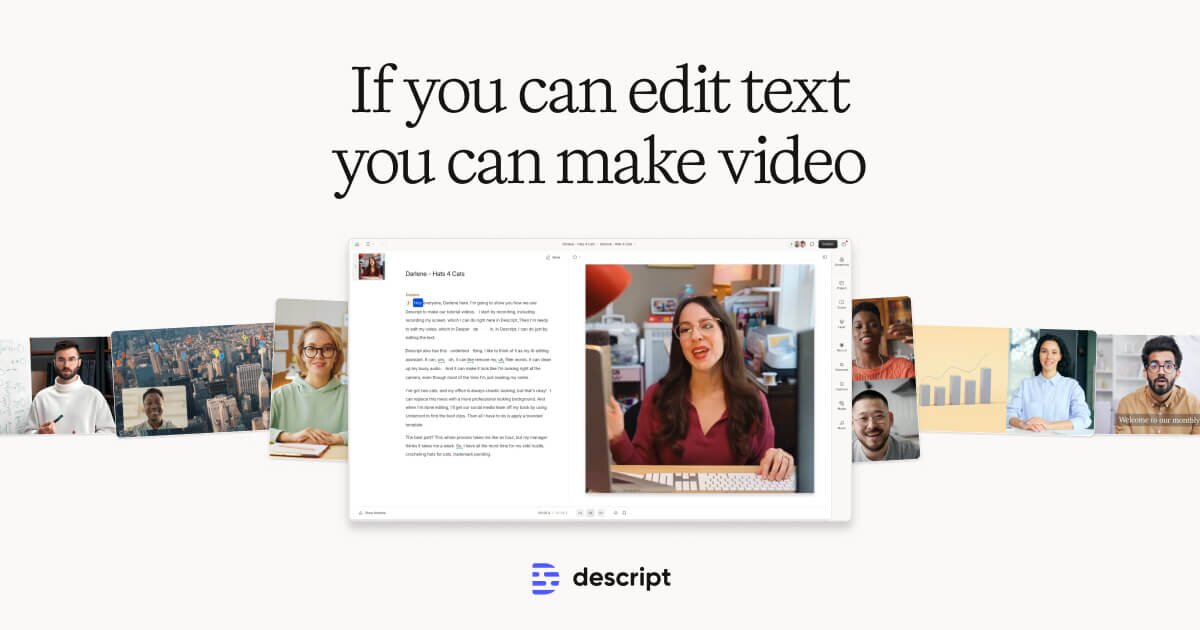
Edit video by editing text — transcript-based video and podcast editor
- Transcript-based video and audio editing
- Automatic filler word detection and removal
- AI eye contact correction for webcam footage
Filmora
Wondershare's intuitive desktop video editor with AI-powered creative tools
- Multi-track timeline with keyframe animation and motion tracking
- AI copilot editing assistant and text-to-video
- Built-in screen recorder and webcam capture
HeyGen
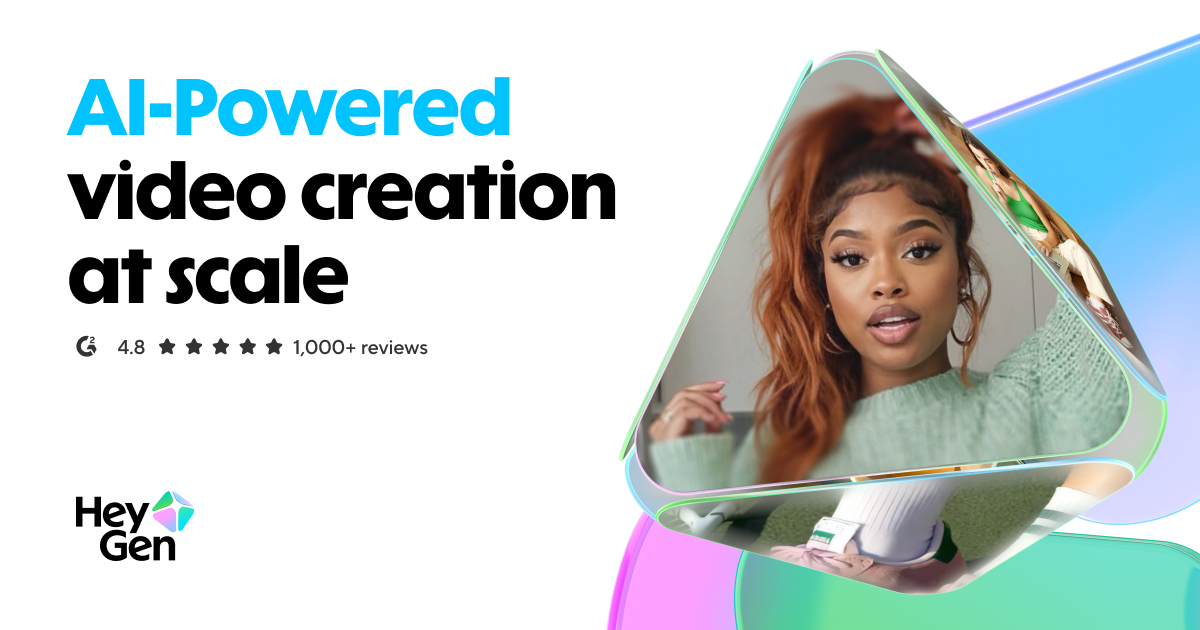
Leading AI avatar platform for business videos and multilingual dubbing
- 100+ photorealistic AI avatars with natural expressions
- Multilingual video translation with voice cloning and lip-sync
- Custom avatar creation from personal video recording
Discover More AI Tools
Weekly curated tools, scenarios, and MCP server updates.
Disclosure: Some links on this page may be affiliate links. We may earn a commission if you make a purchase through these links, at no additional cost to you. This helps support Coda One.