
Udio
By Coda One Team · Last verified: March 2026
Disclosure: Some links earn us a commission at no extra cost to you. Rankings are independent — tools cannot pay for placement.
AI music creation platform with high-fidelity song generation
What is Udio?
Udio is an AI music generation platform that creates full songs with vocals and instrumentals from text prompts, positioning itself as a direct competitor to Suno. The platform gained significant attention for its audio quality and ability to produce songs across diverse genres.
Udio operates on a credit-based system where users spend credits to generate song clips, which can be extended and arranged into full-length tracks. Free users receive 10 credits per day. The platform supports custom lyrics, genre specification, and mood parameters to guide generation.
Notably, Udio settled with major record labels in 2025 over training data disputes and is transitioning to a licensed walled-garden model in 2026. This settlement positions Udio uniquely — it operates with label partnerships that may give it access to higher-quality training data while also constraining its output to comply with licensing agreements.
Key Features
Pros & Cons
Pros
- ✓ High audio fidelity especially for vocals
- ✓ Licensed model provides clearer legal standing
- ✓ Intuitive creation flow for non-musicians
- ✓ Good variety of genre support
Cons
- ✗ Fewer daily free credits than Suno
- ✗ Transitioning business model creates uncertainty
- ✗ No API for programmatic access
Ready to try Udio?
See if it fits your workflow — free plan available.
Video Tutorials
5-Minute AI Music Tutorial | How to Udio
Udio
Pricing
Free with 10 credits/day. Standard at $10/month and Pro at $30/month with more credits.
Free
$0
- ✓10 credits/day
- ✓Standard quality generation
- ✓Community sharing
- ✓Non-commercial use
Standard
$10/month
- ✓1,200 credits/month
- ✓Commercial usage rights
- ✓Priority generation
- ✓Extended song lengths
Pro
$30/month
- ✓4,800 credits/month
- ✓Commercial usage rights
- ✓Top priority generation
- ✓All premium features
Pay with crypto using a virtual Visa card
Humanize AI content from Udio
Transform AI-generated text into natural, human-sounding writing that bypasses detection tools.
Try FreeWho is Udio for?
Content creator background music
Personal music creation and experimentation
Demo tracks for songwriters
Social media audio content
Ad and marketing jingles
Frequently Asked Questions
Is Udio free?
Udio offers a free tier with limited features. Free with 10 credits/day. Standard at $10/month and Pro at $30/month with more credits. Paid plans unlock additional capabilities.
What are Udio's key features?
Udio's standout features include Full song generation with vocals and instruments, Text prompt-based music creation, Custom lyrics input for vocal tracks, Genre and mood specification controls. It offers 8 features in total designed for content creator background music.
Can I pay for Udio with cryptocurrency?
Udio does not currently accept cryptocurrency directly. However, you can pay with crypto using a virtual Visa card funded by USDT, USDC, or other stablecoins.
What are the best alternatives to Udio?
Popular alternatives to Udio include ElevenLabs, Krisp, Murf.ai. Each offers different strengths in pricing, features, and specialization.
Do I need to sign up to use Udio?
Udio requires an account to access most features. If you prefer no-signup tools, browse Coda One's free tools.
Does Udio work on mobile?
Udio works in any modern browser on desktop, tablet, and mobile — no install required. For offline or on-device workflows, check our tool catalog for alternatives.
Is my data safe with Udio?
Review Udio's privacy policy at https://www.udio.com for specifics on data retention. For browser-local processing (no server upload), see Coda One's PDF and image tools.
What pricing plans does Udio offer?
Udio offers 3 plans: Free, Standard, Pro. Starts at Free. Compare with Coda One's own pricing.
Can I cancel or get a refund from Udio?
Cancellation and refund policies are set by Udio — check their terms at https://www.udio.com. Coda One's own paid plans can be cancelled anytime from your subscription dashboard.
How can I pay for Udio with USDT or USDC?
Since Udio does not take crypto directly, the practical route is a Coda One virtual Visa card funded by USDT/USDC, which works anywhere Visa is accepted.
Who is Udio best for?
Udio is most useful for Content creator background music, Personal music creation and experimentation, Demo tracks for songwriters. For related workflows, explore Coda One's AI tool catalog.
Use Udio for…
Step-by-step guides featuring Udio with prompts you can copy and use right away.
Related Tools
ElevenLabs
Ultra-realistic AI voice synthesis with instant voice cloning
- Ultra-realistic text-to-speech in 32 languages
- Instant and professional voice cloning
- Real-time streaming speech synthesis
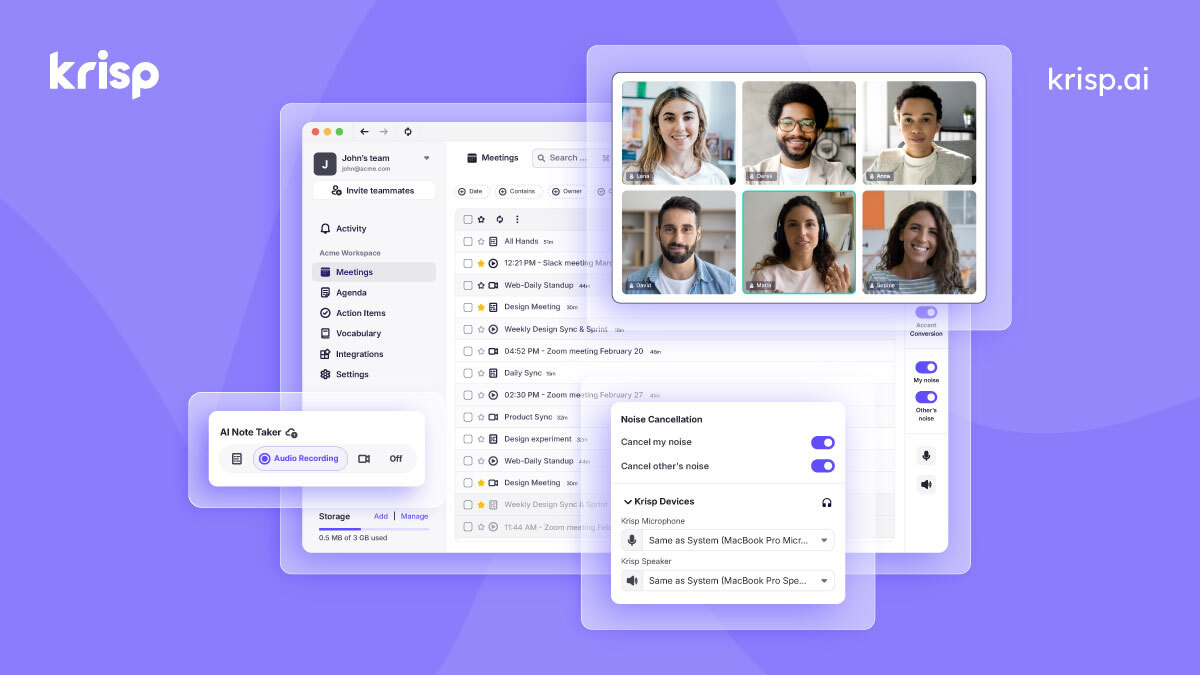
Krisp
AI noise cancellation and voice enhancement for calls and meetings
- Real-time AI noise cancellation for calls
- Echo and background voice removal
- On-device audio processing for privacy

Murf.ai
Enterprise AI voiceover platform for e-learning and corporate content
- 200+ AI voices across 30+ languages
- Studio editor with pitch, speed, and emphasis controls
- Video and voiceover synchronization

Otter.ai
AI meeting transcription with automated notes and action items
- Real-time meeting transcription with speaker identification
- Automated meeting summaries and key takeaways
- Action item extraction and assignment
Discover More AI Tools
Weekly curated tools, scenarios, and MCP server updates.
Disclosure: Some links on this page may be affiliate links. We may earn a commission if you make a purchase through these links, at no additional cost to you. This helps support Coda One.