Vocal Remover
By Coda One Team · Last verified: March 2026
Disclosure: Some links earn us a commission at no extra cost to you. Rankings are independent — tools cannot pay for placement.
AI-powered vocal and instrument separation from any audio track
What is Vocal Remover?
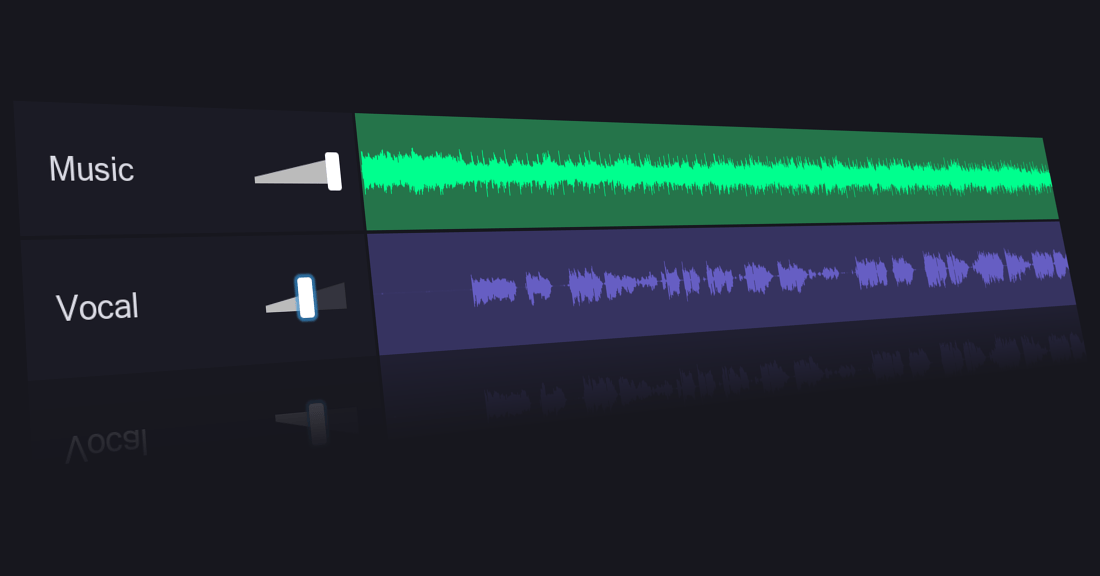
Vocal Remover is a free online tool that uses AI to separate vocals from instrumental tracks in any song or audio file. Powered by deep learning source separation models, it can isolate vocals, drums, bass, and other instruments into individual stems with impressive accuracy.
The platform processes audio directly in the browser — users upload an audio file and receive separated tracks within minutes. The AI model analyzes the spectral characteristics of the audio to distinguish between vocal frequencies and instrumental components, producing clean separations that rival dedicated professional software.
Beyond vocal removal, the platform offers additional audio tools including a karaoke maker, audio cutter/joiner, pitch changer, tempo changer, and key/BPM detector. This makes it a comprehensive audio toolkit for musicians, DJs, content creators, and karaoke enthusiasts.
Vocal Remover has gained massive popularity due to its combination of free access, no-signup requirement, and surprisingly good separation quality. While professional music producers may prefer dedicated DAW plugins, the platform serves the vast majority of use cases where quick, good-enough separation is all that's needed.
Key Features
Pros & Cons
Pros
- ✓ Completely free for basic vocal removal
- ✓ No account or sign-up required
- ✓ Good separation quality powered by modern AI models
- ✓ Comprehensive suite of audio tools beyond just vocal removal
- ✓ Simple drag-and-drop interface
Cons
- ✗ Separation quality not on par with professional studio tools
- ✗ File size and duration limits on free tier
- ✗ Processing time can be slow for longer tracks
- ✗ Some audio artifacts may remain in separated stems
Ready to try Vocal Remover?
See if it fits your workflow — completely free.
Video Tutorials
How to extract vocals from ANY song with Ultimate Vocal Remover (UVR 5)
soundlearn
Pricing
Core vocal removal is free with no account required; premium features available
Free
$0
- ✓Vocal/instrument separation
- ✓Karaoke maker
- ✓Audio cutter and joiner
- ✓Pitch and tempo changer
- ✓BPM and key detection
- ✓No account required
Premium
$9.99/mo
- ✓Higher quality separation
- ✓Longer file support
- ✓Batch processing
- ✓Priority processing queue
- ✓Additional stem outputs
- ✓No ads
Pay with crypto using a virtual Visa card
Humanize AI content from Vocal Remover
Transform AI-generated text into natural, human-sounding writing that bypasses detection tools.
Try FreeWho is Vocal Remover for?
Creating karaoke versions of songs
Isolating vocals for remixes and mashups
Extracting instrumental tracks for background music
Removing vocals from tracks for practice and learning
Content creation requiring separated audio elements
Frequently Asked Questions
Is Vocal Remover free?
Yes, Vocal Remover is completely free to use. Core vocal removal is free with no account required; premium features available
What are Vocal Remover's key features?
Vocal Remover's standout features include AI vocal and instrument separation, Multi-stem output (vocals, drums, bass, other), Karaoke track creation, Audio file cutting and joining. It offers 10 features in total designed for creating karaoke versions of songs.
Can I pay for Vocal Remover with cryptocurrency?
Vocal Remover does not currently accept cryptocurrency directly. However, you can pay with crypto using a virtual Visa card funded by USDT, USDC, or other stablecoins.
What are the best alternatives to Vocal Remover?
Popular alternatives to Vocal Remover include ElevenLabs, Krisp, Murf.ai. Each offers different strengths in pricing, features, and specialization.
Do I need to sign up to use Vocal Remover?
Vocal Remover can be used without creating an account for basic features. See the full free tools list for more no-signup options.
Does Vocal Remover work on mobile?
Vocal Remover works in any modern browser on desktop, tablet, and mobile — no install required. For offline or on-device workflows, check our tool catalog for alternatives.
Is my data safe with Vocal Remover?
Review Vocal Remover's privacy policy at https://vocalremover.org for specifics on data retention. For browser-local processing (no server upload), see Coda One's PDF and image tools.
Who is Vocal Remover best for?
Vocal Remover is most useful for Creating karaoke versions of songs, Isolating vocals for remixes and mashups, Extracting instrumental tracks for background music. For related workflows, explore Coda One's AI tool catalog.
Related Tools
ElevenLabs
Ultra-realistic AI voice synthesis with instant voice cloning
- Ultra-realistic text-to-speech in 32 languages
- Instant and professional voice cloning
- Real-time streaming speech synthesis
Krisp
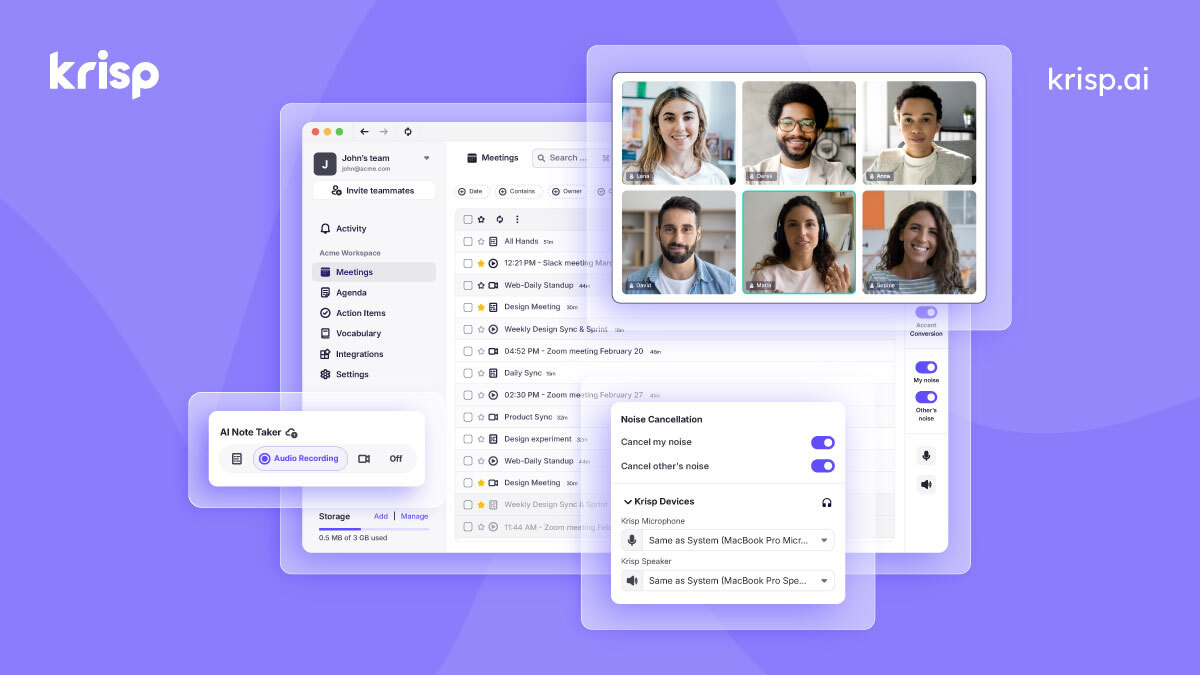
AI noise cancellation and voice enhancement for calls and meetings
- Real-time AI noise cancellation for calls
- Echo and background voice removal
- On-device audio processing for privacy

Murf.ai
Enterprise AI voiceover platform for e-learning and corporate content
- 200+ AI voices across 30+ languages
- Studio editor with pitch, speed, and emphasis controls
- Video and voiceover synchronization

Otter.ai
AI meeting transcription with automated notes and action items
- Real-time meeting transcription with speaker identification
- Automated meeting summaries and key takeaways
- Action item extraction and assignment
Discover More AI Tools
Weekly curated tools, scenarios, and MCP server updates.
Disclosure: Some links on this page may be affiliate links. We may earn a commission if you make a purchase through these links, at no additional cost to you. This helps support Coda One.