Synthesia
By Coda One Team · Last verified: March 2026
Disclosure: Some links earn us a commission at no extra cost to you. Rankings are independent — tools cannot pay for placement.
Enterprise AI avatar video platform trusted by Fortune 500 companies
What is Synthesia?
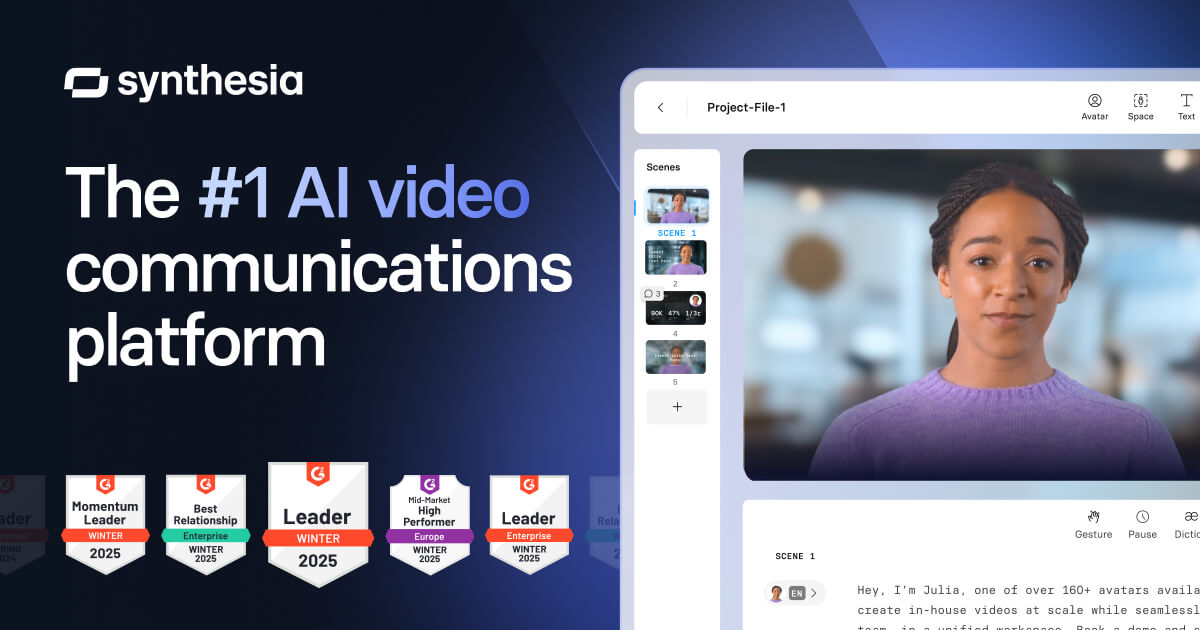
Synthesia is the enterprise-grade AI video generation platform that enables organizations to create professional training, communication, and marketing videos using photorealistic AI avatars. Trusted by over 50,000 companies including many Fortune 500 organizations, Synthesia has become the de facto standard for corporate AI video production at scale.
The platform offers 230+ diverse AI avatars that speak in 140+ languages and accents with natural lip-sync and gestures. Organizations can create custom avatars of their own employees or spokespeople with a simple studio recording session. Synthesia's editor allows users to build multi-scene videos with slides, screen recordings, shapes, and animations alongside avatar presenters, producing output that rivals traditional studio production.
Synthesia's enterprise positioning is reinforced by SOC 2 Type II compliance, GDPR adherence, SSO/SAML integration, and robust team management features. The platform integrates with major LMS systems like Cornerstone and SAP SuccessFactors, making it particularly strong for corporate learning and development use cases. Its API supports programmatic video generation for personalized video campaigns. With one-click video translation across all supported languages, global organizations can maintain a single source of truth for video content and localize instantly.
Key Features
Pros & Cons
Pros
- ✓ Enterprise-grade security and compliance certifications
- ✓ Widest language support in the AI avatar space
- ✓ Deep LMS integrations ideal for corporate training
- ✓ Trusted by 50,000+ companies with proven track record
Cons
- ✗ No free tier; entry price may be high for individual creators
- ✗ Custom avatar creation requires studio recording setup
- ✗ Video minutes cap on non-enterprise plans can be limiting
Ready to try Synthesia?
See if it fits your workflow — plans start at Starts at $22/month for individuals. Enterprise pricing is custom-quoted with advanced security and compliance features..
Video Tutorials
AI Video in 3 Minutes with Synthesia (Full Tutorial)
Synthesia
Pricing
Starts at $22/month for individuals. Enterprise pricing is custom-quoted with advanced security and compliance features.
Starter
$22/month
- ✓10 minutes of video/month
- ✓90+ AI avatars
- ✓120+ languages
- ✓1 custom avatar
Creator
$67/month
- ✓30 minutes of video/month
- ✓All 230+ avatars
- ✓140+ languages
- ✓3 custom avatars
- ✓Brand kit
Enterprise
Custom
- ✓Unlimited video minutes
- ✓Unlimited custom avatars
- ✓SOC 2 / GDPR compliance
- ✓SSO/SAML
- ✓LMS integrations
- ✓API access
- ✓Dedicated support
Pay with crypto using a virtual Visa card
Humanize AI content from Synthesia
Transform AI-generated text into natural, human-sounding writing that bypasses detection tools.
Try FreeWho is Synthesia for?
Corporate training and onboarding videos at scale
Internal communications and company announcements
Multilingual product documentation and tutorials
Personalized sales outreach and customer success videos
Compliance training across global offices
Frequently Asked Questions
How much does Synthesia cost?
Starts at $22/month for individuals. Enterprise pricing is custom-quoted with advanced security and compliance features. Plans start at $22/mo.
What are Synthesia's key features?
Synthesia's standout features include 230+ diverse AI avatars with natural expressions, 140+ languages and accents with accurate lip-sync, Custom avatar creation from video recording, Multi-scene editor with slides, screen recording, and animations. It offers 8 features in total designed for corporate training and onboarding videos at scale.
Can I pay for Synthesia with cryptocurrency?
Synthesia does not currently accept cryptocurrency directly. However, you can pay with crypto using a virtual Visa card funded by USDT, USDC, or other stablecoins.
What are the best alternatives to Synthesia?
Popular alternatives to Synthesia include CapCut, Descript, Filmora. Each offers different strengths in pricing, features, and specialization.
Does Synthesia have an API?
Yes, Synthesia offers an API. The API uses a usage-based pricing model.
Do I need to sign up to use Synthesia?
Synthesia requires an account to access most features. If you prefer no-signup tools, browse Coda One's free tools.
Does Synthesia work on mobile?
Synthesia works in any modern browser on desktop, tablet, and mobile — no install required. For offline or on-device workflows, check our tool catalog for alternatives.
Is my data safe with Synthesia?
Review Synthesia's privacy policy at https://www.synthesia.io for specifics on data retention. For browser-local processing (no server upload), see Coda One's PDF and image tools.
What pricing plans does Synthesia offer?
Synthesia offers 3 plans: Starter, Creator, Enterprise. Starts at $22/mo. Compare with Coda One's own pricing.
Can I cancel or get a refund from Synthesia?
Cancellation and refund policies are set by Synthesia — check their terms at https://www.synthesia.io. Coda One's own paid plans can be cancelled anytime from your subscription dashboard.
How can I pay for Synthesia with USDT or USDC?
Since Synthesia does not take crypto directly, the practical route is a Coda One virtual Visa card funded by USDT/USDC, which works anywhere Visa is accepted.
Who is Synthesia best for?
Synthesia is most useful for Corporate training and onboarding videos at scale, Internal communications and company announcements, Multilingual product documentation and tutorials. For related workflows, explore Coda One's AI tool catalog.
Use Synthesia for…
Step-by-step guides featuring Synthesia with prompts you can copy and use right away.
Create Training Materials with AI — Guides, Videos & Quizzes
Creating professional training materials used to require instructional designers, video editors, and weeks of production time. AI has collapsed this pipeline. You can now go from a knowledge dump to a polished training guide, a scripted explainer video, and a quiz — in a single afternoon. This guide walks through the full production workflow: structuring the learning objectives, writing the guide content, turning it into a video script, generating slides, and creating assessment questions that actually test comprehension.
Create Videos with AI from Script to Final Cut
Produce a polished video -- explainer, product demo, YouTube content, or social media clip -- without a camera, studio, or video editing experience. AI handles scriptwriting, voiceover generation, visual creation, and even basic editing. You go from an idea to a shareable video in under two hours. This workflow covers text-to-video generation, AI avatars, AI voiceovers, and automated editing so you can pick the approach that fits your project and budget.
Related Tools

CapCut
Free all-in-one video editor with powerful AI features by ByteDance
- AI-powered auto captions and subtitles
- Background removal and chroma key
- Multi-track timeline editing with keyframe animation
Descript
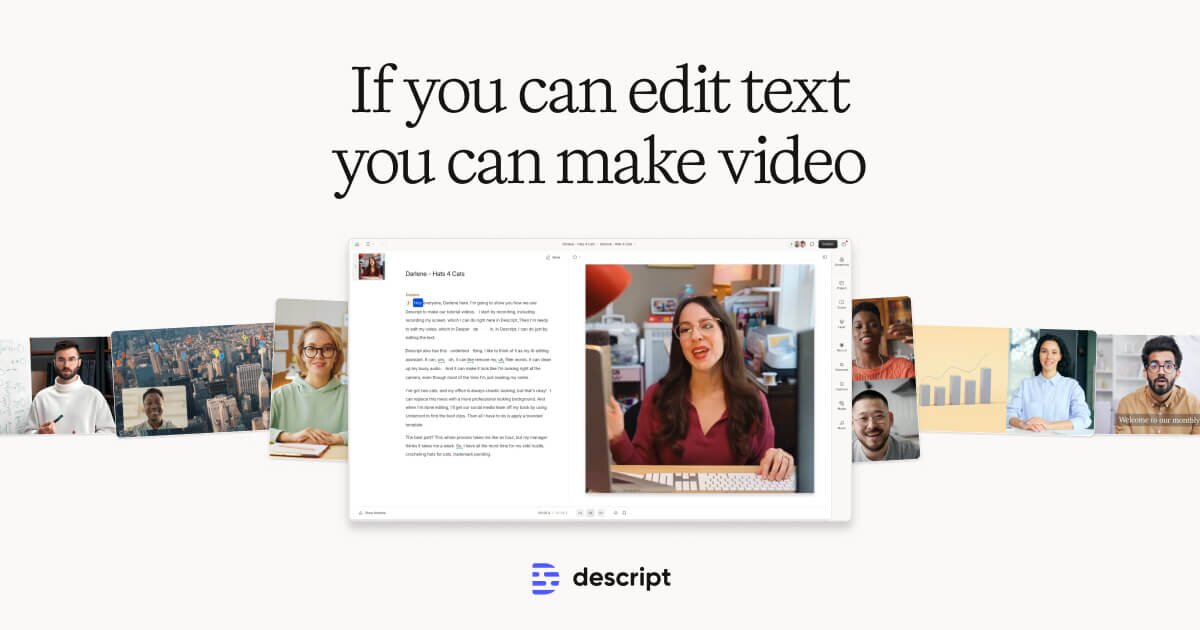
Edit video by editing text — transcript-based video and podcast editor
- Transcript-based video and audio editing
- Automatic filler word detection and removal
- AI eye contact correction for webcam footage
Filmora
Wondershare's intuitive desktop video editor with AI-powered creative tools
- Multi-track timeline with keyframe animation and motion tracking
- AI copilot editing assistant and text-to-video
- Built-in screen recorder and webcam capture
HeyGen
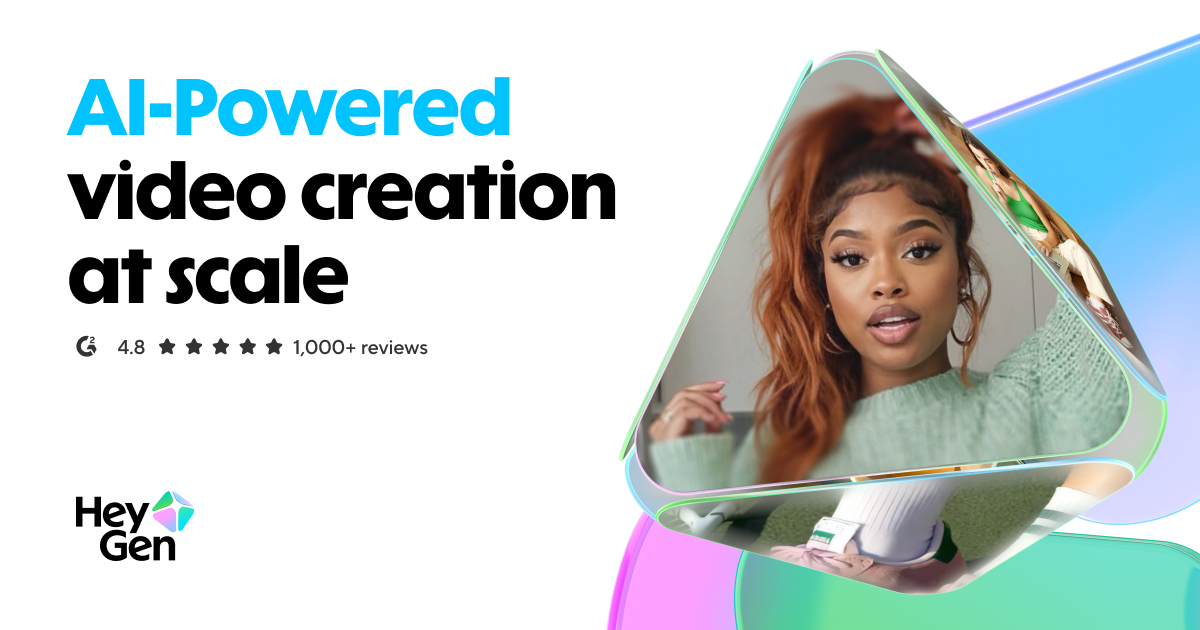
Leading AI avatar platform for business videos and multilingual dubbing
- 100+ photorealistic AI avatars with natural expressions
- Multilingual video translation with voice cloning and lip-sync
- Custom avatar creation from personal video recording
Discover More AI Tools
Weekly curated tools, scenarios, and MCP server updates.
Disclosure: Some links on this page may be affiliate links. We may earn a commission if you make a purchase through these links, at no additional cost to you. This helps support Coda One.