By Coda One Team · Last verified: 2026-03-13
7 Best AI Transcription Tools in 2026 (Compared)
Disclosure: Some links earn us a commission at no extra cost to you. Rankings are independent — tools cannot pay for placement.
7 AI transcription tools tested for meeting transcription, podcast editing, and multi-language support.
Our Top Picks

Otter.ai
AI meeting transcription with automated notes and action items
- Real-time meeting transcription with speaker identification
- Automated meeting summaries and key takeaways
- Action item extraction and assignment
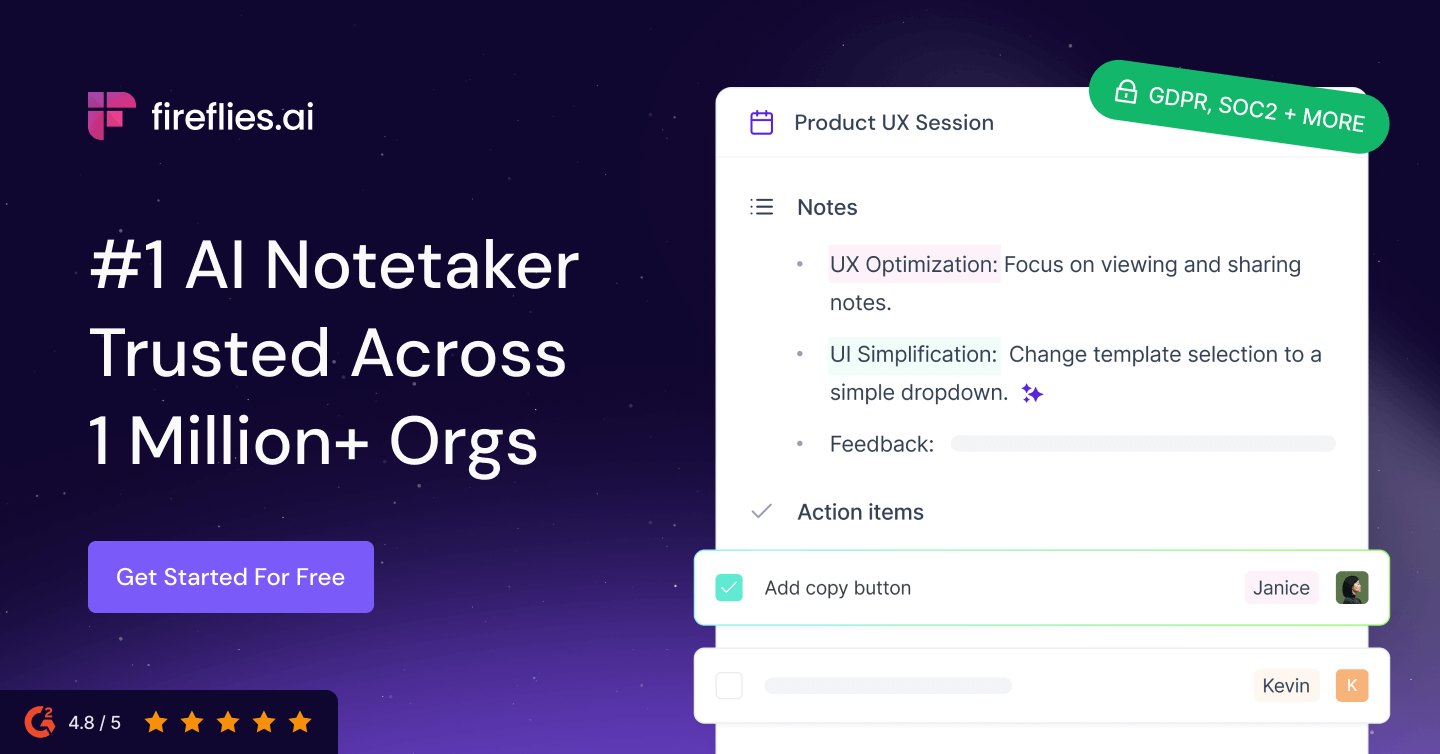
Fireflies.ai
AI meeting transcription and search across 100+ languages
- Automatic meeting recording and transcription in 100+ languages
- AI-generated summaries with action items and decisions
- AskFred AI chatbot for querying meeting history
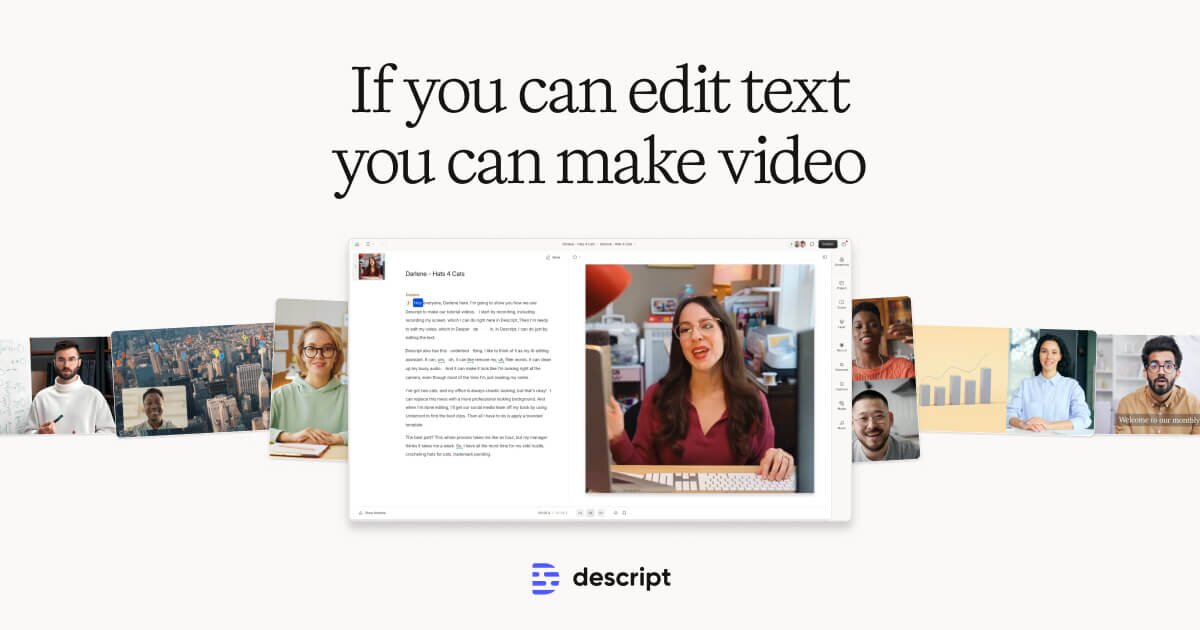
Descript
Edit video by editing text — transcript-based video and podcast editor
- Transcript-based video and audio editing
- Automatic filler word detection and removal
- AI eye contact correction for webcam footage

tl;dv
Meeting recorder with unlimited free recordings and sales coaching AI
- Unlimited free meeting recordings and transcriptions
- AI summaries with action items and key moments
- Timestamped highlights and tagging during live meetings
Fathom
Free AI meeting assistant with unlimited recording and 95% accuracy
- Unlimited free recording and transcription
- 95% transcription accuracy
- AI-generated structured meeting summaries
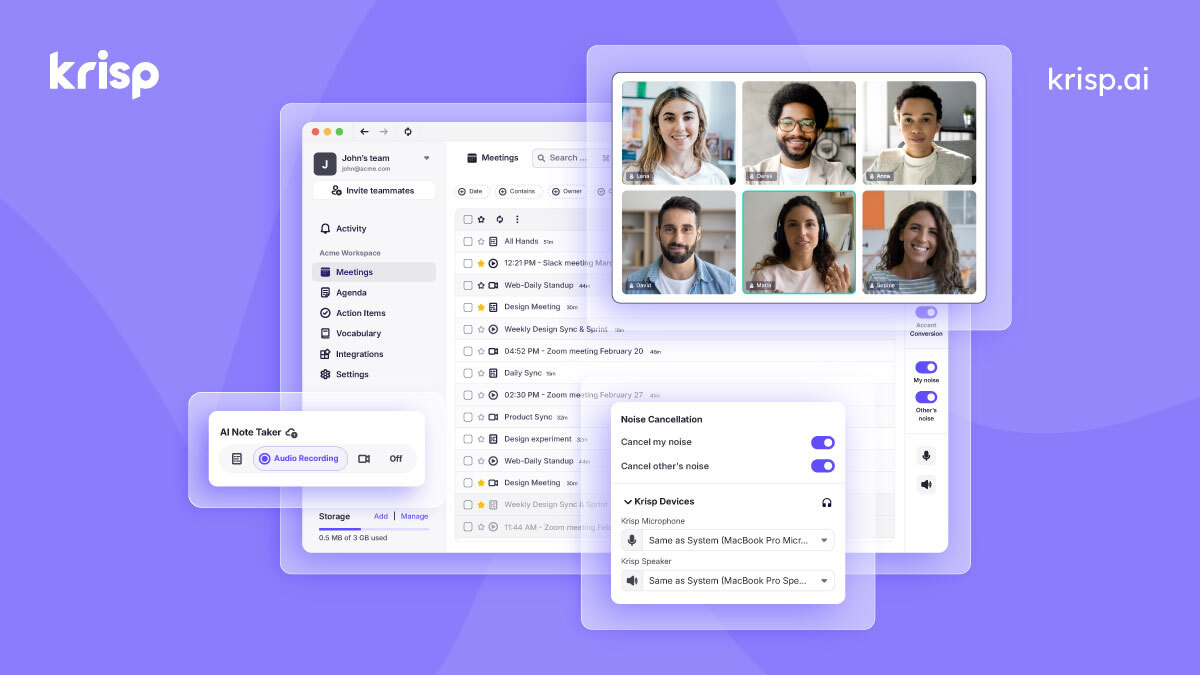
Krisp
AI noise cancellation and voice enhancement for calls and meetings
- Real-time AI noise cancellation for calls
- Echo and background voice removal
- On-device audio processing for privacy

Speechify
AI text-to-speech reader for PDFs, web pages, and documents
- Read-aloud for PDFs, web pages, and documents
- 200+ AI voices in 60+ languages
- Adjustable playback speed up to 4.5x
The Short Answer
Otter.ai is the best overall transcription tool. Fathom is the best free option with no meeting limits. Descript is the best for content creators who want to edit video by editing text. Pick based on whether you need meeting notes, content editing, or both.
Quick Picks
Otter.ai — best overall. Fireflies.ai — best meeting intelligence. Descript — best for content editing. tl;dv — best for meeting highlights. Fathom — best free option.
Detailed Reviews
1. Otter.ai — Best Overall Transcription
Otter.ai combines accurate real-time transcription with smart features that make transcripts genuinely useful. It joins meetings automatically, identifies speakers, highlights key points, and generates summaries with action items. The search across all your transcripts turns meetings into a searchable knowledge base. The free tier provides 300 minutes monthly — enough for most individual users.
2. Fireflies.ai — Best for Meeting Intelligence
Fireflies.ai goes beyond transcription to provide meeting intelligence. It automatically joins calls, transcribes conversations, and then analyzes content to extract action items, track topics across meetings, and provide conversation analytics. The AI assistant answers questions about past meetings. Essential for teams that need to track decisions and commitments across many meetings.
3. Descript — Best for Content Transcription
Descript combines transcription with a unique text-based editing approach. The transcript becomes the editing interface — edit the text and the corresponding audio or video edits automatically. For podcasters, video creators, and journalists, this transcript-as-editor approach saves hours. The transcription accuracy is among the best, and the editing workflow saves hours.
4. tl;dv — Best for Meeting Highlights
tl;dv focuses on capturing the key moments from meetings rather than providing complete transcripts. It identifies and clips the most important segments, making it easy to share relevant portions with team members who were not present. The highlight-based approach is more practical than sending long full transcripts that nobody reads.
5. Fathom — Best Free Meeting Transcription
Fathom provides a generous free tier for meeting transcription with AI summaries and action items. The quality rivals paid alternatives, making it the clear choice for individuals and small teams on a budget. It integrates with Zoom, Google Meet, and Microsoft Teams. The paid plan adds team features and unlimited storage.
6. Krisp — Best for Audio Quality + Transcription
Krisp combines its top-tier noise cancellation with transcription capabilities. The AI removes background noise before transcribing, resulting in higher accuracy in challenging audio environments. For users who frequently call from noisy locations or deal with poor audio quality, this combination is uniquely valuable. The free tier provides limited daily minutes.
7. Speechify — Best for Document Transcription
Speechify takes transcription in the other direction — converting text to speech. It reads documents, articles, and books aloud with natural-sounding voices, effectively transcribing written content into audio. For professionals who want to consume written content while commuting or multitasking, it turns any text into a podcast-like experience.
How We Chose These Tools
We tested each tool across standardized scenarios: one-on-one meetings, group calls with multiple speakers, presentations, and interviews. We measured transcription accuracy, speaker identification correctness, summary quality, and the usefulness of AI-generated action items and highlights.
Key Considerations When Choosing
- Accuracy in your context: Test with your typical meeting conditions (accent diversity, background noise, technical vocabulary)
- Platform integration: Verify compatibility with your video conferencing tool (Zoom, Meet, Teams)
- Speaker identification: Important for meetings with multiple participants; accuracy varies between tools
- Summary quality: AI summaries should capture key decisions and action items, not just key phrases
- Storage limits: Meeting recordings consume significant storage; understand retention policies
- Privacy and compliance: Understand recording consent requirements and data handling policies
100+ free AI tools
Writing, PDF, image, and developer tools — all in your browser.
Frequently Asked Questions
How accurate are AI transcription tools?
Under good audio conditions with clear speech, the best AI transcription tools achieve 90-95% accuracy. Accuracy decreases with background noise, heavy accents, overlapping speakers, and technical jargon. Otter.ai and Fireflies.ai are among the most accurate for meeting transcription.
Do AI transcription tools work in multiple languages?
Most AI transcription tools primarily support English with best accuracy. Otter.ai, Fireflies.ai, and Descript support multiple languages with varying accuracy. For non-English transcription, test with your specific language before committing, as quality varies significantly between tools and languages.
Are meeting recordings legal?
Recording laws vary by jurisdiction. In many US states and countries, you need consent from all parties to record a conversation. Most AI transcription tools display a notification when joining meetings, but it is your responsibility to ensure compliance with local recording laws and your organization's policies.
Disclosure: Some links on this page may be affiliate links. We may earn a commission if you make a purchase through these links, at no additional cost to you.